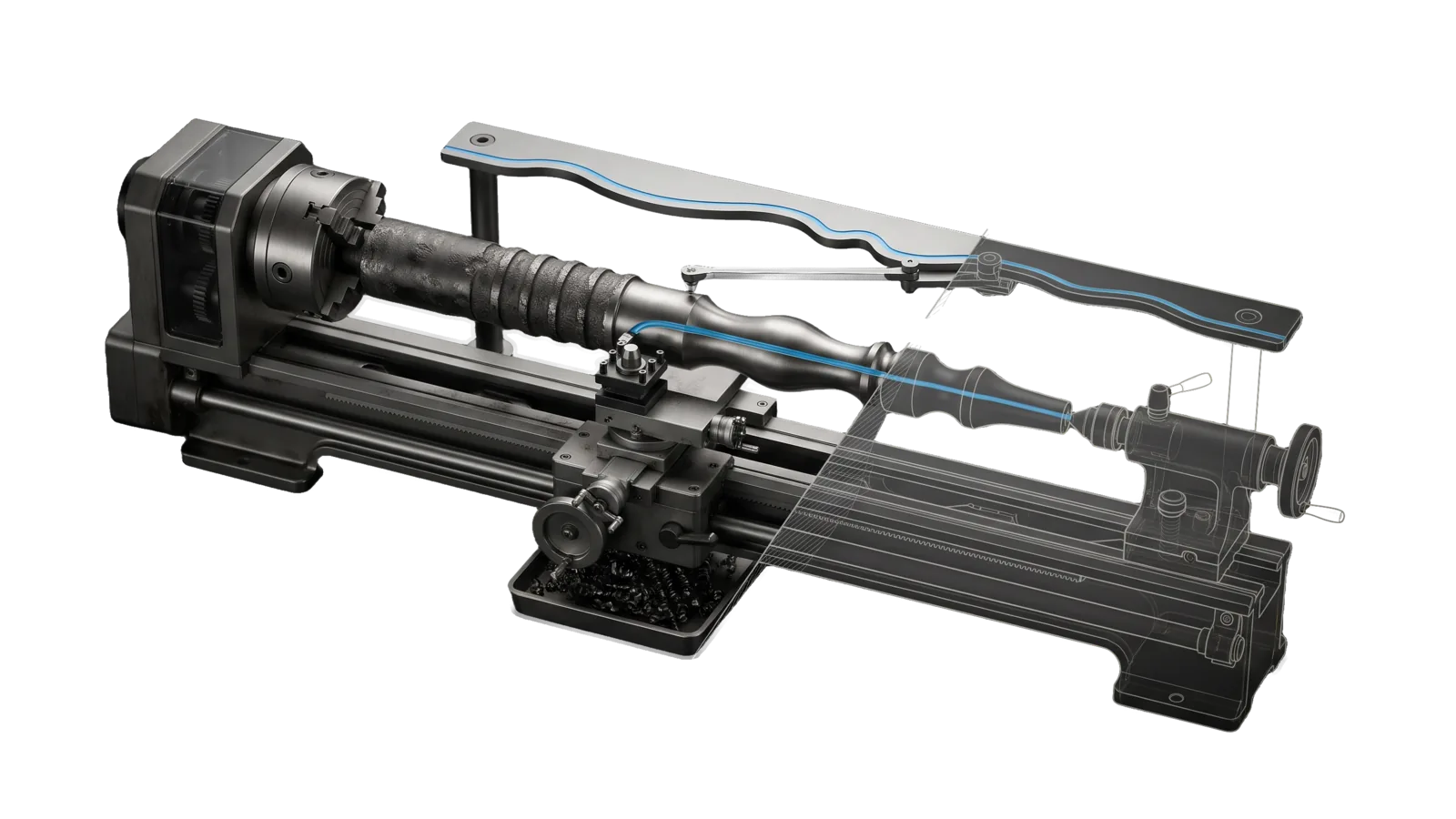
A copy lathe whose chuck grips a blank that is rough and evenly ridged on the left and turned to a smooth flowing profile on the right, a cutter carriage at the boundary following a stylus on a wavy master template bar behind, a tray of curled shavings below, the tailstock end drawn in bone-grey outline past a diagonal cut, and a sky-blue line running from the template through the stylus and along the smooth profile.
Creative

Writing

Authors and assembles prose from the principal's material, audits AI patterns, and scores with Pangram

06
Workflows
05
Tools
01
Reference
16
Triggers

Key Points

Not for detection only (DetectAI), fiction (WriteStory), placing a finished blog post, or writing social posts

Inside the Skill

The thinking, frameworks, and architecture that distinguish this skill from a generic version of the same task.

Ideal State

  • Every change to someone's text traces to a confirmed finding or a source span: facts, numbers, quotes, links and the writer's meaning survive, and nothing is added that the source or brief did not supply.
  • Prose in the principal's voice aims at the measured corpus model and the anchor piece and clears VoiceGate.ts and VoiceJudge.ts without being degraded to pass; stripping AI-isms alone never counts as done.
  • Every Pangram number comes from a real PangramScore.ts run and is reported as a signal with its caveats, never as a pass/fail gate.
  • A check that could not run (no config, no key, no Interceptor) is reported as not run, never as passed.

Intent Routing

Intent Trigger File Bundle
Rewrite (default) "deai this", "remove AI-isms", "clean up AI writing", "make this sound less like AI", "sound more human", "writing check" Intents/Rewrite.md rewrite
Detect "detect", "flag only", "audit only", "just flag", "scan for AI", "detect AI tells", "detect mode" Intents/Detect.md detect
ScoreAI "score AI", "test for AI writing", "how AI does this read", "AI detection score", "pangram", "is this AI-detectable" Intents/ScoreAI.md score
WriteAsPrincipal "write as me", "write this in my voice", "sound like me", "make it sound like I wrote it", "this doesn't sound like me", "fix the voice", long-form authoring or repair in the principal's voice Intents/WriteAsPrincipal.md principal
Assemble "assemble this transcript", "shape these dictated notes", "organize this rough spoken material", "turn this stream of consciousness into prose" Intents/Assemble.md assemble
Preview "show me the draft", "preview the article", "open the draft properly", let me see it properly Intents/Preview.md preview

Uncertain routing, or a request that needs every legacy instruction, loads the full bundle (the complete guide and every intent file). Standalone detection with no rewrite intent routes to the public DetectAI skill instead; ScoreAI stays here because the publication audit runs it inline.

File Read when
References/CompleteGuide.md the patterns and voice references Rewrite and Detect audit against, the voice config and tool tables, the hard formatting rules, and the skill's gotchas and examples (the bundles load its sections)
Setup.md configuring the voice model for an install: config keys, voice_dir files, secrets, a proof run
EvalState.md checking the voice-principal suite's current scores; Assay writes it into your install after the first suite run, so it is absent from a fresh copy
Tools/ WritingConfig.ts flags (WritingConfig.help.md); the voice tools are described in References/CompleteGuide.md § Tools

Loading a bundle

Before executing, load the matching bundle with the deterministic loader: bun "${CLAUDE_CONFIG_DIR:-$HOME/.claude}/LIFEOS/TOOLS/ContextLoad.ts" Writing load BUNDLE

It returns the selected instructions, their mandatory dependencies and source hashes; follow every returned requirement. Required external references and audits still apply. Skill-local paths resolve from the skill root, LIFEOS/ paths from the install root. An unchanged section already in context needs no second read; after compaction or a source change, reload the relevant bundle.

For bundle reads, set the shell tool output budget to 30000 tokens, and a code-mode wrapper's output budget to 30000 too. A truncation warning anywhere, not only at the END CONTEXTLOAD marker, means the load did not succeed.

list shows sections and bundles; search "query" searches the preserved guide. A failed search does not establish absence: inspect the index, broaden the query, or load full. If the loader fails, read References/CompleteGuide.md and every relevant intent file directly. Never proceed on a partial load.

Data & Config

The skill config is LIFEOS/USER/CUSTOMIZATIONS/SKILLS/Writing/Config.md. It names the voice directory (voice_dir, holding Corpus.md, Exemplars.md, PostExemplars.md, VoiceProfile.md, VoiceProfile.json), an optional published-content index (corpus_cli), the preview browser, and the few example phrases the gate and judge quote. With no config, VoiceGate.ts and VoiceJudge.ts stop with exit 2 and point at the guide. First-time set-up, field tables and a proof run: Setup.md. The full key and file tables are in References/CompleteGuide.md § Data & Config, loaded by the principal bundle. bun Tools/WritingConfig.ts status reports what is configured.

The env key is PANGRAM_API_KEY (ScoreAI only).

Gotchas

The skill's gotchas live in References/CompleteGuide.md § Gotchas, a required section in Context.json that every bundle loads.

Examples

User: "deai this draft"
→ Rewrite (rewrite bundle)
→ Profile named, findings listed, a minimal-diff rewrite and a clean second-pass audit
User: "write the intro to this post as me"
→ WriteAsPrincipal (principal bundle)
→ A draft anchored in the principal's published position, with VoiceGate and VoiceJudge exit codes and a reported Pangram score

More worked examples live in References/CompleteGuide.md § Examples, loaded by the full bundle.

Workflows & Routing · 6

Each workflow is one job the skill runs. The trigger phrases route your request to the right one — this is the skill's routing table.

  1. 01
    Rewrite (default) Intents/Rewrite.md

    deai this, remove AI-isms, clean up AI writing, make this sound less like AI, sound more human, writing check

  2. 02
    Detect Intents/Detect.md

    detect, flag only, audit only, just flag, scan for AI, detect AI tells, detect mode

  3. 03
    ScoreAI Intents/ScoreAI.md

    score AI, test for AI writing, how AI does this read, AI detection score, pangram, is this AI-detectable

  4. 04
    WriteAsPrincipal Intents/WriteAsPrincipal.md

    write as me, write this in my voice, sound like me, make it sound like I wrote it, this doesnt sound like me, fix the voice, long-form authoring or repair in the principals voice

  5. 05
    Assemble Intents/Assemble.md

    assemble this transcript, shape these dictated notes, organize this rough spoken material, turn this stream of consciousness into prose

  6. 06
    Preview Intents/Preview.md

    show me the draft, preview the article, open the draft properly, let me see it properly

Tools · 5

Deterministic executables the workflows call — the code that does the real work, not prompt scaffolding.

  • BuildVoiceProfile.ts
  • VoiceGate.ts
  • VoiceJudge.ts
  • VoiceMetrics.ts
  • WritingConfig.ts

How to Invoke

Say any of these to your DA and LifeOS activates the Writing skill automatically:

  • "assemble a transcript"
  • "shape dictated notes"
  • "organize rough spoken material"
  • "write as me"
  • "write in my voice"
  • "sound like me"
  • "this does not sound like me"
  • "fix the voice"
  • "remove AI-isms"
  • "audit writing"
  • "clean up AI writing"
  • "check for AI patterns"
  • "sound less like AI"
  • "show me the draft"

Or invoke explicitly:

Skill("Writing")

References · 1

Auxiliary files the skill loads at runtime — frameworks, guides, configs.

  • Setup

Want LifeOS to do this for you?

Install LifeOS on your machine — your DA gets the Writing skill plus 96 others, all hooked into one Life OS.