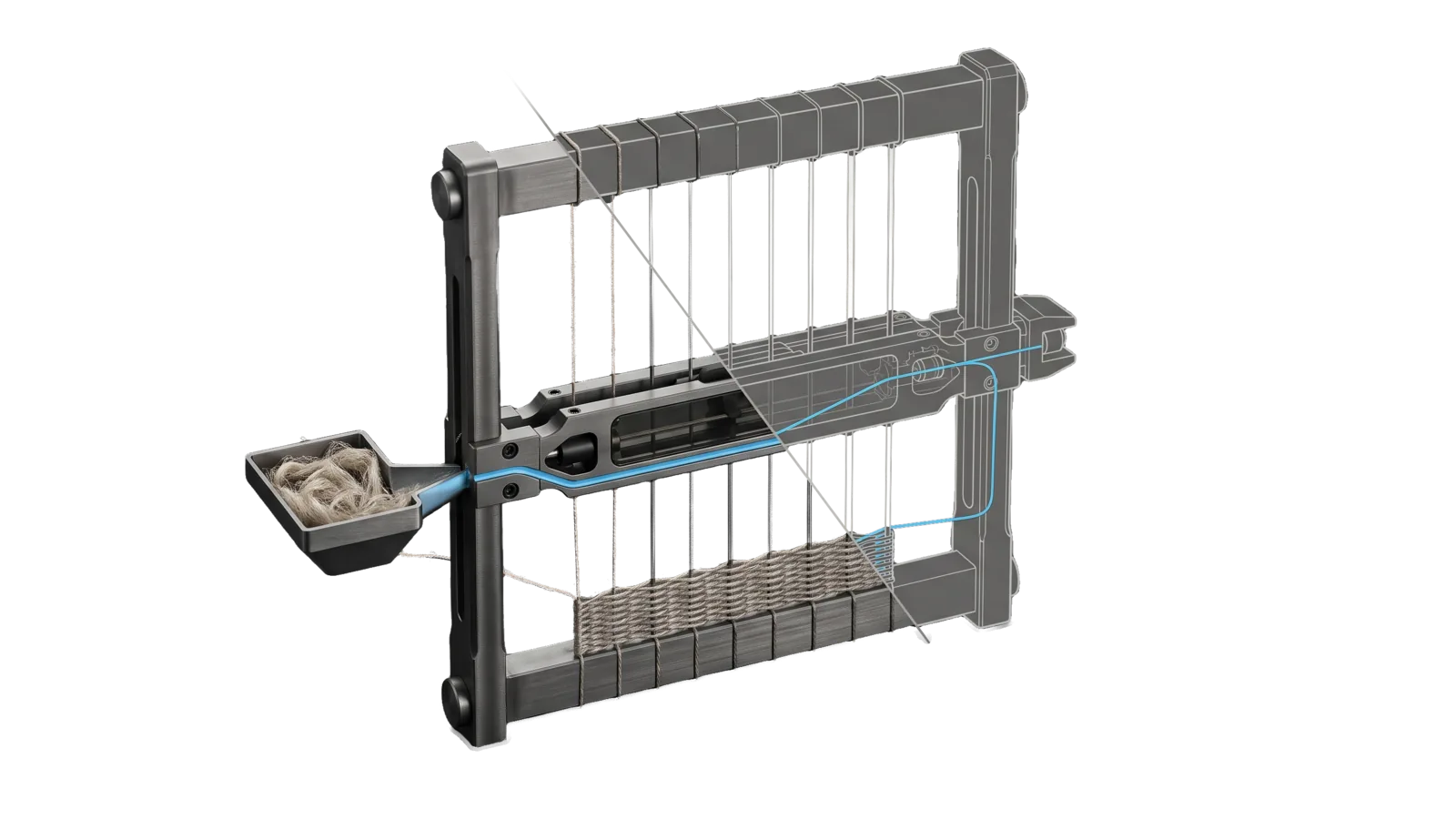
An upright graphite frame strung with vertical wires holds a shuttle carriage at mid height and a woven band near the bottom; a hopper of loose fibre on the left feeds a sky-blue thread through the shuttle and across the wires, and past a diagonal cut the upper right of the frame is drawn as a ghosted outline.
Creative

WriteStory

Scaffolds a story the writer already wants to tell, deriving structure, wound, theme, and prose from their own notes across seven narrative layers, short story to series

05
Workflows
05
Tools
11
References
15
Triggers

The Problem

Tell an AI to "write me a story" and you get chatbot fiction. The prose is competent but lifeless: characters who don't change, plots without spine, scenes that read like the average of a million stories. The model never picked up the craft underneath. It learned the surface of fiction without the architecture — and what comes out is the surface, every time.

How This Skill Approaches It

Embed the actual frameworks novelists use, then build a story bible that lives across the whole work. Storr's sacred-flaw arc gives characters a wound to transform around. Pressfield's six structural levers (Concept, Hook, Clothesline, Theme, Villain, Gift) give the plot a spine that survives revision. Forsyth's rhetorical figures give the prose specific patterns to reach for instead of generic rhythm. Seven simultaneous layers — Meaning, Character Change, Plot, Mystery, World, Relationships, Prose — get mapped from scene one to the last beat before any prose is written. Anti-cliché enforcement runs at every draft to keep AI tells (em-dash overuse, formulaic contrastive pairs, hollow intensifiers) out of the page. The result reads like a writer made it, because the same scaffolding a writer would use is doing the load-bearing work.

Not for narrative summaries of real content, or voice audits and AI-pattern cleanup (Writing)

In Action

What you say to your DA, and what the WriteStory skill actually does.

  • You say "write me a story about a lighthouse keeper who can't bring himself to leave"
    Runs the Interview to find his sacred flaw, builds a seven-layer Story Bible mapped from first scene to last beat, then drafts Chapter 1 with the anti-cliché pass already enforced.
  • You say "give this character a real arc, not just things happening to him"
    Applies Storr's sacred-flaw → crisis → transformation so the wound drives every scene, instead of plot mechanics pushing a static character around.
  • You say "the prose feels generic, make it sound like a person wrote it"
    Revises against Forsyth's rhetorical figures and strips the AI tells — em-dash overuse, contrastive pairs, hollow intensifiers — line by line.

Inside the Skill

The thinking, frameworks, and architecture that distinguish this skill from a generic version of the same task.

Ideal State

  • Every story element the skill hands back starts from the writer's own material, says whether it was inferred from their seed or offered as a new option, and stands only once the writer ratified or redirected it.
  • All seven layers are the destination for every story; the derivation lens the writer's material calls for sets only the order they are reached.
  • Each book is a resumable project: its interview.md and Story Bible ISA.md are read before new work on it and carry what each session confirmed, drafted or changed, so continuity holds across sessions and books.
  • Prose comes only from WriteChapter off the confirmed bible, or from Revise on the writer's own draft; either way it was written with the fiction voice model loaded and leaves with its StoryGate.ts axes and StoryJudge.ts voice line-up shortfall rate attached. The aim is the voice and quality of published fiction, never prose that passes as human.

Intent Routing

Intent Trigger File
Interview "interview me", "I have notes/an idea for a story", "help me plan a story", "layer my story" Intents/Interview.md
BuildBible "build story bible", "create story plan", "map the story" Intents/BuildBible.md
Explore "explore ideas", "brainstorm", "I'm stuck", "what if" Intents/Explore.md
WriteChapter "write chapter", "write scene", "draft this" Intents/WriteChapter.md
Revise "revise", "edit", "improve", "polish" Intents/Revise.md

The usual path: Interview reads what you have and builds the spine with you → BuildBible turns it into a Story Bible (a project ISA) → WriteChapter drafts off that bible → Revise layers and polishes. Explore is the idea engine you reach for when a layer is genuinely blank.

File Read when
StoryLayers.md defining or checking any of the seven layers: meaning, character change, plot, mystery, world, relationships, prose (BuildBible)
StorrFramework.md building character: sacred flaw, theory of control, the dramatic question, status games (Interview, BuildBible)
PressfieldFramework.md concept, hook, theme, villain design and the Foolscap one-page method (Interview, BuildBible)
DerivationLenses.md choosing the lens that derives the spine: Storr, Cron, Pressfield/Truby, Egri (Interview)
PhasesAndEvents.md mapping three-act structure, beats and mandatory events (BuildBible)
StoryStructures.md another framework view: Dramatica, Story Grid, Sanderson, Hero's Journey (BuildBible)
AestheticProfiles.md setting genre and style (BuildBible, WriteChapter)
AntiCliche.md freshness checks and the mechanisms of machine prose (Explore, WriteChapter, Revise)
RhetoricalFigures.md the rare moment that wants a figure, from the Forsyth-based catalogue (WriteChapter, Revise)
Critics.md the multi-pass prose review (WriteChapter)
Setup.md first-time setup: building the fiction voice model (corpus, bands, exemplars) the drafting gate needs

The Stance

WriteStory augments a creator and never substitutes for one. The Ideal State's first bullet (start from the writer's material, label it, let them ratify) is the core of it; these rules carry the rest:

  • Every derived element is a proposal the writer ratifies, not a fact the system asserts. Label where each one came from: "inferred from your seed" vs. "a new option I'm offering."
  • Offer options, not answers: a few directions to choose among, not one rewrite to approve.
  • Suggest at the sentence or beat level. Never take over a chapter.
  • Anchor to the writer's own voice: their favorites, their samples, their cadence.
  • The writer's word always wins. If they redirect, the redirect is the truth.
  • Only WriteChapter emits new prose, and only off the writer's confirmed bible, framed as a revisable draft they own; Revise works only on the writer's own draft.

Tools

Tool Purpose
Tools/BuildFictionCorpus.ts Splits Project Gutenberg plain-text story collections into per-story .md files plus Corpus.md manifest.
Tools/BuildVoiceProfile.ts Measures every corpus piece and records p10/p50/p90 bands per metric in VoiceProfile.json; --compare <file> checks a draft against them.
Tools/StoryGate.ts Measures draft prose against a human-fiction corpus (dialogue, beat rate, universals) and flags machine-prose drift.
Tools/StoryJudge.ts Blind voice line-up against corpus paragraphs (the verdict: does the draft hold up in voice and craft) plus a six-mechanism diagnosis against Exemplars.md (advisory); --detect adds a which-was-model rate as a diagnostic only.
Tools/VoiceMetrics.ts The deterministic metric vector the other tools share; bun Tools/VoiceMetrics.ts <file> --pretty prints it for one text.

Data & Config

First-time setup (accounts, keys, files to fill in): Setup.md.

The fiction voice model and every book project are USER data the skill reads at run time; the skill body holds none of it.

What Where
Corpus config (Gutenberg ids, authors, anchor) <configRoot>/LIFEOS/USER/CUSTOMIZATIONS/SKILLS/WriteStory/Corpus/Corpus.json
Per-story corpus files + manifest …/WriteStory/Corpus/<slug>.md, …/WriteStory/Corpus/Corpus.md
Bands …/WriteStory/Corpus/VoiceProfile.json (from Tools/BuildVoiceProfile.ts) and …/WriteStory/Corpus/StoryProfile.json (fiction axes, from StoryGate.ts --build)
Exemplars …/WriteStory/Corpus/Exemplars.md — verbatim passages, loaded before drafting and by the judge
History (optional) …/WriteStory/History.md — the install's own incident specifics behind generic lessons here, read on demand

Build order on a fresh install:

bun ~/.claude/skills/WriteStory/Tools/BuildFictionCorpus.ts --config <Corpus.json> --fetch
bun ~/.claude/skills/WriteStory/Tools/BuildVoiceProfile.ts --manifest <Corpus.md> --out <VoiceProfile.json>
bun ~/.claude/skills/WriteStory/Tools/StoryGate.ts --build --manifest <Corpus.md> --voice <VoiceProfile.json> --out <StoryProfile.json>

Then, per draft: StoryGate.ts <draft> (deterministic bands plus the narrator's aside) and StoryJudge.ts <draft> (the verdict is a blind voice line-up of the draft's narrative paragraphs against corpus paragraphs, a judge asked which carries the stronger voice and craft, shortfall rate at or under 0.6 to pass; the six-mechanism diagnosis it prints is advisory, and the --detect model-detection rate is a diagnostic that never decides a pass). Every tool exits 2 with the build instruction when the model is absent.

Everything above lives under <configRoot>/LIFEOS/USER/CUSTOMIZATIONS/SKILLS/WriteStory/ (configRoot is $CLAUDE_CONFIG_DIR when set, else ~/.claude). When that directory holds PREFERENCES.md, its default genre, aesthetic and voice apply.

Each book is a project under LIFEOS/USER/CUSTOMIZATIONS/SKILLS/WriteStory/projects/<book-slug>/:

  • interview.md — the saved interview results (the spine, the layers, what's confirmed)
  • ISA.md — the Story Bible as a project ISA: the living plan that tracks what's done and what's left, growing across sessions

Gotchas

  • The words that fail are ordinary. A story that passes every banned-word table can still read as machine prose through narrator's asides ('the way everyone reads agreements', 'as anyone would') and rhythm tells; AntiCliche.md category 7 is the pass that catches them, and it is a read, never a grep.

Examples

Example 1: A writer who already has a lot

User: "I've got a folder of notes for a novel — a few character sketches,
       a rough world, and two draft scenes. Help me build it out."
→ Interview intent
→ interview.md saved: a spine derived from their own notes, every element labeled and ratified, all seven layers marked confirmed / partial / open, the next step left to them

Example 2: Building the full story plan

User: "Build the story bible for my novel"
→ BuildBible intent
→ The project ISA maps all seven layers start to finish, its criteria track done versus remaining, and the gaps still needing a decision are named

Example 3: Writing actual prose

User: "Write chapter 3 based on the story bible"
→ WriteChapter intent
→ A draft of chapter 3's beats the writer owns and revises, reported with its gate axes and a voice line-up shortfall rate at or under 0.6

Workflows & Routing · 5

Each workflow is one job the skill runs. The trigger phrases route your request to the right one — this is the skill's routing table.

  1. 01
    Interview Intents/Interview.md

    interview me, I have notes/an idea for a story, help me plan a story, layer my story

  2. 02
    BuildBible Intents/BuildBible.md

    build story bible, create story plan, map the story

  3. 03
    Explore Intents/Explore.md

    explore ideas, brainstorm, Im stuck, what if

  4. 04
    WriteChapter Intents/WriteChapter.md

    write chapter, write scene, draft this

  5. 05
    Revise Intents/Revise.md

    revise, edit, improve, polish

Tools · 5

Deterministic executables the workflows call — the code that does the real work, not prompt scaffolding.

  • BuildFictionCorpus.ts
  • BuildVoiceProfile.ts
  • StoryGate.ts
  • StoryJudge.ts
  • VoiceMetrics.ts

How to Invoke

Say any of these to your DA and LifeOS activates the WriteStory skill automatically:

  • "write story"
  • "fiction"
  • "novel"
  • "chapter"
  • "story bible"
  • "character arc"
  • "plot outline"
  • "creative writing"
  • "worldbuilding"
  • "draft story"
  • "help me write my story"
  • "develop my novel"
  • "layer my story"
  • "build out my book"

Or invoke explicitly:

Skill("WriteStory")

References · 11

Auxiliary files the skill loads at runtime — frameworks, guides, configs.

  • AestheticProfiles
  • AntiCliche
  • Critics
  • DerivationLenses
  • PhasesAndEvents
  • PressfieldFramework
  • RhetoricalFigures
  • Setup
  • StorrFramework
  • StoryLayers
  • StoryStructures

Want LifeOS to do this for you?

Install LifeOS on your machine — your DA gets the WriteStory skill plus 96 others, all hooked into one Life OS.