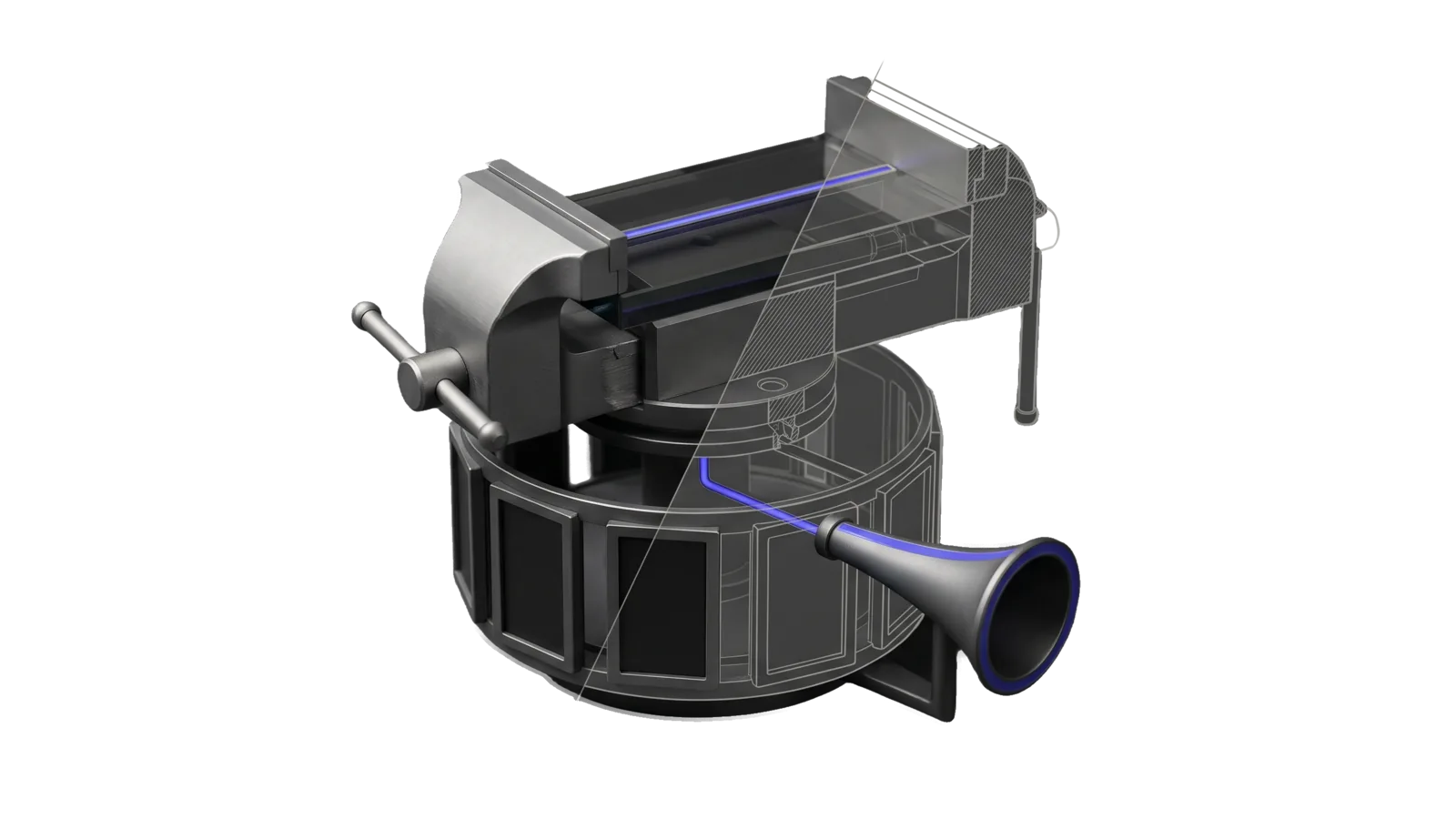
A bench vice whose opposed jaws grip a thick slab with a thin rod through it, stacked above a rotating drum ringed with six picture frames and a flared horn pointing at it; a diagonal cut turns the far half of the vice and drum into bone-grey outline, and an indigo line runs from the rod through the slab down into the drum and out along the horn to its ring.
Creative

VideoEssay

Turns content plus a stance into a video essay narrated by the DA, any post, idea or feature plus a length into a short DA-narrated explainer video, or the author's own audio reading of their blog post (a recording or their voice clone) into a finished video of that post, with scripted visuals rendered on HyperFrames, presence layer, rendered and read back

06
Workflows
29
Tools
01
Reference
18
Triggers

Key Points

Not for the user's camera footage or clips (Video), audio-only podcast cuts (Video), one-off animation (HyperFrames)

Inside the Skill

The thinking, frameworks, and architecture that distinguish this skill from a generic version of the same task.

Ideal State

  • An essay run argues before it renders: a linted, steelmanned Essay.md with verbatim, correctly attributed quotes reaches the user at the checkpoint (unless the ask skips it), and only then becomes Script.json and a render.
  • A voice run narrates only the author's own words, its page reads like the live post, and every page highlight and insert is timed to the paragraph being spoken.
  • Every render reads itself back before anyone sees it: Out/verify.json all green, and the frames and the Out/review/ studio pass read.
  • The mp4 and thumbnail reach ~/Downloads/<slug>/ only through Deliver.ts, after a passing ArtDirection critique and Proof receipt on those exact bytes.
  • Every run stops in review state; nothing uploads from this skill. Publishing is the user's separate call through Video.

Intent Routing

Intent Trigger File
Argue "write the argument", "essay first", "what's our take on this", the first step of every new run Intents/Argue.md
Script "script it", "turn the essay into beats", "plan the visuals" Intents/Script.md
Produce "produce it", "render the essay", "make the video from the script", re-renders after an edit Intents/Produce.md
Full "respond to this video", "video essay on this", "argue X in a video", raw content plus a stance to argue Intents/Full.md
Voice "make a video from my audio", "I recorded the post", "use my clone to read the post", a post plus a recording Intents/Voice.md
Explainer "make an explainer video", "a short video about this post / idea / feature", "a 2-minute video of my latest post", any source plus a length with no stance to argue Intents/Explainer.md

Full is Argue → review checkpoint → Script → Produce. The checkpoint after the essay is the default: text is cheap to change and a render is not. The user skips it by saying so in the ask ("straight through", "no review, just make it"). Voice has no essay and no DA-written narration; its narration rule, stages and inserts are in Intents/Voice.md. Explainer writes an Essay.md with kind: explainer (narration only, no opposing quotes) at the length asked for, then runs Script and Produce straight through; its optional YouTube leg (thumbnail on the post's header image, full description, private upload) runs through Video, never this skill.

File Read when
References/ScriptSchema.md writing or linting Script.json
References/Style.md composing frames, the thumbnail, or running DesignAudit (the house design system)
References/Tools.md running or debugging one stage tool directly, choosing a flag, or finding a run's files
Setup.md first run on a machine, any tool stops naming Setup.md, or a Config.json field's meaning or default

Tools

Tools/Run.ts drives every run; the other stage tools, the run layout and the composition files are in References/Tools.md.

Tool Contract
Tools/Run.ts --run <slug> [--from stage] [--to stage] [--force] [--music ambient|pulse] [--accept-review-shortfall] [--polish] essay: lint, then narrate → score beside capture, then build, then verify beside thumbnail, then describe once verify passes (other stages wait only for what they read); after any failure no stage starts; voice: clean → align → plan → meaning → lint → capture → build → verify → describe

Data & Config

Everything personal lives in the user zone. First-time setup is Setup.md, and bun skills/VideoEssay/Tools/Setup.ts --check reports what is still missing. With no config file every tool stops and names Setup.md.

  • LIFEOS/USER/CUSTOMIZATIONS/SKILLS/VideoEssay/Config.json: fonts (a missing face is an error, never a fallback), fontFamilies, avatar, runsRoot, blogBaseUrl, possessive, presenter, narrators.da, colors, badge, skipParagraphs and styleFile; each field's meaning and default is in the Setup.md field table, the face roles and colour keys in Setup.md § Faces and colours. Relative paths resolve against the config dir. Never change narrators.da.label for one run; pass --label at ingest instead.
  • LIFEOS/USER/CUSTOMIZATIONS/SKILLS/VideoEssay/public/: created by Setup.ts and linked from Tools/public. It holds the avatar cut-out and staged runs, never the skill tree.
  • Voices: narration is synthesized on Fish Audio (LIFEOS/TOOLS/FishTTS.ts). The DA reads with its one voice, LIFEOS_CONFIG.toml [da.voices.main]: its fish_reference_id names the Fish voice and its fish_speed is the pace (no separate presenter voice since 2026-10-24). The author's clone uses [principal.voice] plus two env ids: FISH_PRINCIPAL_VOICE_ID, the Fish clone itself, and ELEVENLABS_PRINCIPAL_VOICE_ID, the id narration recognizes as a clone read. Key: FISH_API_KEY. Fish applies the pace itself, so no chunk is stretched afterward. Setup.md § LIFEOS_CONFIG.toml and § Accounts and secrets have the details.
  • Names: the badge label defaults to the first word of principal.name and the reader to the DA display name, both from LIFEOS_CONFIG.toml. A DA-read badge shows READ BY <READER> · <POSSESSIVE> AI (THEIR AI unless Config.json possessive says otherwise); a post the DA wrote itself (--label <DA NAME> at ingest) reads WRITTEN AND READ BY <READER>. Neither ever carries a voice-vendor logo or a clone credit.
  • Pronunciations (optional): LIFEOS/USER/PRINCIPAL/PRONUNCIATIONS.json when present, plus a per-run pronunciations.json, applied to spoken text only.
  • Capture (required for voice runs and capture inserts) drives the Interceptor test profile whose context id is INTERCEPTOR_TEST_CONTEXT_ID in LIFEOS/USER/CUSTOMIZATIONS/SKILLS/Interceptor/preferences.env; Capture.ts stops naming that file when it is missing.
  • Run.ts refuses a run dir under the config root or the user-data repo.

Quality loop

Before the critique, every render passes the Assay video eval set (video-eval, skills/Assay/Tools/VideoEval.ts) in Run.ts's eval stage, as each intent's ## Evals section declares it; a blocking result fails the run.

Nothing this skill produces reaches the user as a first draft. The artifact goes through Skill("ArtDirection"): a direction council before new or large work, then the cross-vendor critique panel (skills/ArtDirection/Tools/Critique.ts) scores it against the rubric and names defects (for a run with a Meaning/Direction.rendered.json, pass --direction <run>/Meaning/Direction.rendered.json so each beat is also judged against its own rationale), then this skill iterates on those defects until the bar or reports the shortfall. Record the user's verdict with skills/ArtDirection/Tools/Calibrate.ts.

Hand-over is skills/ArtDirection/Tools/Deliver.ts. It refuses without a passing critique of those exact bytes and a passing Proof receipt (skills/Assay/Tools/Proof.ts run --artifact <file>), and it writes the delivery receipt the gate reads. Critique Out/essay.mp4 with --out <run> so Critique.json sits one level above it, then run Deliver.ts --artifact <run>/Out/essay.mp4 --critique <run>/Critique.json --to ~/Downloads/<slug>/. The thumbnail ships as the ≤ 2 MB q85 JPEG (Intents/Produce.md), critiqued and delivered the same way.

Gotchas

These change what a run does. Failures the tools already handle are documented at their fix sites in Tools/ (the Capture.ts header, Ingest.ts, Clean.ts, Narrate.ts, Build.ts, Page.ts, Verify.ts); read those when debugging that tool.

  • Tools/public must be the symlink into the USER store, never a real directory. A stray empty public/ dir (left behind by moving the store, for one) makes every Build and Setup fail on the publicDir invariant; delete it and let Setup.ts recreate the link.
  • Writing the skill's own files from a Bash heredoc trips the taint guard when the session has read outside content. Use the file tool for intent files in a session that has ingested a transcript.
  • HyperFrames check fails on text layered under a chapter card (content_overlap) unless both card text blocks carry data-layout-allow-overlap; the attribute is not inherited.
  • Narration's word timings come from Fish Audio's timestamped speech (FishTTS.ts) on the model TTS_MODEL names (CROSS_VENDOR.fishVoice). Do not switch TTS_MODEL without re-probing that the new model still returns word timings; captions and beat timing depend on them.
  • Interceptor's default screenshot is a DOM render that draws every web font in Times. Capture.ts embeds the page's loaded faces and replaces post.png only once a marker pass proves the web fonts drew. DOM renders still miss ::before/::after content and mask-image icons (a nav's arrow glyphs, say). --pixel shows all of it, but through Capture.sh it is JPEG quality 50, which breaks the exact-colour marker pass (Capture.test.ts covers the fallback-face judgment).
  • HyperFrames' own pre-render check measures text contrast (WCAG AA 4.5:1) and text overlap at sampled times, and refuses the render (white text on a mid-tone coloured header can fall under 4.5:1; a result wider than the space past its stop can overlap a lane label mid-build). Text colours come through readableOn() against the run's own ground, and DesignAudit measures at settle only, so run the seam check on the staged project when a render is refused; its raw JSON (hyperframes check <dir> --json) names the element, colours and time.
  • The rendered mp4 comes out quieter than the staged narration.wav, inside the HyperFrames render seam. Build.ts replaces the mp4's audio with exactly what the composition plays; voice renders fail Verify's −14 ± 1 LUFS if that replacement is skipped (Build.test.ts "delivered loudness").
  • Embedded frames (tweets, videos, widgets) never draw in the DOM-render capture, and never lay out in a hidden tab (they read "LOADING TWEET…" for the whole video). Capture.ts shoots each embed in a headless copy of the pinned browser and pastes the pixels in; loading markers must clear within 30 s or the capture fails, and it never writes a loading state. A link card taller than the reading band is never whole at reading zoom; show it with a screenshot insert of the post itself, selected by the card's own link.

Examples

Example 1: respond to an interview

User: "Make a video essay answering this interview — I disagree with most of it: <youtube url>"
→ Full: Intake pulls the transcript; Argue writes Essay.md (quotes lint-verified, steelman, disagreement, argument), adversarial read, plus the optional writing audits when installed
→ checkpoint: the essay is shown; on "go", Script.json is written and linted
→ Produce: verify.json green, frames read; mp4 and thumbnail delivered through Deliver.ts and the description copied, all in ~/Downloads/<slug>/

Example 2: the DA reads a new post

User: "DA-read video of my new post on composting"
→ Voice: Ingest --narrator da; the post's own words narrated, its page scrolling with the spoken sentence highlighted, embeds and link cards as on the live page
→ meaning-directed inserts on the paragraphs they illustrate; verify.json green; critiqued and delivered to ~/Downloads/<slug>/

Example 3: edit one paragraph after review

User: "Change the ending — softer on the delete-everything advice"
→ Edit Essay.md and the affected beats in Script.json
→ Run.ts --from narrate: only the changed beats re-synthesize; captures stay cached; re-render, re-verify

Workflows & Routing · 6

Each workflow is one job the skill runs. The trigger phrases route your request to the right one — this is the skill's routing table.

  1. 01
    Argue Intents/Argue.md

    write the argument, essay first, whats our take on this, the first step of every new run

  2. 02
    Script Intents/Script.md

    script it, turn the essay into beats, plan the visuals

  3. 03
    Produce Intents/Produce.md

    produce it, render the essay, make the video from the script, re-renders after an edit

  4. 04
    Full Intents/Full.md

    respond to this video, video essay on this, argue X in a video, raw content plus a stance to argue

  5. 05
    Voice Intents/Voice.md

    make a video from my audio, I recorded the post, use my clone to read the post, a post plus a recording

  6. 06
    Explainer Intents/Explainer.md

    make an explainer video, a short video about this post / idea / feature, a 2-minute video of my latest post, any source plus a length with no stance to argue

Tools · 29

Deterministic executables the workflows call — the code that does the real work, not prompt scaffolding.

  • Align.ts
  • Build.ts
  • Capture.ts
  • Clean.ts
  • Compose.ts
  • CompositionTypes.ts
  • Describe.ts
  • DesignAudit.ts
  • DiagramLayout.ts
  • EssayLint.ts
  • Ingest.ts
  • Intake.ts
  • Lib.ts
  • Meaning.ts
  • Motion.ts
  • Narrate.ts
  • Page.ts
  • PagePresence.ts
  • PageVisuals.ts
  • PlanBeats.ts
  • ReadCamera.ts
  • ReadSync.ts
  • Run.ts
  • Score.ts
  • ScriptLint.ts
  • Setup.ts
  • Theme.ts
  • Thumbnail.ts
  • Verify.ts

How to Invoke

Say any of these to your DA and LifeOS activates the VideoEssay skill automatically:

  • "video essay"
  • "explainer video"
  • "short video about this post"
  • "N-minute video of my blog post"
  • "make a video about this"
  • "respond to this video"
  • "argue against this in a video"
  • "debate this"
  • "video response"
  • "DA video"
  • "narrated video"
  • "turn this essay into a video"
  • "react to this interview"
  • "make a video from my audio"

Or invoke explicitly:

Skill("VideoEssay")

References · 1

Auxiliary files the skill loads at runtime — frameworks, guides, configs.

  • Setup

Want LifeOS to do this for you?

Install LifeOS on your machine — your DA gets the VideoEssay skill plus 96 others, all hooked into one Life OS.