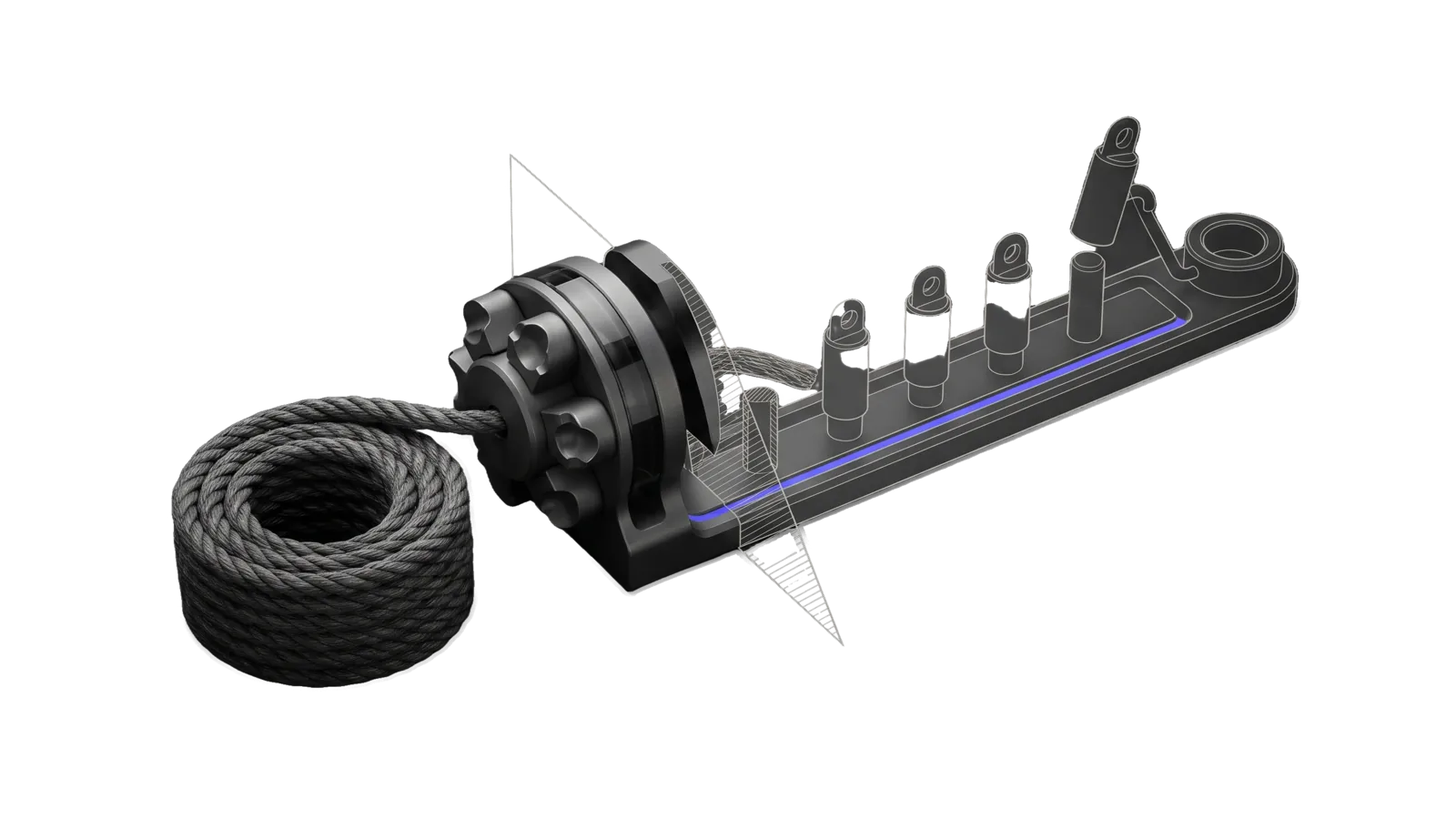
A coil of thick rope feeds a turret of forming dies cut by a diagonal section plane, behind which a rail carries a row of separate upright segments on pegs, one lifted on a hook toward a ring terminal, the far half of the rail ghosted in outline, with an indigo line running the rail.
Creative

StoryExplanation

Generates narrative explanations in the user's first-person voice, from 3-part narrative to CSE numbered points, each a standalone social-ready thought

05
Workflows
01
Tool
04
References
15
Triggers

Key Points

Not for multi-source research (Research), writing original social posts or blog drafts, wisdom extraction (ExtractWisdom)

Inside the Skill

The thinking, frameworks, and architecture that distinguish this skill from a generic version of the same task.

Ideal State

  • Every explanation is written in the user's first-person voice from the voice file and notes named in Config.md (the generic defaults when it is absent), never in the assistant's own register or another person's voice.
  • The source was actually read before writing (a YouTube transcript through fabric -y, a web page through fabric -u, a file, pasted text or the conversation), and nothing in the explanation goes beyond it.
  • The output is exactly the format and length the request named, with no commentary around it (Tools/CheckFormat.ts exits 0 on it), and each point or sentence is a complete thought that lifts to social media unedited.
  • Several framings were explored, the explanation uses the one picked as strongest over the others, and someone who never saw the source can follow the idea from the explanation alone.
  • When Config.md names an opinion-lookup command, the explanation agrees with the user's published position on the topic as that command reports it.

Intent Routing

Intent Trigger File
Create "story explanation", default Intents/Create.md
CreateWithLinks "with links", "with sources" Intents/CreateWithLinks.md
CreateAbridged "abridged", "5-12 words per line" Intents/CreateAbridged.md
Cse "CSE", "comprehensive", /cse; where an install adds line-count shortcut commands, they call this intent with that line count Intents/Cse.md
Cse5 "CSE5", "5 lines", /cse5 Intents/Cse5.md
File Read when
VoiceStyleGuide.md how the user's voice is applied, cliches to avoid
NarrativeFraming.md Framing selection rule + angle palette
OutputFormats.md choosing between the formats
Patterns/ the Create intent's 3-part narrative prompt (Patterns/create_story_explanation/system.md)
Setup.md first-time setup of Config.md and the voice file
Tools/ checking an output against its format (CheckFormat.ts; flags in CheckFormat.help.md)
EvalState.md the storyexplanation-cse eval scores (machine-owned by skills/Assay/Tools/EvalState.ts, never hand-edited)

Data & Config

The user's voice and optional integrations live in LIFEOS/USER/CUSTOMIZATIONS/SKILLS/StoryExplanation/Config.md; first-time setup is in Setup.md. It names the voice file to write from, voice notes, an optional opinion-lookup command, an optional directory for saved explanations, and an optional explainer MCP tool. Read it before writing. The voice file it names is the canon for prose written as the user. When it is missing, say so once, point the user at Setup.md, and carry on with the generic defaults (first person, plain and conversational, no opinion lookup, nothing saved, the embedded prompt in Intents/Cse.md as the explainer); never borrow another person's voice.

Gotchas

  • CSE = N numbered points (default 8, 3-50, so 3 and 4 lines are valid). CSE5 = 5-point condensed version. A 5-line shortcut is CSE at 5 lines; "CSE5" or "5 lines" is the CSE5 format, and "abridged" is the unnumbered 5-12-word format. Don't mix up the formats.
  • WebFetch returns a small model's summary of a page, never its text (principal directive 2026-09-29), so an article is fetched with fabric -u, never WebFetch.
  • Narrator's asides ('the way everyone does X', 'as anyone would') are vague filler. These universalizing clauses speak for people in general instead of the source; cut them or make each claim specific to the source or to the user's own experience. The user reviews and owns anything posted under their name.

Examples

Example 1: YouTube video story explanation

User: "create a story explanation for this video" [YouTube URL]
-> Invokes Create intent
-> Extracts transcript with fabric -y
-> Returns 3-part narrative (opening/body/closing) in the user's voice

Example 2: Story with inline links

User: "story explanation with links for this article"
-> Invokes CreateWithLinks intent
-> Returns 25-sentence narrative with inline source citations

Example 3: Abridged 5-line summary

User: "give me an abridged 5-line summary of this" [URL]
-> Invokes CreateAbridged intent
-> Returns ultra-concise 5 lines (5-12 words each)

Example 4: CSE with custom line count

User: "/cse 12 leaky abstraction"
-> Invokes Cse intent
-> Returns 12-line numbered story explanation

Workflows & Routing · 5

Each workflow is one job the skill runs. The trigger phrases route your request to the right one — this is the skill's routing table.

  1. 01
    Create Intents/Create.md

    story explanation, default

  2. 02
    CreateWithLinks Intents/CreateWithLinks.md

    with links, with sources

  3. 03
    CreateAbridged Intents/CreateAbridged.md

    abridged, 5-12 words per line

  4. 04
    Cse Intents/Cse.md

    CSE, comprehensive, /cse; where an install adds line-count shortcut commands, they call this intent with that line count

  5. 05
    Cse5 Intents/Cse5.md

    CSE5, 5 lines, /cse5

Tools · 1

Deterministic executables the workflows call — the code that does the real work, not prompt scaffolding.

  • CheckFormat.ts

How to Invoke

Say any of these to your DA and LifeOS activates the StoryExplanation skill automatically:

  • "story explanation"
  • "narrative summary"
  • "CSE"
  • "CSE5"
  • "tell as story"
  • "explain as a story"
  • "create a narrative"
  • "story format"
  • "summarize as story"
  • "explain in my voice"
  • "with links"
  • "with citations"
  • "abridged"
  • "explain this YouTube"

Or invoke explicitly:

Skill("StoryExplanation")

References · 4

Auxiliary files the skill loads at runtime — frameworks, guides, configs.

  • NarrativeFraming
  • OutputFormats
  • Setup
  • VoiceStyleGuide

Want LifeOS to do this for you?

Install LifeOS on your machine — your DA gets the StoryExplanation skill plus 96 others, all hooked into one Life OS.