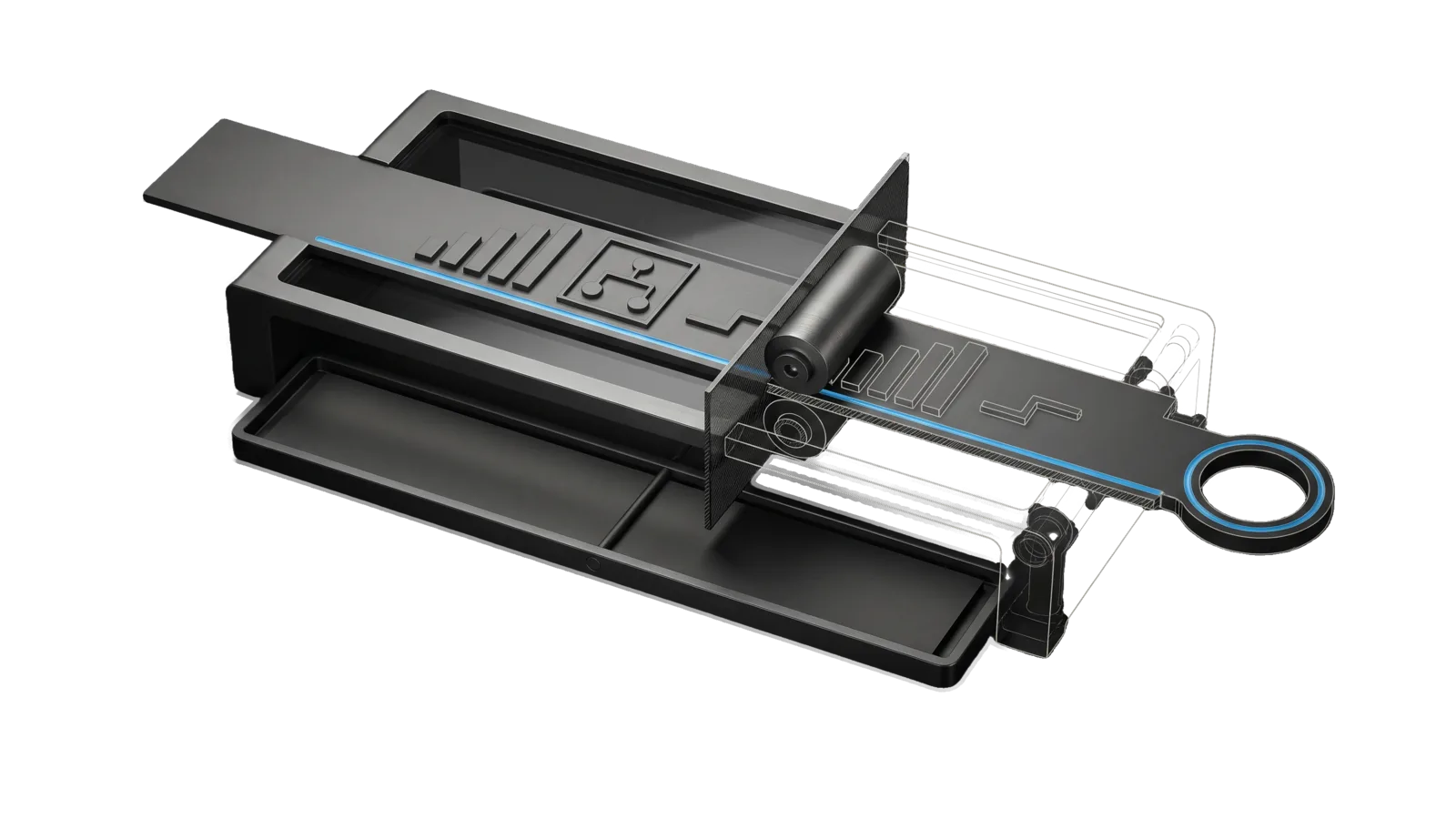
A blank graphite strip passes under an embossing roller and comes out with raised bar, branching-box and step shapes toward a ring terminal, beside an untouched copy lying in a shallow tray; a glass section pane cuts the machine, and a sky-blue line runs along the strip.
Creative

RichFormat

The rich-answer rendering mod, a Claude Code function-hooks plugin that draws assistant replies in the terminal with boxed flow diagrams, bar charts, sparklines, trees and timelines, coloured section labels, insight and caution callout bars, red and green diffs, and green and red VERIFY marks, leaving the stored text untouched

00
Workflows
00
Tools
01
Reference
15
Triggers

Key Points

Not for the system prompt's marker rules (edit the Format Rules there), the status band, statusline or hook-fed lines (LifeOSHooks), or generated images and diagrams (Art)

Inside the Skill

The thinking, frameworks, and architecture that distinguish this skill from a generic version of the same task.

Ideal State

  • Every construct in What it draws that parses is drawn, never left as plain markdown: a flow fence as boxed nodes, a diff fence as numbered red and green lines, a fully marked VERIFY run as green and red marks, and a label line in its colour (the engine and pure-logic suites hold each).
  • The stored message never changes. The model, the transcript file and ctrl+o all see plain markdown.
  • On any doubt the lines show as written: a fence that does not parse, a fence still open at the message's last flush, a thrown error, or the option switched off.
  • Every answer prints exactly once, at any length, under the full statusline.

Anti-criteria

  • The mod never hooks any event besides prompt.compose and classic.MessageDisplay; no ui.render hook on AssistantMessage comes back, even one that passes the answer straight through.
  • A finished answer is never repainted; this mod shapes first draws only.
  • The prompt section is never added outside an interactive terminal session, so iMessage bridges, -p runs, teammates and SDK sessions never learn a convention they cannot draw.
  • A list is never split between two renderers: a 💡 line inside a list or table, a ✓ bullet outside VERIFY, a VERIFY run with any unmarked or nested bullet, and anything inside another code fence stay plain.
  • A double-printed answer is never fixed by turning the statusline off.

Intent Routing

No intents: the plugin runs on its own. Reference files:

File Read when
Setup.md first-time setup, or filling in the optional USER Config.md and PREFERENCES.md

What it draws

Written in the reply Drawn as
A fenced flow block, one a -> b -> c chain per line Rows of boxed nodes joined by ▶, wrapped to the terminal width
A fenced bar block of label: value lines A horizontal bar chart, cyan bars, values as written (hooks/charts.ts)
A fenced spark block, one series of numbers per line A one-line trend with its min, max and last
A fenced tree block holding an indented outline A hierarchy drawn with ├─, │ and └─
A fenced timeline block of when: what lines Events on a vertical rail with a ● per event
A fenced diff block holding one valid unified-diff hunk Old and new line numbers, removals red, additions green
🔧 CHANGE:, ✅ VERIFY:, ❓ OPEN: label lines Bold blue, green and yellow labels
A standalone line starting with 💡 or ⚠️ A cyan or amber bar before the line
A VERIFY run whose bullets all start - ✓ or - ✗ Green and red marks
A markdown table (header, delimiter row, body), held until it ends A rounded box grid: frame grey, header bold soft blue, numeric columns right-aligned, ✓ ✗ ⚠ cells toned, cell markdown escaped (hooks/table.ts)
#/## and ### headings, a lone **Mini header**, a 🎯 line Bold accent blue, bold soft blue, bold soft blue, bold; markers removed (hooks/enrich.ts)
- items and 1. items An accent • (nested: grey ◦) and an accent number (yellow in OPEN), wrapped with a hanging indent
--- (or * * *), > quote A grey ─ rule the content width; a grey ▎ bar
A fenced workflow block holding one line, wf_<id> <plain summary> That run's brief card from the bridge (below); the stored text stays the one summary line (hooks/workflow.ts)
A 🗣️ Name: closer line outside a code fence The LifeOS rule on its own line just above it: ━━ ◆ LifeOS ━━━ <isa slug> <done>/<total> ━━, name bold #3B82F6, rule dim, state cyan

A chart block with any line that does not parse, more than 40 lines, or too little width to draw stays plain code.

The workflow card comes from HookBridge.ts workflow-card <session id> <run id> <columns>, run as an argv array with a 3 s timeout, only for the flush that closes the fence: at most 3 cards per flush and 12 lines per card, escape sequences other than colour stripped. An id that is not wf_…, a failed bridge or any other answer leaves the fence as written. The prompt section teaches the fence (WORKFLOW_FENCE_TEXT in hooks/workflow.ts).

The LifeOS rule

  • It is drawn only by this mod, only on the terminal, on its own line just above a 🗣️ Name: closer, with a blank line each side. It is the terminal width (read once per 5 s with stty -f /dev/tty size, 80 when that fails) minus the 2-cell reply gutter.
  • The state (slug and progress) comes from HookBridge.ts band-state <session id>, run as an argv array with a 3 s timeout, only for the flush that holds the closer. No session or a failed bridge draws the bare rule with no state.
  • Rule and closer logic live in hooks/banner.ts, the streamed drawing in hooks/stream.ts; hooks/register.tsx only wires them.

Tool contracts

  • Validate: claude plugin validate --json skills/RichFormat
  • Engine tests (only *.test.tsx here, run in the hooks sandbox): cd skills/RichFormat && claude plugin test .
  • Pure-logic suites (*.spec.ts, run under bun): cd skills/RichFormat && bun test ./tests/<name>.spec.ts
  • Typecheck: cd skills/RichFormat && bunx tsc --noEmit -p tsconfig.json
  • Off switch: the plugin's enabled option (userConfig, default on). Off draws every reply exactly as the engine does and adds no prompt section.
  • Terminal font: the drawn markers are Nerd Font symbols (hooks/glyph-core.ts), so the terminal needs a Nerd Font; see Setup.md § Terminal font.

Data & Config

Install-specific values live at <configRoot>/LIFEOS/USER/CUSTOMIZATIONS/SKILLS/RichFormat/ (configRoot is $CLAUDE_CONFIG_DIR when set, else ~/.claude): Config.md holds marketplace (the plugin marketplace the mod loads from), and PREFERENCES.md holds the principal's display preferences. When the directory is absent, the defaults here stand: the mod draws the same way and only the reload advice is generic. Setup.md documents each key.

Gotchas

  • claude plugin test loads every *.test.ts and *.test.tsx under the folder inside the hooks sandbox, which refuses any import except relative files and claude-code. A bun:test suite named *.test.ts makes the whole run exit 1. The bun suites are *.spec.ts for that reason (2026-10-04).
  • The hooks loader refuses a module that stores, passes or returns $ itself. It must be spelled $.noun.event(...) at the call site. A holder (host.current = $) stopped the whole mod loading, so every reply fell back to the engine. Hand closures that spell $.… inside them instead (BridgeCalls in hooks/register.tsx). Lanes cannot run claude plugin test, so run it in the main session before landing anything that touches register.tsx (2026-10-04).
  • Never repaint a finished answer. Re-rendering an answer that had scrolled above the viewport smeared it, character-interleaved (2026-09-16). This mod shapes first draws only; tests/hooked-events.check.ts and the no-invalidate check hold that.
  • Never hook ui.render on AssistantMessage again: any hook that can see a finished answer makes a tall turn print twice, even one that passes it straight through (2026-10-09). The engine draws an answer itself while it streams and asks the hooks only once it settles, so whatever a hook returns is a second copy under the statusline: the engine repaints the live turn, and the main screen keeps the scrolled-off copy. A tree cell-identical to the engine's drawing still doubled most rows, and so did a synchronous hook (2026-10-07). The SHORT_ANSWER matcher did not save it: under a tall statusline the live area overflows even for short answers, and a short answer printed twice on 2026-10-09. classic.MessageDisplay is the only door: it draws the first copy. tests/hooked-events.check.ts fails if ui.render comes back. Installs run with the statusline on (the principal's standing preference is in the USER PREFERENCES.md, § Data & Config), so never fix this by turning it off. Probe: a background kitty tab answering a 60-row prompt, then kitty @ get-text --extent all counts repeated rows.
  • A diff the engine's parser refuses is drawn as grey plain code, which looks worse than plain Markdown. hooks/diff.ts accepts only bodies stricter than the engine's jsdiff parsePatch. tests/diff.spec.ts checks parity against jsdiff from the local bun cache and fails, rather than skips, when it cannot load it (2026-10-04).
  • Box and arrow glyphs are one cell; emoji and ⚠️ with variation selector 16 are two. displayWidth in hooks/flow.ts measures cells, and diagrams keep a two-cell margin. A one-cell overflow hard-wraps a row and breaks the box.
  • When the mods load from a local folder marketplace, a saved edit reaches no open session until /reload-plugins there, and a module that fails to load leaves the engine drawing every reply itself. The install's marketplace name is the marketplace key in the USER Config.md (§ Data & Config); LifeOSHooks SKILL.md has the wiring (§ Gotchas, the local-marketplace entry) and the 2026-10-11 miss (§ Anti-criteria).

Examples

Example 1: A flow diagram shows as plain code

User: "flow diagram not drawn"
→ Check the fence parses: one `a -> b -> c` chain per line, at most 40 lines, and enough terminal width to draw it
→ Check the mod is loaded: from a local folder marketplace, edits wait for /reload-plugins, and a broken module draws every reply as the engine does
→ claude plugin validate --json skills/RichFormat and the engine tests name the failure

Example 2: An answer printed twice

User: "the answer printed twice under the statusline"
→ bun ./tests/hooked-events.check.ts in skills/RichFormat: any hook besides prompt.compose and classic.MessageDisplay is the cause
→ Remove that hook; the statusline stays on
→ Probe with the 60-row kitty tab from Gotchas and count repeated rows

Example 3: A workflow card did not draw

User: "the workflow card shows as a code block"
→ The fence must hold exactly one line led by the wf_ id the Workflow tool returned
→ Run HookBridge.ts workflow-card <session id> <run id> 100 and check it prints {lines: [...]} within 3 s

How to Invoke

Say any of these to your DA and LifeOS activates the RichFormat skill automatically:

  • "rich format"
  • "RichFormat"
  • "flow diagram not drawn"
  • "chart not drawn"
  • "bar chart"
  • "sparkline"
  • "tree chart"
  • "timeline chart"
  • "diff not coloured"
  • "VERIFY marks plain"
  • "labels not coloured"
  • "turn off rich drawing"
  • "answer rendering"
  • "render mod"

Or invoke explicitly:

Skill("RichFormat")

References · 1

Auxiliary files the skill loads at runtime — frameworks, guides, configs.

  • Setup

Want LifeOS to do this for you?

Install LifeOS on your machine — your DA gets the RichFormat skill plus 96 others, all hooked into one Life OS.