
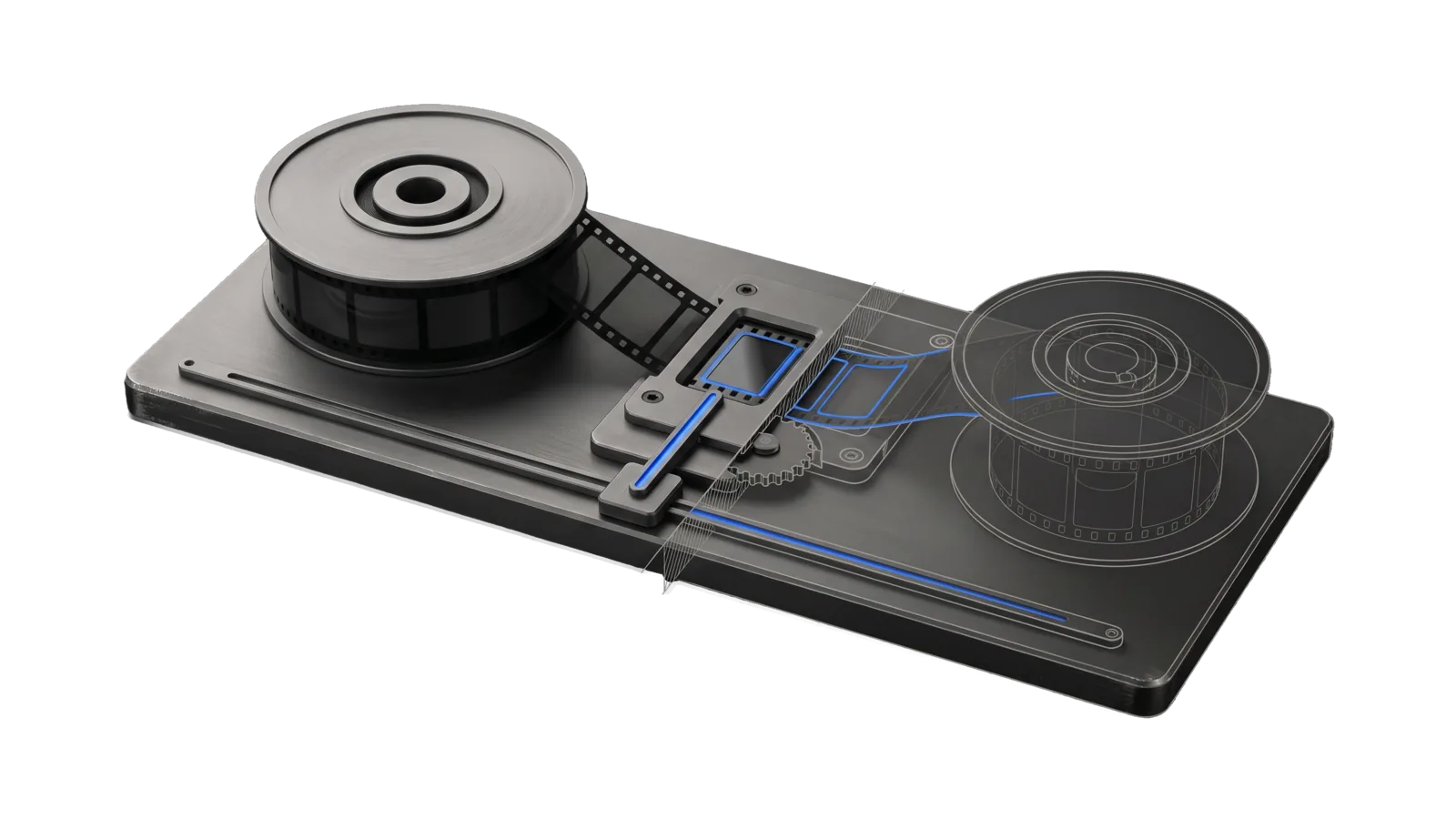
A flat milled transport bed with a supply reel of dark film cells, a framed cell locked in a central gate and a slider carriage on a rail, cut diagonally so the take-up reel and stepping gear are drawn as ghosted outlines, with one electric-blue line running from the carriage through the gate to the take-up reel.
Creative

HyperFrames

One-off semantic animations and animated explainers authored as HTML + GSAP on HyperFrames, directed by the meaning layer (MeaningMap then Direction, reviewed before anything animates) and rendered to MP4 through the sandboxed HyperFrames seam, with the ArtDirection quality loop before delivery

06
Workflows
06
Tools
01
Reference
22
Triggers

Key Points

Not for static images or diagrams, or animated technical diagram GIFs (Art TechnicalDiagrams, which renders through this seam), editing or tight-cutting recorded footage (the video pipeline skill), narrated essays or explainers of a post, idea or feature (the video-essay skill), or audio-only cleaning (AudioEditor)

Inside the Skill

The thinking, frameworks, and architecture that distinguish this skill from a generic version of the same task.

Ideal State

  • Every piece was directed before it was animated: each scene carries a stated reason (a Direction beat that passed review, or the launch film's picked direction), and a plan that never passed is reported with its defects, not animated around.
  • Proof passed three times, and each receipt path was handed back: on the plan before building (no brief fact dropped), on the first stills before the full render, and on the final encode, which also rendered with render --eval <intent> so the Assay video eval set (video-eval) passed on it as that intent's ## Evals declares it. "I looked at the stills" is not evidence.
  • Every render went through the seam LIFEOS/TOOLS/HyperFrames with every stage green; nothing ran the bare hyperframes CLI, and a failing stage was fixed in the composition, never bypassed.
  • It reads as authored, not templated (References/MotionDesignPhilosophy.md): settling eases where a physical thing would ease, one focal movement per beat, text still while it is read, timing with texture, and only the transitions the content motivates. Watched once with sound off, it could not have come from a template; a piece a template could have produced got another pass.
  • A piece about real things shows them (principal directive, 2026-10-16). While the narration names something that exists (a system, product, screen or place), the viewer sees it as itself, its real surface or a motion study of how it works, and the piece returns to its anchor graphic between them, so the whole and its parts stay in one argument. A narrated piece that tours several subjects changes scene at the pace of its argument; one diagram held under all of it is a template.
  • Explainers and generated shorts are one system: palette, type scale, spacing and eases come from Tools/Theme.ts. A launch film takes them from its chosen reference instead (Intents/LaunchVideo.md).
  • Nothing this skill produces reaches the principal as a first draft. Every artifact went through Skill("ArtDirection"): a direction council before new or large work, then the cross-vendor critique panel (skills/ArtDirection/Tools/Critique.ts), iterated on its named defects until it passes the bar ArtDirection sets (skills/ArtDirection/SKILL.md § Ideal State) or reported with the shortfall. A passing Critique.json sits beside the render. Hand-over is skills/ArtDirection/Tools/Deliver.ts, which refuses without a passing critique. The principal's verdict is recorded with skills/ArtDirection/Tools/Calibrate.ts.
  • A project can be rendered again from its folder: one paused GSAP timeline, every asset local, the project outside every git repo.

Intent Routing

Intent Trigger File
ContentToAnimation "animate this", "create animations for", "video overlay", "animated explainer" Intents/ContentToAnimation.md
GeneratedContentVideo "generate a video about", "AI video", "content to video", "make a short" Intents/GeneratedContentVideo.md
LaunchVideo "launch video", "product launch film", "promo video", "ad video", "hero video for the landing page" Intents/LaunchVideo.md
CapabilityVideo "capability video", "make a video of what we just added", "announce this feature", "/cv" Intents/CapabilityVideo.md
SystemFilm "system film", "live dashboard video", "show this system running", "animate this workflow run" Intents/SystemFilm.md
File Read when
References/MotionDesignPhilosophy.md before building any piece: the taste doctrine behind the "reads as authored" bar above
References/LaunchFilmCraft.md LaunchVideo, before anything is directed: what praised code-built launch films share (length, pace, type, sound, techniques)
References/MusicScore.md adding music: a score as data, standalone pieces only
References/VoiceoverCleaning.md LaunchVideo built on a script the principal recorded, before any word timing: the ordered cleaning recipe and the voiceover gotchas
LIFEOS/TOOLS/HyperFrames/README.md authoring or debugging a composition: the seam contract, network controls, capture modes and composition gotchas
https://hyperframes.heygen.com HyperFrames' own authoring docs (source: https://github.com/heygen-com/hyperframes, Apache-2.0)
Setup.md first-time setup: ffmpeg, the one-time tool install, and the optional narration and film-review keys

Tools

Tool Purpose
Tools/Scaffold.ts --dir <project> --title "<text>" [--subtitle] [--width --height --fps --duration --id] [--force]: writes a contract-complete index.html (theme, local GSAP, registered timeline, a title card that renders) and stages GSAP
Tools/SystemFilm.ts --script <script.json> --dir <project> [--force]: builds a SystemFilm composition and its STORYBOARD.md from a system-run script in the house theme; schema in Tools/SystemFilm.help.md
Tools/Theme.ts LIFEOS_THEME (colours, type, spacing, GSAP eases and durations: a neutral default merged with the install's Theme.json), loadTheme(), and themeCss() for the page
LIFEOS/TOOLS/HyperFrames/HyperFrames.ts the render seam: check, snapshot --at … --out-dir …, render --out <file.mp4> [--audio] [--eval <intent.md>]
Tools/FilmStats.ts <film.mp4…> [--json] [--sheet]: length, beats per 10 s, motion, ink, brightness range and loudness per film, plus a 30-frame contact sheet; compares a cut against its reference films
Tools/TextFit.ts `--project [--times 1.2,3.4
Assay/Tools/Proof.ts the output check every intent here runs: bun skills/Assay/Tools/Proof.ts plan --brief BRIEF.md --plan STORYBOARD.md --kind video --out <project>/proof.json on the brief and storyboard before building (a dropped brief fact exits 1; fix the storyboard), then Proof.ts run --artifact <still or film> --project <dir> --checks <dir>/proof.json --hits hits.md on the first stills and on the final encode; the seam snapshot runs it on its own stills when the project has a proof.json. See skills/Assay/Intents/Proof.md
Tools/WatchFilm.ts <film.mp4…> [--out-dir]: a Gemini watch-and-listen pass writing a shot list, beat sync, type, sound and craft notes to <film>-watch.md; public films unless the install's PREFERENCES.md trusts the vendor with private cuts, a check the caller makes because the tool uploads every path it is given
LIFEOS/TOOLS/VideoMeaning/VideoMeaning.ts map, direct --mode essay, review, revise, validate

Data & Config

User customizations live at <configRoot>/LIFEOS/USER/CUSTOMIZATIONS/SKILLS/HyperFrames/ (configRoot is $CLAUDE_CONFIG_DIR when set, else ~/.claude); when present they override the defaults here. Theme.json there overrides the neutral theme key by key (Tools/Theme.ts reads it at import and fails loud on an unknown key, a wrong type or a named font family), PREFERENCES.md holds the install's video taste (presets, music placement, capture rules), and LaunchVideo's reference pack (LaunchFilmReferences.md) lives there. The Art preferences (LIFEOS/USER/CUSTOMIZATIONS/SKILLS/Art/PREFERENCES.md) set the house aesthetic when present; load them before composing. First-time setup: Setup.md.

Gotchas

  • Never call hyperframes or bunx hyperframes directly. The bare CLI phones home, fetches Google Fonts with the page text for any unembedded family, inlines CDN scripts, and ships an unregistered timeline as a still video with exit 0 (seam H2 findings, 2026-09-24). The seam blocks each of these.
  • Named font families need embedFonts(), and a stack must never start generic (2026-10-24). A family without an @font-face fails preflight font-not-embedded. The pinned compiler puts Inter first in any stack whose first family is generic, on the MP4 only, so stills and every check see the generic face while the film ships in Inter: the proof-loop film was specified monospace and shipped in sans past five checks. Name a real face first through the seam's roleFaces(role) (the house TypeRoles.json, or the compiler's bundled OFL face); preflight font-generic-primary refuses a mono or serif generic first and warns on a sans one, and Proof's composition-pixels fails a film whose pixels left its stills.
  • Frames are seeked, not played. CSS transition, Date.now, performance.now, requestAnimationFrame, unseeded Math.random and setInterval all break a render; preflight refuses them. All motion lives on the one GSAP timeline.
  • Measure layout only after the embedded fonts load (2026-09-28, two launch-film segments). With font-display: swap, a timeline built at script load measures fallback-font heights (0 of 10 faces loaded when measured; rows came out 21 px taller), so FLIP reorders overlap and positioned panels land low. Build the timeline after document.fonts has loaded every face (registerAfterFonts, or await each face's load()), and never read getBoundingClientRect before that.
  • Screenshot capture is the seam default because draw-element capture shipped stale frames under load with exit 0 (2026-09-24). Leave it on.
  • Music is for standalone pieces only, never under recorded footage of someone speaking or an overlay placed over them talking: a bed under a voice competes with it (References/MusicScore.md). The install's PREFERENCES.md may narrow this further.
  • Rendering is CPU-heavy. Run long renders in the background; take stills with snapshot before committing to a full render.
  • Projects live outside every git repo (${LIFEOS_HYPERFRAMES_DIR:-$HOME/HyperFrames}/<slug>/); output reaches $LIFEOS_DOWNLOADS_DIR (default ~/Downloads/) only through Deliver.ts.

Examples

Example 1: animated explainer from a post

User: "animate the key argument of this post"
→ ContentToAnimation intent
→ A themed typography-and-diagram MP4 whose every scene traces to a reviewed Direction beat, delivered to Downloads with its passing Critique.json

Example 2: a generated short

User: "make a 60-second vertical short about this idea"
→ GeneratedContentVideo intent
→ A 1080x1920 narrated short with generated scene images and captions timed from the TTS alignment, rendered with --audio and delivered after a passing critique

Example 3: a product launch film

User: "make a launch video for the new app"
→ LaunchVideo intent
→ Two or three animatics to pick from, then a 15–45 s master cut to music on the real product, plus an ad cut and a hero loop, each measured against the chosen reference film

Workflows & Routing · 6

Each workflow is one job the skill runs. The trigger phrases route your request to the right one — this is the skill's routing table.

  1. 01
    ContentToAnimation Intents/ContentToAnimation.md

    animate this, create animations for, video overlay, animated explainer

  2. 02
    GeneratedContentVideo Intents/GeneratedContentVideo.md

    generate a video about, AI video, content to video, make a short

  3. 03
    LaunchVideo Intents/LaunchVideo.md

    launch video, product launch film, promo video, ad video, hero video for the landing page

  4. 04
    CapabilityVideo Intents/CapabilityVideo.md

    capability video, make a video of what we just added, announce this feature, /cv

  5. 05
    SystemFilm Intents/SystemFilm.md

    system film, live dashboard video, show this system running, animate this workflow run

  6. 06
    `--project <dir> [--times 1.2,3.4 --project <dir> [--times 1.2,3.4

    --project <dir> [--times 1.2,3.4

Tools · 6

Deterministic executables the workflows call — the code that does the real work, not prompt scaffolding.

  • FilmStats.ts
  • Scaffold.ts
  • SystemFilm.ts
  • TextFit.ts
  • Theme.ts
  • WatchFilm.ts

How to Invoke

Say any of these to your DA and LifeOS activates the HyperFrames skill automatically:

  • "animation"
  • "animate this"
  • "motion graphics"
  • "animated explainer"
  • "content to video"
  • "make a short"
  • "generate a video about"
  • "launch video"
  • "product launch video"
  • "launch film"
  • "capability video"
  • "feature video"
  • "make a video of what we just added"
  • "promo video"

Or invoke explicitly:

Skill("HyperFrames")

References · 1

Auxiliary files the skill loads at runtime — frameworks, guides, configs.

  • Setup

Want LifeOS to do this for you?

Install LifeOS on your machine — your DA gets the HyperFrames skill plus 96 others, all hooked into one Life OS.