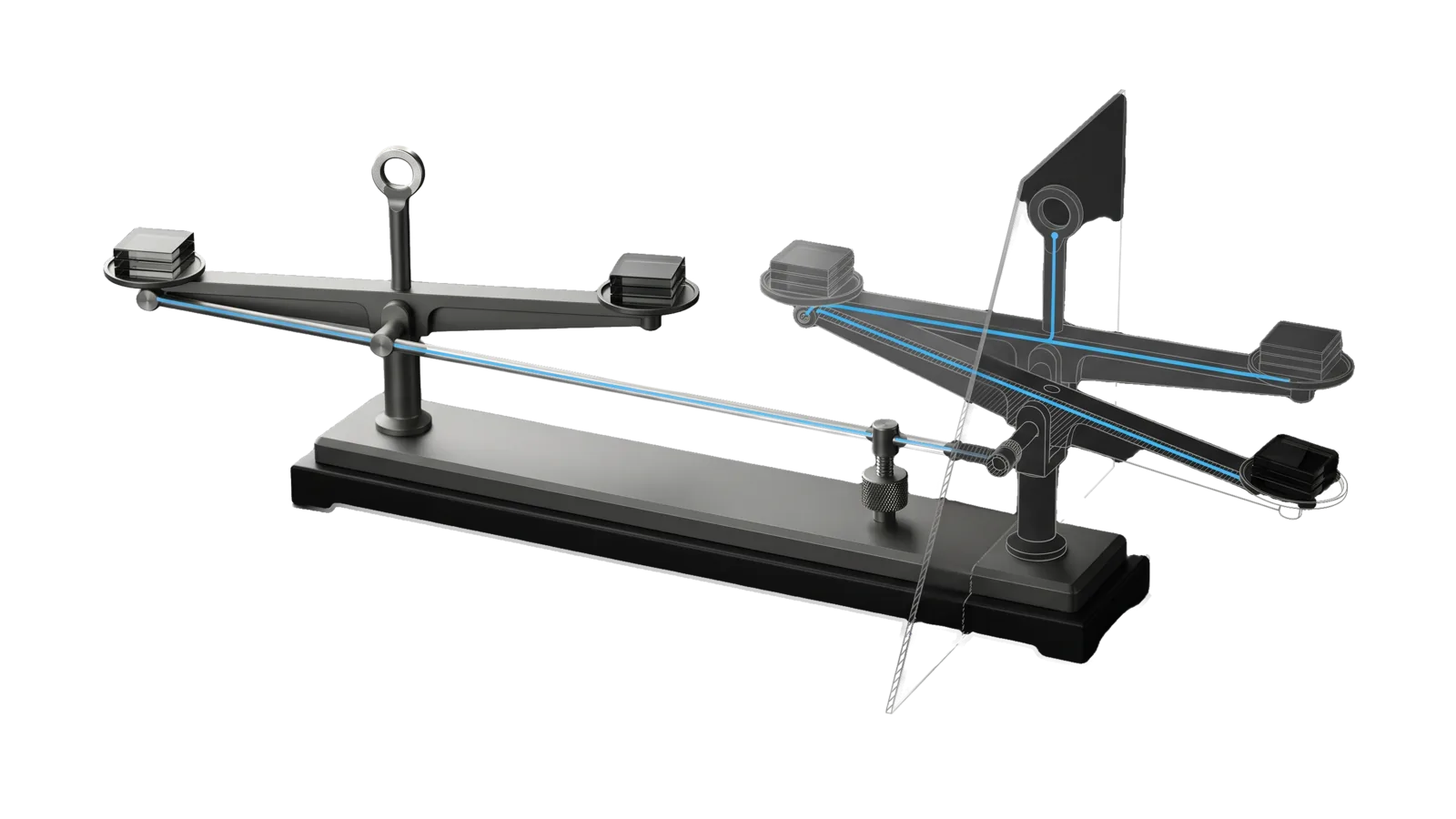
Two beam balances side by side on one base, the left level and the right visibly tilted with the same three sample tiles on its pans, a linkage rod running from the left pivot to a knurled trimming screw under the right beam; a diagonal cut ghosts the corrected, level right balance in bone-grey outline, and a sky-blue line runs along the rod through the screw to a ring at the top of the post.
Creative

Calibrate

Calibrates any eval against the principal's own taste: takes a task in plain words, finds the eval suites and targets that cover it and offers them as options, then shows N real outputs (images or text, default 16, any count like 4, 24 or 64) on a local review page, collects a 0–10 score per output plus optional typed notes, measures how well the judge agrees, distills a taste profile the judge reads from then on, and rescores to prove the change

03
Workflows
02
Tools
01
Reference
12
Triggers

Key Points

Not for measuring a suite's judge against existing labels without a session (Assay Calibrate), recording one verdict on one delivered artifact (ArtDirection Calibrate), or producing the artifacts themselves (Art)

Inside the Skill

The thinking, frameworks, and architecture that distinguish this skill from a generic version of the same task.

Ideal State

  • The judge's agreement with the principal is measured on labels held out from the taste being tested and reported against the shared floors in LIFEOS/TOOLS/lib/Calibration.ts.
  • Every label came from the principal's own submit on the review page, scoring their real published outputs blind on 0–10.
  • Every principle in a taste profile cites the labels behind it, and a suite or brief without a profile gets exactly the judge prompt it had before.
  • No bar changes and no judge is promoted on calibration numbers without the principal's yes.

Intent Routing

Intent Trigger File
Run "calibrate", "calibrate 24 social posts", "show me outputs to rate" Intents/Run.md
Report "how well does the judge match me", "calibration report" Intents/Report.md
Distill "update the taste profile", "what have I told you I like" Intents/Distill.md
AddTarget "calibrate a new image intent", "add a calibration target" Intents/AddTarget.md
File Read when
Tools/Calibrate.help.md the full CLI contract behind the command table below
Setup.md first-time setup: the optional Config.md and PREFERENCES.md keys and a proof it works

Tool

bun skills/Calibrate/Tools/Calibrate.ts <command> from the config root. Full contract: Tools/Calibrate.help.md.

Command What it does
discover "<task>" Rank configured targets and every eval suite against a plain-words task; unusable ones (no stored outputs) rank last
targets List configured targets
pool --target <t> Pool size, scored share, labeled share, score bands
session --target <t> --count N --open Serve the review page on loopback, block until submit (exit 0) or timeout (exit 3)
report --target <t> [--session <id>] [--rescored] [--json] Judge-vs-principal agreement
taste-input --target <t> Every current label with notes, for Distill
taste --target <t> --write <draft.json> Validate citations, stamp provenance, write Taste.json
rescore --target <t> [--session <id>] [--repeats 1] [--dry-run] Re-run the target's judge with the current taste

--target takes a configured target or any eval suite name.

How taste reaches the judge

  • Text: EvalRunner appends the rendered profile to every judged assert of a suite whose name (or calibration: field) matches a target with a Taste.json. calibration: none opts a suite out. A new profile changes the rubric text, so that suite's Assay calibration record goes stale until re-measured, which is intended.
  • Images: ArtDirection's Critique.ts adds the profile to its rubric prompt whenever the brief carries "calibration": "<target>".
  • Taste lives in LIFEOS/TOOLS/lib/CalibrateTaste.ts because both skills read it.

Data & Config

Targets, labels, sessions and taste profiles live at <configRoot>/LIFEOS/USER/CUSTOMIZATIONS/SKILLS/Calibrate/ (configRoot is $CLAUDE_CONFIG_DIR when set, else ~/.claude). If the directory does not exist, the AddTarget intent creates it.

Under LIFEOS/USER/CUSTOMIZATIONS/SKILLS/Calibrate/Targets/<target>/ (override the root with LIFEOS_CALIBRATE_DIR; stored eval outputs are read from LIFEOS/MEMORY/STATE/Evals-Results/, override with LIFEOS_EVALS_RESULTS_DIR):

  • target.json: only for configured targets. Name, title, the question shown on the page, the owning skill and intent, pools, the judge brief and bar, plus optional selection (newest or spread), count (the session default, 16 when unset) and likeAt. Pool kinds are evals (suite: that suite's stored outputs with its judge's verdicts), frontmatter (published documents whose frontmatter names an image: the real published outputs; needs imageField and localRoot), evalround (EvalRound.json records, which carry the art panel's scores) and files (a glob of images or .txt/.md; groupPattern is a regex whose first capture names the source round). An eval suite used directly needs no target.json.
  • Brief.json: the ArtDirection brief used by rescore on image targets. A target with neither a brief nor "judge": "evals" is labels-only: rescore skips it with that reason, and report measures the labels against the judge snapshot its pool carried.
  • labels.jsonl: one principal label per line, append-only. Only the page's submit writes it.
  • sessions/<id>.json, Taste.json, rescore.jsonl: tracked. artifacts/ (content-addressed copies of labeled outputs), rescore/ and hash-cache.json are local-only.

Beside Targets/, two optional files hold the install's own values:

  • Config.md: frontmatter browser, the app session --open opens the page in (open -a <app>; default for the system default browser). With no Config.md the page opens in the system default browser and the tool warns, naming the file; a Config.md without the key stops the open with an error naming the file and key.
  • PREFERENCES.md: the principal's standing notes on what they score first, read by AddTarget when it writes a target's question and brief. Labels and Taste.json stay the evidence.

The installer puts a starter for both in LIFEOS/USER/CUSTOMIZATIONS/SKILLS/Calibrate/; if one is missing, bun ~/.claude/skills/LifeOS/Tools/ScaffoldUser.ts --apply copies any missing starter file into place and never overwrites one you have edited. First-time setup is in Setup.md.

Agreement floors come from LIFEOS/TOOLS/lib/Calibration.ts, the one definition the Assay skill uses too.

Gotchas

  • Never write a label on the principal's behalf, including from something they said in chat. Chat feedback goes in as a new session or stays out; label_source.kind is always principal and always came from the page.
  • Pools live in scratch and download folders that get cleaned. Submit keeps a hashed copy under artifacts/, and labels point at the copy, so rescoring still works after the source is gone.
  • Report bands and the threshold sweep are relative to the target's own scores. On 2026-09-27 a whole calibration pool had no image scored 8.0 or above, so fixed bands would have left one band empty (the run's detail is in the USER extension's History.md when present).
  • Rescoring the labels a taste was built from is in-sample and flatters the taste. The Run intent rescores a new session before distilling, so its agreement is held out; report --rescored prints which taste version judged each output and leaves out every label that version was distilled from.
  • Image rescore spends two vision calls per image per repeat; text rescore one judge call per judged assert. --dry-run prints the count first.
  • Rescore gives the judge the same caption the principal saw (the post title goes into that item's brief). On 2026-09-28 the first rescore used one generic brief, so the judge could not tell whether a header fit its post.
  • Discovery matches whole words. On 2026-09-27 substring matching ranked a coding-error suite for "blog header art" because "art" sits inside "start".

Examples

Example 1: Any task with an eval

User: "calibrate 20 story explanations"
→ discover ranks storyexplanation-cse first; one clear match, so it is used and named
→ page shows 20 stored outputs, each with the prompt that produced it
→ rescore, report, then Distill; the suite's judge reads the taste on its next run

Example 2: An ambiguous task

User: "calibrate the voice stuff"
→ discover returns several voice suites; AskUserQuestion offers the top four with output counts

Example 3: Checking the judge

User: "how well does the art judge match me now?"
→ Report: agreement, kappa, earned or not, best cut, per-vendor, disagreements with notes

Example 4: A new image intent

User: "calibrate the YouTube thumbnails too"
→ AddTarget: target.json with the thumbnail pools, question and brief; pool count; then Run

Workflows & Routing · 3

Each workflow is one job the skill runs. The trigger phrases route your request to the right one — this is the skill's routing table.

  1. 01
    Run Intents/Run.md

    calibrate, calibrate 24 social posts, show me outputs to rate

  2. 02
    Report Intents/Report.md

    how well does the judge match me, calibration report

  3. 03
    `Intents/AddTarget.md` "calibrate a new image intent", "add a calibration target"

    calibrate a new image intent, add a calibration target

Tools · 2

Deterministic executables the workflows call — the code that does the real work, not prompt scaffolding.

  • Calibrate.ts
  • ReviewPage.ts

How to Invoke

Say any of these to your DA and LifeOS activates the Calibrate skill automatically:

  • "calibrate"
  • "calibrate 16"
  • "calibrate 64"
  • "calibrate social posts"
  • "calibrate the art judge"
  • "calibrate this eval"
  • "show me outputs to rate"
  • "rate these images"
  • "teach the eval what I like"
  • "tune the eval to my taste"
  • "what does the judge get wrong about my taste"
  • "calibration session"

Or invoke explicitly:

Skill("Calibrate")

References · 1

Auxiliary files the skill loads at runtime — frameworks, guides, configs.

  • Setup

Want LifeOS to do this for you?

Install LifeOS on your machine — your DA gets the Calibrate skill plus 96 others, all hooked into one Life OS.