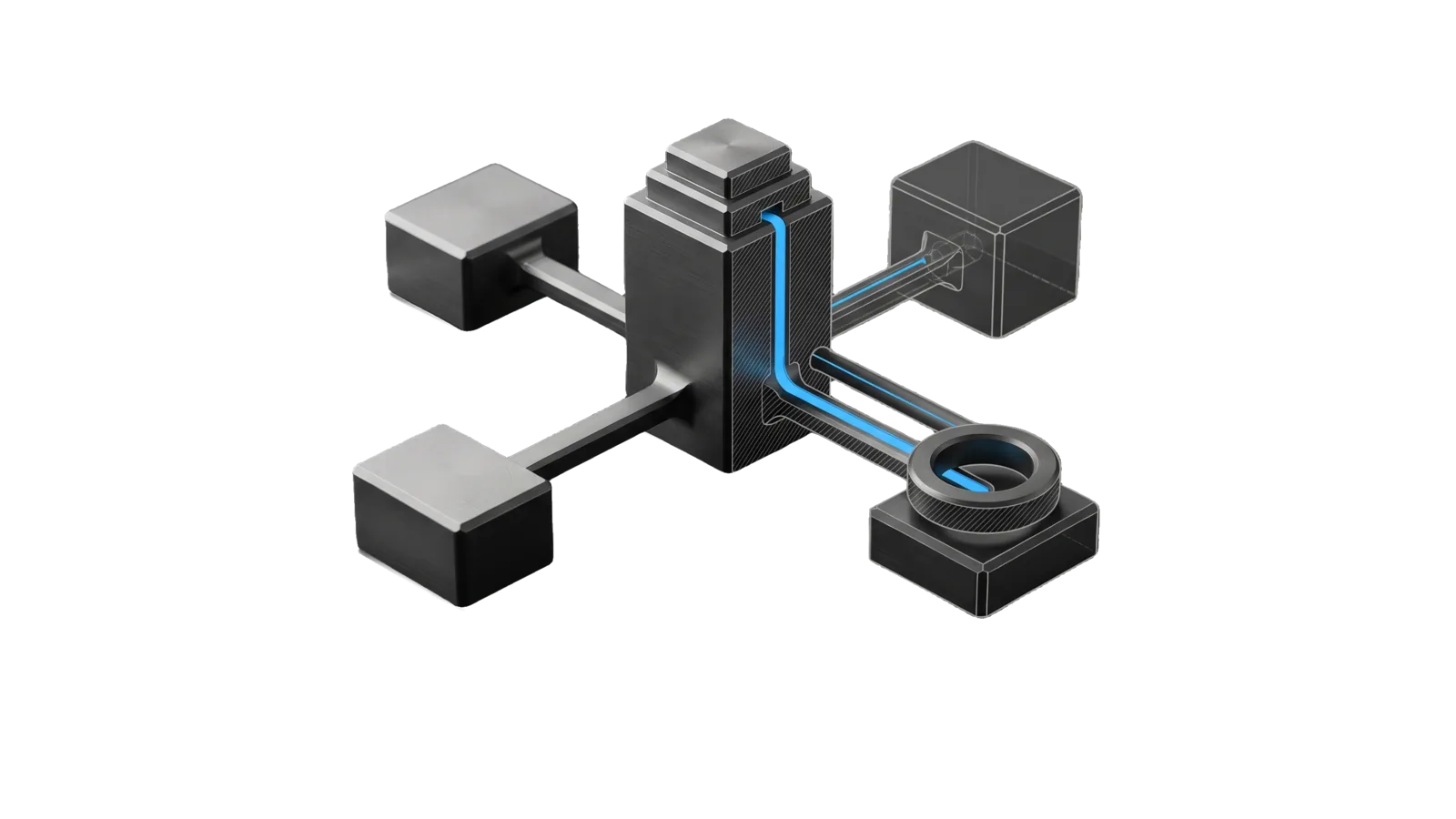
A tall stepped master block with four spokes running to four separate surface blocks of different sizes, one of them capped by a toothed stamping ring; a sky-blue channel runs from the master's cutaway down the spoke into the ring, and the far surface block is drawn as a ghosted outline.
Creative

Brand

The principal brand integrity system: sweeps and refreshes brand/focus messaging across every public surface (GitHub profile README, blog, company site, marketing site, repo READMEs, LinkedIn/X/YouTube bios) to current focus, names, star counts, and flagship writing, from one surface inventory in USER config

01
Workflow
01
Tool
01
Reference
12
Triggers

Key Points

Not for the content registry, writing blog posts, or social post copy

Inside the Skill

The thinking, frameworks, and architecture that distinguish this skill from a generic version of the same task.

Ideal State

  • Every surface a run touches says what the principal is focused on now, as read from the USER inventory and source-of-truth files at run time, never from memory or this skill.
  • Nothing goes public under the principal's name before they have seen the rendered result and approved that one surface.
  • Every run ends with a table in its run ISA naming each surface or idea, what changed and the evidence, including what was left unswept or rejected.
  • A missing or invalid Surfaces.md stops the run at Check.ts with a pointer to Setup.md; no surface is ever swept from guesses.

Intent Routing

Intent Trigger File
BrandUpdate "brand update", "brand sweep", "update my GitHub profile", "refresh my bios/profiles" Intents/BrandUpdate.md
UpdateIdeasPage "update my ideas page", "refresh the ideas page", "parse my latest ideas" Intents/UpdateIdeasPage.md
File Read when
Setup.md first-time setup, or Check.ts exits non-zero

Data & Config

Every personal fact (the public-surface inventory with URLs, repo paths, handles and update mechanisms; the ideas-page location and structure; the blog and feed facts $BLOG_URL, $BLOG_FEED, $BLOG_REPO; per-surface rules) lives in <configRoot>/LIFEOS/USER/CUSTOMIZATIONS/SKILLS/Brand/Surfaces.md (configRoot is $CLAUDE_CONFIG_DIR when set, else ~/.claude). This skill body is generic.

Both intents start with bun ~/.claude/skills/Brand/Tools/Check.ts. It validates Surfaces.md and, when the file or a required section is missing, exits non-zero and points at the guide. First-time setup: Setup.md.

Gotchas

  • Use the feed URL recorded in Surfaces.md ($BLOG_FEED). A blog's feed often lives somewhere other than the obvious paths (/feed.xml, /rss.xml, /atom.xml), so confirm the working one with curl before recording it.

Examples

Example 1: Full brand sweep

User: "Run a brand update — everything feels stale"
→ BrandUpdate intent, full sweep
→ A drift table in the run ISA covers every inventory row; each fix went live only after the owner approved that surface

Example 2: Single surface

User: "Update my GitHub front page based on recent focus"
→ BrandUpdate intent, scoped to the GitHub profile surface
→ The README is pushed after approval of its GitHub render; every other surface is listed as unswept

Example 3: Ideas page

User: "Refresh the ideas page with my latest ideas"
→ UpdateIdeasPage intent
→ New principal-original ideas are on the live page, verified by screenshot after an approved deploy; rejected captures are listed with reasons

Workflows & Routing · 1

Each workflow is one job the skill runs. The trigger phrases route your request to the right one — this is the skill's routing table.

  1. 01
    `Intents/UpdateIdeasPage.md` "update my ideas page", "refresh the ideas page", "parse my latest ideas"

    update my ideas page, refresh the ideas page, parse my latest ideas

Tools · 1

Deterministic executables the workflows call — the code that does the real work, not prompt scaffolding.

  • Check.ts

How to Invoke

Say any of these to your DA and LifeOS activates the Brand skill automatically:

  • "brand update"
  • "update my brand"
  • "brand sweep"
  • "refresh my profiles"
  • "update my GitHub profile"
  • "github front page"
  • "profile README"
  • "my bios are stale"
  • "sync my messaging"
  • "update my ideas page"
  • "refresh the ideas page"
  • "ideas page on the blog"

Or invoke explicitly:

Skill("Brand")

References · 1

Auxiliary files the skill loads at runtime — frameworks, guides, configs.

  • Setup

Want LifeOS to do this for you?

Install LifeOS on your machine — your DA gets the Brand skill plus 96 others, all hooked into one Life OS.