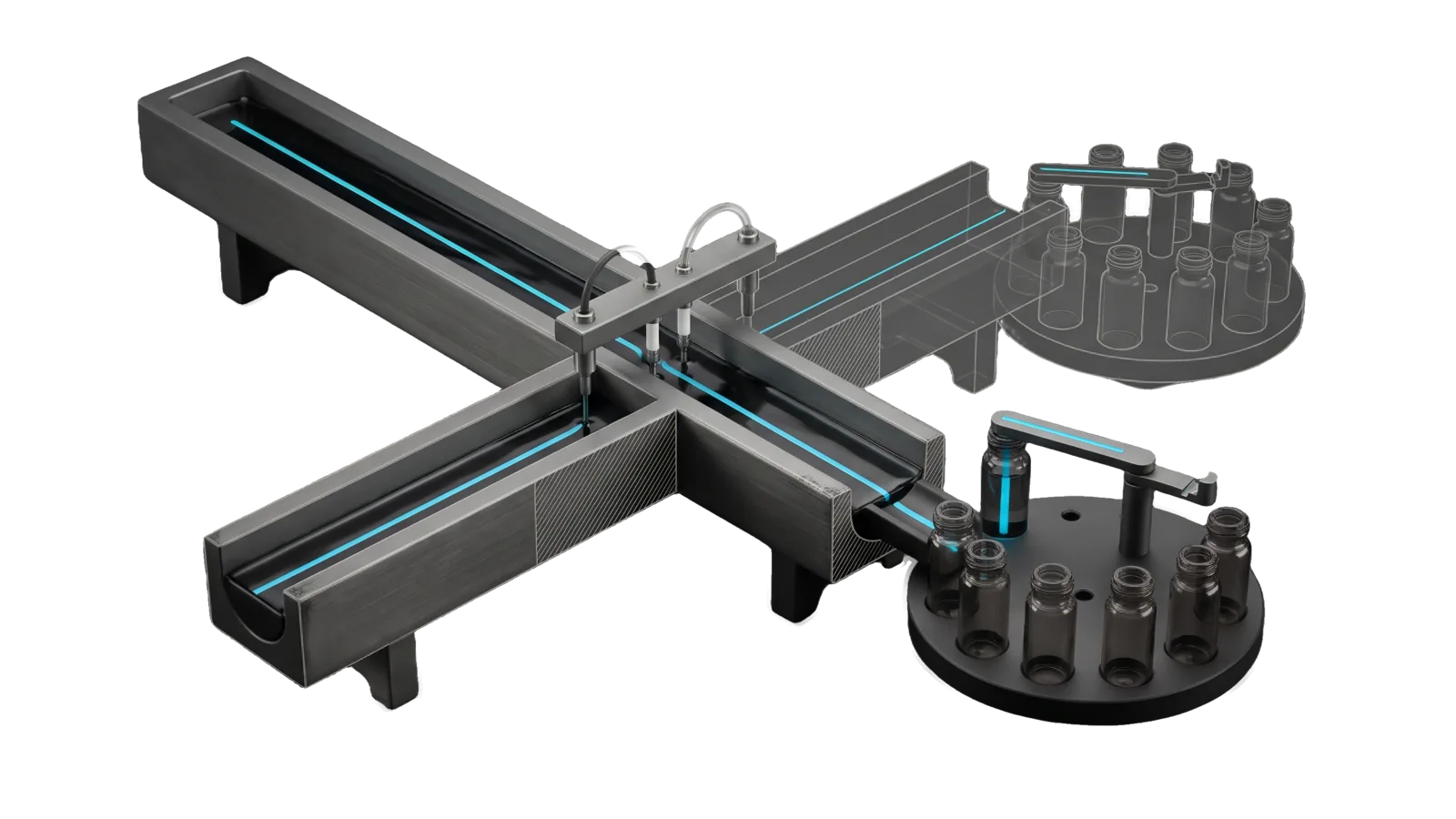
A long open flume trough carrying a stream under a bridge with two thin sampling probes, a second trough branch and its round carousel drawn in bone-grey outline, and in front a round carousel of small vials with one vial lifted on a swing arm, with cyan lines running along the stream and into the lifted vial.
Other

WastewaterCA

Pull California population-level pathogen surveillance from CDC NWSS and CDPH/CHHS Open Data — SARS-CoV-2, Influenza A/B, RSV, Mpox, Norovirus, H5, Candida auris from CA wastewater plants, statewide or for a configured region.

02
Workflows
01
Tool
01
Reference
09
Triggers

Key Points

  • Intents: GetCovidData (CDC viral activity level per site, week-over-week trend), GetWastewaterData (multi-pathogen panel)
  • Leads clinical 4-7 days
Not for national or non-CA surveillance

Inside the Skill

The thinking, frameworks, and architecture that distinguish this skill from a generic version of the same task.

Ideal State

  • Every answer names the pathogen, the geography it covers (the configured region by name, or California statewide) and the latest data date, so no figure reads as real-time. The date comes from the dataset's own week or sample date.
  • A COVID answer gives CDC's own activity level per site and the week-over-week direction; a panel answer covers every pathogen target the CDPH data carries in the past year.
  • Figures come from a pull made in this run through Tools/Wastewater.ts, with the dataset named so the value can be checked.

Intent Routing

Intent Trigger File
GetCovidData "COVID numbers", "COVID status", "COVID data", viral load, activity level, trend before events/travel; default when ambiguous Intents/GetCovidData.md
GetWastewaterData "wastewater", "respiratory viruses", "flu", "RSV", "norovirus", multi-pathogen panel Intents/GetWastewaterData.md
File Read when
Tools/Wastewater.help.md flags, exit codes, what each command reads
Setup.md first-time setup, the region config, the proof command

Data & Config

First-time setup, accounts and a proof command: Setup.md.

  • Region: ~/.claude/LIFEOS/USER/CUSTOMIZATIONS/SKILLS/WastewaterCA/Config.md (or the file WASTEWATER_CONFIG names) holds - region:, - counties: as Name FIPS pairs, and an optional - rpho region: for the clinical layer. bun skills/WastewaterCA/Tools/Wastewater.ts config prints what a run resolves to.
  • Absent: with no Config.md every command runs statewide and says so. A county line without a valid 06xxx FIPS code stops the run with exit 2 rather than silently going statewide.
  • No account, key or local dataset; the tool reads public APIs and writes nothing.

Gotchas

  • CDPH CSV dates are MM/DD/YYYY — never string-sort them. A lexical compare once reported "Dec 31, 2025" as latest while the data ran into 2026. The tool queries the portal's datastore, where dates are timestamps; parse to real dates in any other path.
  • County columns are FIPS codes in CDPH, names in CDC. CDPH county_names holds codes such as 06067; CDC counties_served holds names. Config.md carries both so each source is matched on its own field.
  • WVAL is not a concentration. It is CDC's unitless index with pathogen-specific category cut-offs; report CDC's category, never a threshold of your own.
  • The old CDPH statewide COVID file is archived (last week 2025-08-02). Anything still reading wastewater.csv from the Respiratory Virus Weekly Report is reading year-old data.

Examples

Example 1: COVID before travel

User: "What are the COVID numbers before my trip?"
→ GetCovidData intent
→ Wastewater.ts covid, then covid --statewide: the week ending date, sites reporting, how many at each CDC level,
  the median site WVAL and its week-over-week direction, region and state side by side

Example 2: Multi-pathogen panel

User: "How are flu and RSV looking in wastewater?"
→ GetWastewaterData intent
→ Wastewater.ts panel: one row per pathogen target with its data date, geography, two-week level against the
  12-month range, trend and sample count

Example 3: Local view with the clinical layer

User: "Is flu actually up around here?"
→ GetWastewaterData intent, with Wastewater.ts covid --pathogen flu and the CHHS dashboard rows for the configured rpho region
→ The regional panel, per-site CDC flu levels, and regional test positivity

Workflows & Routing · 2

Each workflow is one job the skill runs. The trigger phrases route your request to the right one — this is the skill's routing table.

  1. 01
    GetCovidData Intents/GetCovidData.md

    COVID numbers, COVID status, COVID data, viral load, activity level, trend before events/travel; default when ambiguous

  2. 02
    GetWastewaterData Intents/GetWastewaterData.md

    wastewater, respiratory viruses, flu, RSV, norovirus, multi-pathogen panel

Tools · 1

Deterministic executables the workflows call — the code that does the real work, not prompt scaffolding.

  • Wastewater.ts

How to Invoke

Say any of these to your DA and LifeOS activates the WastewaterCA skill automatically:

  • "wastewater"
  • "California COVID"
  • "viral load"
  • "COVID status"
  • "COVID levels near me"
  • "flu data"
  • "RSV"
  • "pathogen tracking"
  • "outbreak monitoring"

Or invoke explicitly:

Skill("WastewaterCA")

References · 1

Auxiliary files the skill loads at runtime — frameworks, guides, configs.

  • Setup

Want LifeOS to do this for you?

Install LifeOS on your machine — your DA gets the WastewaterCA skill plus 96 others, all hooked into one Life OS.