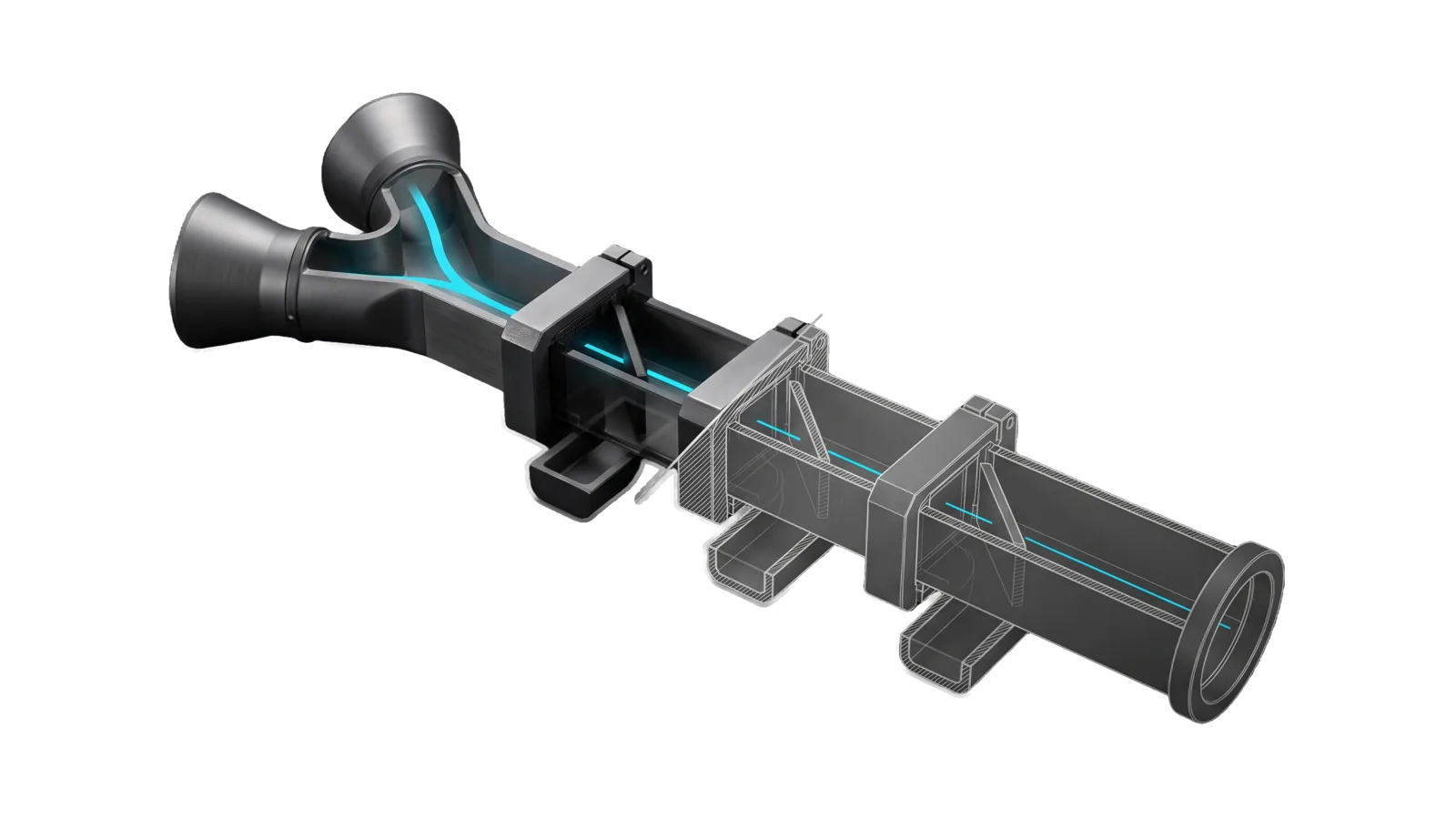
Two flared inlets merge into one square duct that passes through three clamped cassettes, each with an angled vane and a hanging side trough; a cyan line runs straight down the duct past every vane into a ring outlet, the back half drawn as ghosted outlines.
Other

BiasCheck

Three-layer bias analysis of any URL, file, or text: fetches the content and cited studies, then audits data bias, source conflicts, and journalism distortions

01
Workflow
00
Tools
01
Reference
10
Triggers

Key Points

Not for psychological author analysis, research synthesis (Research), entity due diligence. disallowed-tools: Edit, Write, NotebookEdit

Inside the Skill

The thinking, frameworks, and architecture that distinguish this skill from a generic version of the same task.

Ideal State

  • Every audit reaches the primary source behind the input, or records that it could not as a finding.
  • The three layers (data, source organization, journalism) stay separate, and every bias claim names a concrete tell from the artifact.
  • The reader leaves with what the data actually supports, split from what was editorialized on top, so the original claim can be rewritten honestly.
  • Findings are specific to this artifact. A funder's stake is a multiplier on the analysis, never an automatic disqualifier, and a category with no tell in the source is left out rather than forced.

Intent Routing

Intent Trigger File
Check "bias check", "analyze bias on", "check this study/source/article" Intents/Check.md
File Read when
BiasTaxonomy.md naming a bias category: the full catalog with definitions, tells and worked examples
EvalState.md checking the biascheck-layers eval score (machine-written by Assay, never hand-edited)

Data & Config

User customizations live at <configRoot>/LIFEOS/USER/CUSTOMIZATIONS/SKILLS/BiasCheck/ (configRoot is $CLAUDE_CONFIG_DIR when set, else ~/.claude). When that directory exists, its PREFERENCES.md and reference files override the defaults here; when it is absent, the defaults stand.

Gotchas

  • The biggest failure is never reaching the study. Critiquing the headline without the underlying data misses whether the data was fine or junk; the Check intent's fetch order exists for this.

Examples

Example 1: Article citing a vendor study

User: "bias check https://news.example.com/some-article-citing-a-vendor-survey"
→ Check intent
→ The cited vendor study is located and read alongside the article
→ Report covers the vendor conflict of interest, sample and question-design biases, and the headline-vs-source swap, then the supported-vs-editorialized split

Example 2: Raw paste of a study abstract

User: "bias check this abstract: [pastes 4 paragraphs from a paper]"
→ Check intent
→ Layers 1 and 2 only (funding disclosure, sample, methodology, conflict of interest); Layer 3 is skipped with a note because the input IS the primary source
→ The report says when the abstract is too thin to assess methodology (publication availability bias)

Example 3: File path

User: "bias check ~/Downloads/some-report.pdf"
→ Check intent
→ Upstream sources the report cites are fetched where possible
→ Three-layer report with specifics

Workflows & Routing · 1

Each workflow is one job the skill runs. The trigger phrases route your request to the right one — this is the skill's routing table.

  1. 01
    Check Intents/Check.md

    bias check, analyze bias on, check this study/source/article

How to Invoke

Say any of these to your DA and LifeOS activates the BiasCheck skill automatically:

  • "bias analysis"
  • "analyze bias"
  • "bias check"
  • "check this study"
  • "who funded this"
  • "is this source biased"
  • "fact-check article"
  • "methodological flaws"
  • "source credibility"
  • "what's wrong with this claim"

Or invoke explicitly:

Skill("BiasCheck")

References · 1

Auxiliary files the skill loads at runtime — frameworks, guides, configs.

  • BiasTaxonomy

Want LifeOS to do this for you?

Install LifeOS on your machine — your DA gets the BiasCheck skill plus 96 others, all hooked into one Life OS.