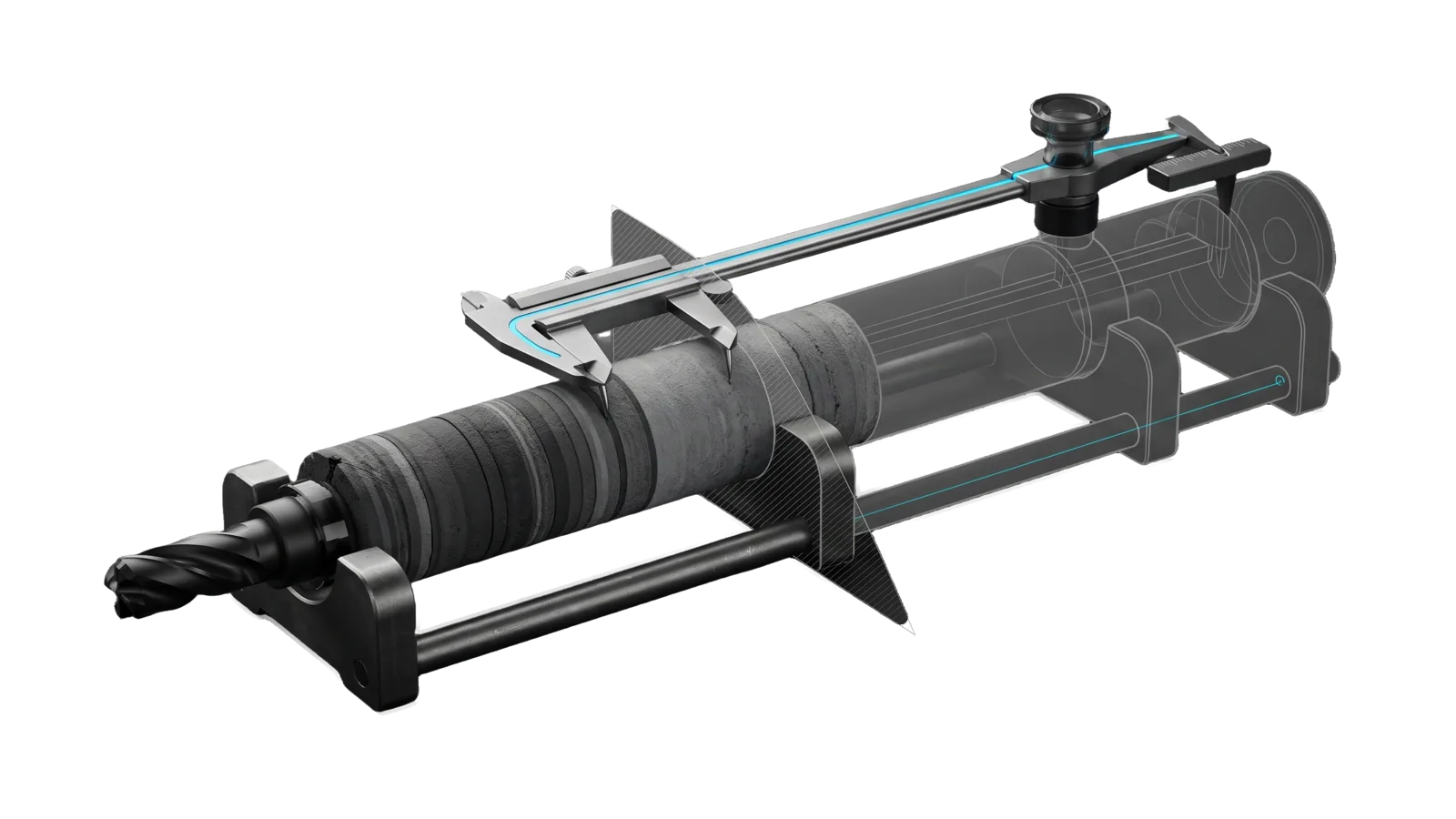
A long core sample of many thin strata lying in a two-saddle cradle with a drill bit at its near end; a two-armed caliper rests on a thin early layer and a thick later one with a cyan line running along its bar, and the far half of the core and cradle is drawn as ghosted outline past a diagonal cut.
Other

USStats

Query the configured long-run US almanac (90+ annual series on economy, debt, cost of living, health, crime, family, trust, energy, many back to the 1940s: trends, verdicts, movers, correlations, freshness vs source datasets), and pull 66 current indicators from FRED, EIA and Treasury into the local US-Common-Metrics dataset for a 10y/5y/2y/1y read of the economy now

04
Workflows
05
Tools
01
Reference
25
Triggers

Key Points

Not for pathogen surveillance, personal finances or investments, rebuilding or publishing the almanac site itself, refreshing our data sites (DataRefresh)

Inside the Skill

The thinking, frameworks, and architecture that distinguish this skill from a generic version of the same task.

Ideal State

  • Every answer about a US indicator rests on this session's tool output from the live dataset, names the publisher of each quoted series, and judges better or worse only through goodDirection.
  • Year-to-date values, methodology breaks in note, base effects behind large percentage moves and the correlation-is-not-causation caveat reach the reader whenever they touch the numbers quoted.
  • A freshness question gets a per-upstream fresh or stale verdict from a --fresh run, and nothing in the skill ever writes to the site or its upstream datasets.
  • Every live-economy number reported is current and carries its period and source, whether it came from GetCurrentState's own FRED and EIA fetch or from the dataset UpdateData refreshed, and preliminary or stale figures are labelled as such, never presented as final.
  • A "how is the economy" answer covers the report's eight categories across the four timeframes, names the categories it does not cover (Demographics, Health & Crisis), and ends with what deserves a closer look, without claiming that one metric caused another.
  • A failed source or missing key degrades the result visibly (the affected metrics named) instead of aborting it or hiding the gap.

Intent Routing

Intent Trigger File
Analyze "US trend", "better or worse", "movers", "correlate", any indicator question Intents/Analyze.md
SyncCheck "is the data fresh", "synced with the source datasets" Intents/SyncCheck.md
UpdateData "Update metrics", "refresh data", "pull latest", "refresh the US metrics": fetch live data from APIs and update the local US-Common-Metrics dataset Intents/UpdateData.md
GetCurrentState "How is the economy?", "economic overview", "get current state", "US metrics analysis", "economic metrics", "GDP", "inflation", "unemployment", "gas prices", "economic trends": multi-timeframe trend overview from live government data Intents/GetCurrentState.md

References

File Read when
Setup.md first-time setup: FRED and EIA keys and seeding the US-Common-Metrics dataset folder

Data Contract

  • Endpoint: data_url in <configRoot>/LIFEOS/USER/CUSTOMIZATIONS/SKILLS/USStats/Config.md, or env USSTATS_DATA_URL (Tools/UsStatsConfig.ts; the tool stops naming the file and key when neither is set). CSV siblings are listed in _meta.siblings.
  • License: public-domain government and published survey data; cite the publisher in each series' source field
  • Schema: series[key] = { name, category, unit, coverage, goodDirection, partialYear, partialThrough, source, sourceUrl, historicalSourceUrls[], note, data{year: value} }

Data & Config

First-time setup (accounts, keys, files to fill in): Setup.md.

User customizations live at <configRoot>/LIFEOS/USER/CUSTOMIZATIONS/SKILLS/USStats/ (configRoot is $CLAUDE_CONFIG_DIR when set, else ~/.claude). When that directory exists, its PREFERENCES.md, configurations and resources apply and override the defaults here; when it is absent, the defaults stand.

The live dataset:

  • Location: $USMETRICS_DATA_DIR if set, otherwise ~/.claude/LIFEOS/USER/DATA/US-Common-Metrics/ (Tools/UpdateSubstrateMetrics.ts)
  • Master Document: US-Common-Metrics.md (counts and fetched sources in the purpose paragraph above)
  • Source Documentation: source.md (full methodology)
  • Underlying APIs: FRED, EIA and Treasury FiscalData are fetched; the master document's CDC and EPA rows are not
  • Seeding: the directory starts empty; copy the four files from the seed named by seed_source in <configRoot>/LIFEOS/USER/CUSTOMIZATIONS/SKILLS/USStats/Config.md before the first UpdateData run (the tool refuses an unseeded directory with that instruction).
  • Why local: the skill keeps its own dataset so it never depends on another system's storage; install-specific notes on any other copy of the same pull live in <configRoot>/LIFEOS/USER/CUSTOMIZATIONS/SKILLS/USStats/Config.md.

Metric Categories Covered

The master document's ten categories; the updater fetches the first nine.

  1. Economic Output & Growth - GDP, industrial production, retail sales
  2. Inflation & Prices - CPI, PCE, gas prices, oil prices
  3. Employment & Labor - Unemployment, payrolls, jobless claims, quit rate
  4. Housing - Home prices, mortgage rates, housing starts
  5. Consumer & Personal Finance - Sentiment, saving rate, credit
  6. Financial Markets - Interest rates, Treasury yields, volatility
  7. Trade & International - Trade balance, USD index
  8. Government & Fiscal - Federal debt, budget deficit, spending
  9. Demographics & Social - Population, inequality, poverty
  10. Health & Crisis - Deaths of despair, air quality, life expectancy

API Keys Required

For live data fetching:

  • FRED_API_KEY - Federal Reserve Economic Data
  • EIA_API_KEY - Energy Information Administration

Tools

Tool Purpose
Tools/UsStats.ts Query the configured long-run almanac (Analyze, SyncCheck)
Tools/UpdateSubstrateMetrics.ts Primary live tool - Fetch all metrics, update the local dataset files
Tools/UsStatsConfig.ts Read the install config (data_url, site_name, seed_source)
Tools/FetchFredSeries.ts Fetch historical data from FRED API
Tools/GenerateAnalysis.ts Generate the analysis report from its own FRED and EIA fetch (reads no local file)

Quick Reference

bun ~/.claude/skills/USStats/Tools/UsStats.ts summary            # dataset shape
bun ~/.claude/skills/USStats/Tools/UsStats.ts search crime       # find series keys
bun ~/.claude/skills/USStats/Tools/UsStats.ts trend income       # direction-aware verdict
bun ~/.claude/skills/USStats/Tools/UsStats.ts movers --window 20 # biggest changes
bun ~/.claude/skills/USStats/Tools/UsStats.ts correlate debt gdpGrowth
bun ~/.claude/skills/USStats/Tools/UsStats.ts sync-check --fresh # vs upstream source of record

All commands take --json (machine output) and --fresh (bypass the 6h cache).

Gotchas

  • Partial years are YTD, not annual. A series' partialYear value (e.g. a July year-to-date figure) is excluded from all math and flagged ← YTD in output.
  • Percentage change is base-sensitive. Movers rank by percent change; a series moving off a tiny base (CPI inflation 0.1 → 2.8) posts a huge percentage. Sanity-check the absolute values shown next to the rank before quoting a headline number.
  • Read note before comparing across years. Several series have methodology breaks (survey redesigns, definition changes) disclosed in note; a naive 1970-vs-today comparison can cross one.
  • Correlation is not causation. correlate prints the warning and the live report's cross-metric patterns are suggestive only; keep the caveat in any analysis you hand over and never claim one metric caused another.
  • Each of the three fetched APIs (FRED, EIA, Treasury FiscalData) has its own rate limits and data freshness; the series FRED carries keep their originating agency's release lag.
  • Economic data has publication lag. GDP is quarterly with revisions. Jobs data is monthly. Don't present preliminary data as final.
  • A seed dataset can carry corrupted rows from an old string-replacer bug (dollar-led values read as $2 group patterns). UpdateSubstrateMetrics.ts now repairs widened rows and uses function replacers; its tests pin both.
  • Cache lives in the user cache dir (${XDG_CACHE_HOME:-~/.cache}/usstats-skill/, owner-only), never in the skill tree. Deleting it is always safe.

Examples

Example 1: "Is crime getting better or worse?"

User: "What's the long-run crime trend in the US?"
→ Analyze intent (search crime, then trend on each hit: violentCrime, propertyCrime, …)
→ Direction-aware verdicts with sources, YTD caveats surfaced

Example 2: "What's improved most in the last 20 years?"

User: "Biggest US improvements since 2005?"
→ Analyze intent (movers --window 20)
→ Improving/worsening lists, direction-aware, absolute values alongside

Example 3: Full analysis of the current economy

User: "How is the US economy doing? Give me a full analysis."
→ GetCurrentState intent (GenerateAnalysis.ts fetches its own history; no UpdateData run needed)
→ The US Economic State Analysis report GenerateAnalysis.ts writes (Intents/GetCurrentState.md § Output format), saved under MEMORY/RESEARCH

Example 4: Refresh only

User: "Pull the latest economic data"
→ UpdateData intent
→ The three dataset files refreshed, with any failed fetch or skipped source named

Example 5: "Does household debt track income?"

User: "Correlate median income with revolving debt"
→ Analyze intent (correlate income debt)
→ Pearson r, N, overlap window, causation caveat

Workflows & Routing · 4

Each workflow is one job the skill runs. The trigger phrases route your request to the right one — this is the skill's routing table.

  1. 01
    Analyze Intents/Analyze.md

    US trend, better or worse, movers, correlate, any indicator question

  2. 02
    SyncCheck Intents/SyncCheck.md

    is the data fresh, synced with the source datasets

  3. 03
    UpdateData Intents/UpdateData.md

    Update metrics, refresh data, pull latest, refresh the US metrics: fetch live data from APIs and update the local US-Common-Metrics dataset

  4. 04
    GetCurrentState Intents/GetCurrentState.md

    How is the economy?, economic overview, get current state, US metrics analysis, economic metrics, GDP, inflation, unemployment, gas prices, economic trends: multi-timeframe trend overview from live government data

Tools · 5

Deterministic executables the workflows call — the code that does the real work, not prompt scaffolding.

  • FetchFredSeries.ts
  • GenerateAnalysis.ts
  • UpdateSubstrateMetrics.ts
  • UsStats.ts
  • UsStatsConfig.ts

How to Invoke

Say any of these to your DA and LifeOS activates the USStats skill automatically:

  • "usstats"
  • "US stats"
  • "US indicators"
  • "long-run US trends"
  • "is X getting better or worse in America"
  • "US crime trend"
  • "wage trend"
  • "inflation history"
  • "correlate US indicators"
  • "compare decades"
  • "is the usstats data fresh"
  • "how is the economy"
  • "economic overview"
  • "economic metrics"

Or invoke explicitly:

Skill("USStats")

References · 1

Auxiliary files the skill loads at runtime — frameworks, guides, configs.

  • Setup

Want LifeOS to do this for you?

Install LifeOS on your machine — your DA gets the USStats skill plus 96 others, all hooked into one Life OS.