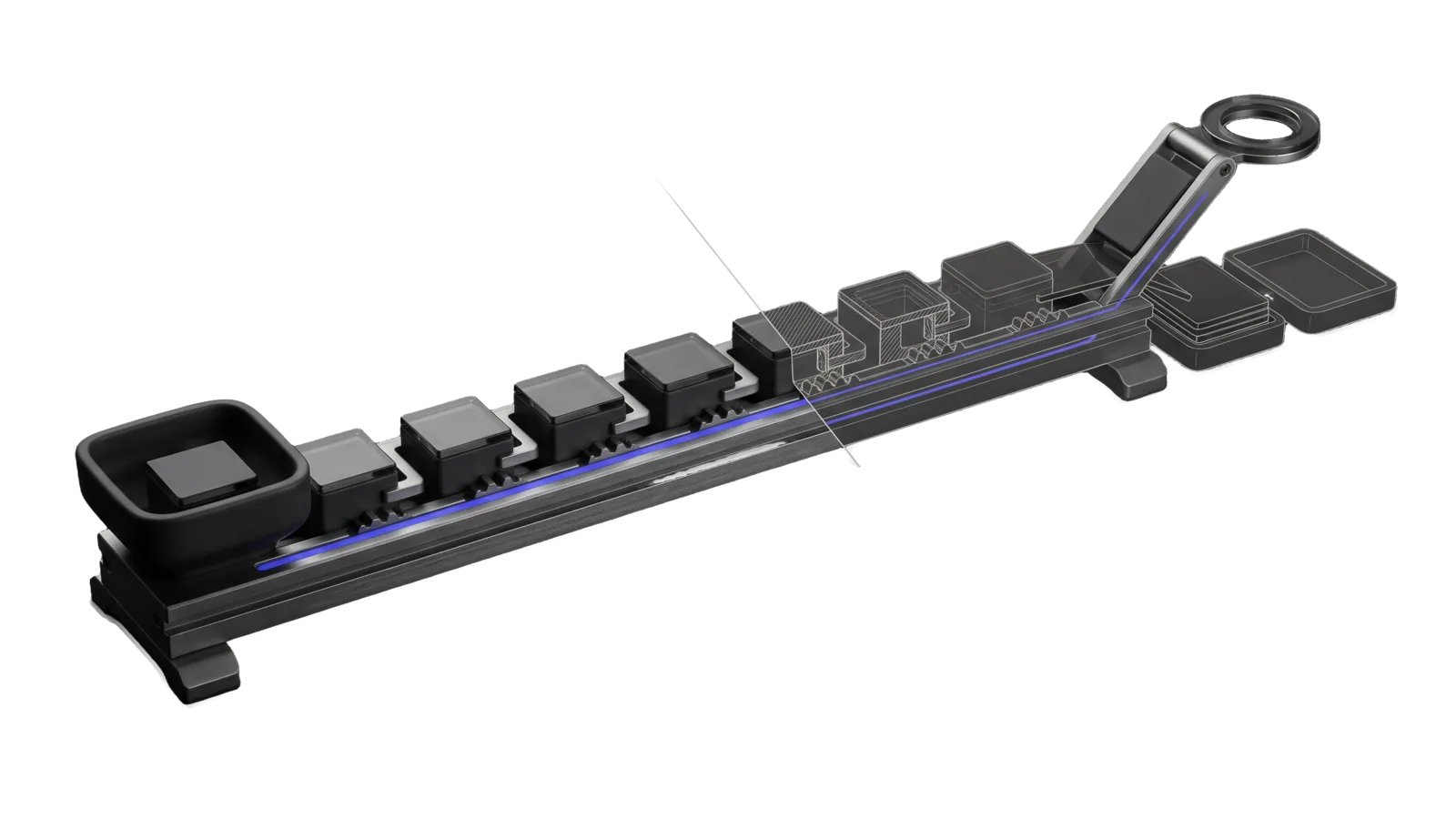
A long rail carries a chain of identical sealed blocks linked over a one-way ratchet, with an intake hopper at one end and a lifting arm with a ring terminal at the other; a thin diagonal cut turns the last blocks and a pair of spare trays into ghosted outline, and an indigo line runs the whole length of the rail.
Productivity

Statvs

Front door to STATVS (said status), the one append-only record of what happened across LifeOS and every app it runs: checks the record's health, says whether a system, app or site reports into it, writes rows, answers what happened, rebuilds and drills views, rewinds and replays past turns, and onboards a system through the five-step migration

07
Workflows
00
Tools
00
References
23
Triggers

Key Points

Not for session status or why is this slow (the s shortcut), posting Vigil events or deciding what to text the principal (Vigil), complaints (Errata), memory recall (Cortex)

Inside the Skill

The thinking, frameworks, and architecture that distinguish this skill from a generic version of the same task.

Ideal State

  • Every answer about the record, a system's coverage or what happened is grounded in output from Statvs.ts or Rewind.ts run this turn, and names the command it came from.
  • "Is X reporting into STATVS" always gets a yes, partial or no verdict per required stream (at least deploy and app-health for a live app), with the writer names and last row time, or the absence, as evidence.
  • Nothing the skill does weakens the record: no edit to a segment, no prune of a forever stream, no deleted old store before its view compares equal and the restore drill passed that day.

Intent Routing

Intent Trigger File
Status "statvs status", "is the record healthy", "verify the record", "status counters", "drill loss", "how far is the migration" Intents/Status.md
Coverage "is X logging to status", "is my site reporting into status", "full status logging for X", "what reports into statvs" Intents/Coverage.md
Append "log this to status", "write a status row", "record this in statvs" Intents/Append.md
Query "what happened", "status tail", "show the rows for X", "when did X last report" Intents/Query.md
Rebuild "rebuild a view", "compare a view", "run the drill", "restore drill", "back up the record" Intents/Rebuild.md
Rewind "rewind a turn", "replay a miss", "rebuild that turn", "prove the fix on the old failure" Intents/Rewind.md
Onboard "onboard X into status", "migrate X to statvs", "make X report into status", "register a stream", "dual-write X" Intents/Onboard.md

Gotchas

  • drill loss counts every unclaimed STATE file, not lost data. A large loss number is mostly files under MEMORY/STATE/ that no registered view claims yet. It measures migration distance; read unclaimed_by_dir and the per-view equal flags before calling anything broken.
  • A view marked unmaterialized has never been written, so it compares unequal. rebuild <view> once materializes it; that is not a mismatch in the data.
  • counters.refused is a running total since the counters file was created, not today's refusals. Report it as a total, and look at tail for what was refused recently.
  • The event stream is written by Vigil's writeEvent, not by Statvs.ts append. Appending a notice-worthy row straight to event skips Vigil's validation and dedup; use Statvs.ts event or Vigil's Emit.
  • "Is it working" starts with Statvs.ts reconcile, not verify. verify proves the rows that exist are intact; only reconcile finds rows that should exist and do not (missed turns, unrecorded refusals, an unshipped backlog, drifted schedules). --hours 24 widens the window; without --emit it only reads. The hourly statvs-reconcile workflow posts each gap to Vigil.
  • The cloud record answers by default. tail, reconcile, tools/Coverage.ts and Rewind.ts read Cloudflare through lib/cloudRead.ts; --local reads this Mac's segments until they are retired (migration ISA F9). The rg lines in the intents' tool contracts search the local segments and miss nothing only while those still exist. compare-cloud --days N proves the two agree. Cloud tail prints cloud rows (with offset, chain, machine, srcHash, and no hash or prev) and widens its window until it has --n rows. Rows of ship: false streams (observe) exist only on the machine that wrote them; the cloud holds a local-only marker and, once seal-copies has run, a sealed ciphertext copy of each row.
  • The s shortcut and the word "status" collide. "Status" alone, with no mention of logging, a record, a system reporting in or STATVS, is the session-status shortcut.

Examples

Example 1: Is a site reporting in

User: "Do we have full status logging enabled for my site?"
→ Coverage intent
→ Per-stream verdict (deploy, app-health, review) with writer names and last row times, or "no rows" for each missing one, and the Onboard step that would close the gap

Example 2: Health of the record

User: "Is statvs healthy?"
→ Status intent
→ verify result, counters, drill loss with what it means, and which systems sit at which migration step

Example 3: Prove a fix on a past miss

User: "Replay the turn behind errata 412 with the new guard"
→ Rewind intent
→ Fixture built with Rewind.ts, Assay.ts replay result saying whether the miss flipped, and which tier of proof that is

Workflows & Routing · 7

Each workflow is one job the skill runs. The trigger phrases route your request to the right one — this is the skill's routing table.

  1. 01
    Status Intents/Status.md

    statvs status, is the record healthy, verify the record, status counters, drill loss, how far is the migration

  2. 02
    Coverage Intents/Coverage.md

    is X logging to status, is my site reporting into status, full status logging for X, what reports into statvs

  3. 03
    Append Intents/Append.md

    log this to status, write a status row, record this in statvs

  4. 04
    Query Intents/Query.md

    what happened, status tail, show the rows for X, when did X last report

  5. 05
    Rebuild Intents/Rebuild.md

    rebuild a view, compare a view, run the drill, restore drill, back up the record

  6. 06
    Rewind Intents/Rewind.md

    rewind a turn, replay a miss, rebuild that turn, prove the fix on the old failure

  7. 07
    Onboard Intents/Onboard.md

    onboard X into status, migrate X to statvs, make X report into status, register a stream, dual-write X

How to Invoke

Say any of these to your DA and LifeOS activates the Statvs skill automatically:

  • "statvs"
  • "status logging"
  • "status record"
  • "the record"
  • "is X logging to status"
  • "is my site reporting into status"
  • "full status logging"
  • "log this to status"
  • "write a status row"
  • "what happened"
  • "status tail"
  • "verify the record"
  • "status counters"
  • "drill"

Or invoke explicitly:

Skill("Statvs")

Want LifeOS to do this for you?

Install LifeOS on your machine — your DA gets the Statvs skill plus 96 others, all hooked into one Life OS.