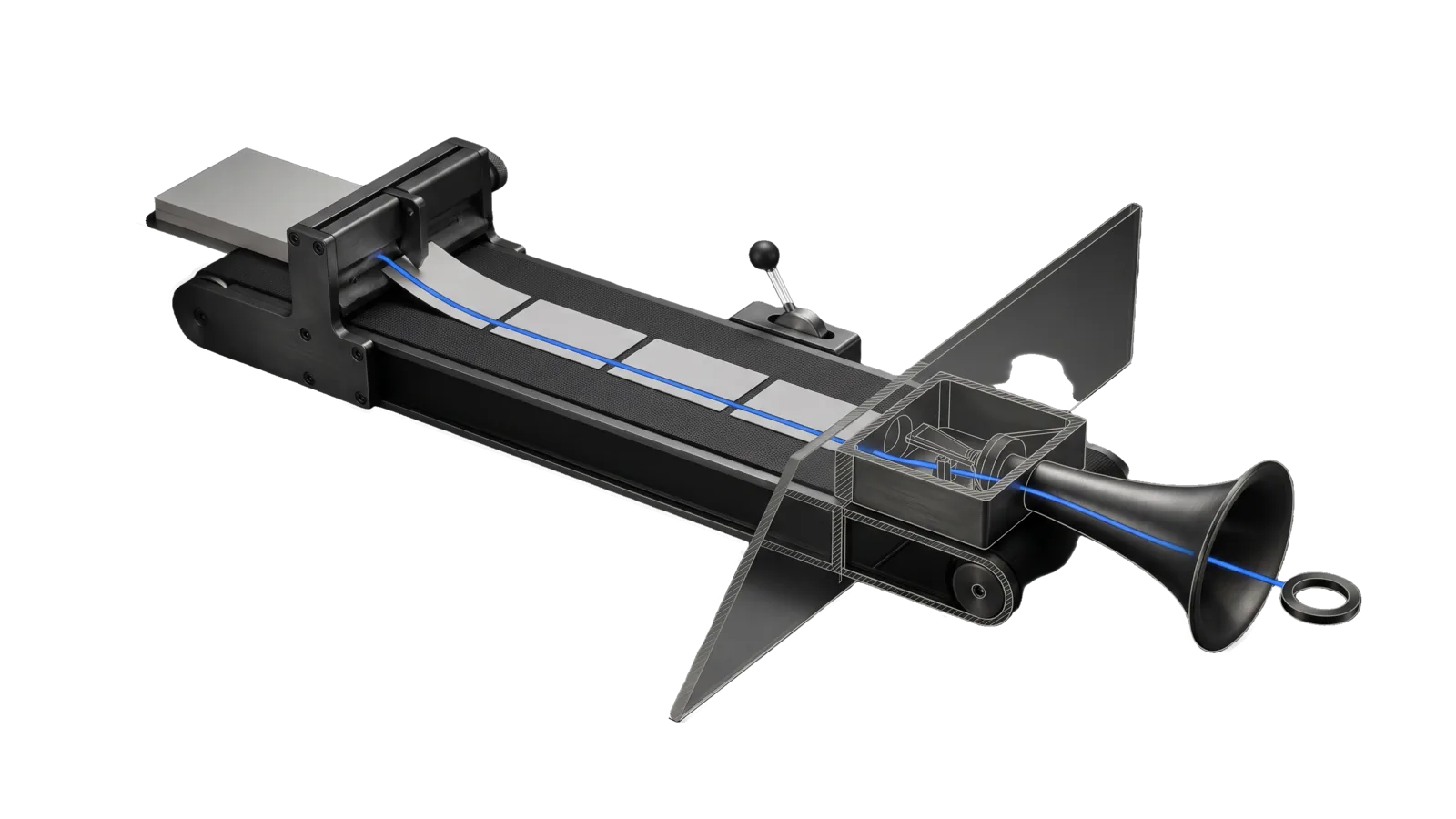
A long dark conveyor with a stack of blank sheets feeding a cutter, a row of cut segments riding the belt toward a voicing chamber and a flared horn, and a small lever with a ball grip beside the belt; a diagonal glass plane cuts through the chamber so its internals are drawn in bone-grey outline, and an electric-blue line runs from the cutter along the segments and out through the horn to a ring.
Other

ReadIt

Reads content aloud in the DA's Fish Audio voice (an article, a file, pasted text, or what the DA just wrote) as one continuous read that starts within seconds and can be paused or stopped

01
Workflow
01
Tool
01
Reference
14
Triggers

Key Points

Not for spoken tutorials (Teach), narrated video essays (the video-essay skill), one-line status notifications (the voice endpoint), or the phone and text lines

Inside the Skill

The thinking, frameworks, and architecture that distinguish this skill from a generic version of the same task.

Ideal State

  • The principal hears the requested content in the DA's voice within seconds, whatever its length, and the running read answers stop, pause, resume and status.
  • What plays is a faithful spoken version of the requested piece: not a summary, and not raw markup read out.
  • Nothing else speaks over the read, and a headless channel never speaks at all.

Intent Routing

Intent Trigger File
Read "read it to me", "ri", "/ri", "read this", "read your write-up", a URL or file to read Intents/Read.md
Control "stop", "pause", "resume", "where are you in the read" Intents/Read.md § Control

References

File Read when
Setup.md first-time setup: the Fish Audio account and key, the voice profile, and a read-only check

Tool contract

bun ~/.claude/skills/ReadIt/Tools/ReadIt.ts read --file <path> [--title "<title>"] [--voice <profile>]
bun ~/.claude/skills/ReadIt/Tools/ReadIt.ts read --text "<short text>"
bun ~/.claude/skills/ReadIt/Tools/ReadIt.ts stop | pause | resume | status
  • Voice: LIFEOS_CONFIG.toml [da.voices.reader] when it has a fish_reference_id, else [da.voices.main]. --voice <name> picks any [da.voices.<name>] profile that has a fish_reference_id; --voice principal uses the voice id in FISH_PRINCIPAL_VOICE_ID. Speech goes through LIFEOS/TOOLS/FishTTS.ts (Fish Audio, Drama 3 model).
  • Key: FISH_API_KEY in the env file. Never printed, never in a URL.
  • Pronunciations: LIFEOS/USER/PRINCIPAL/PRONUNCIATIONS.json, through the one LifeOS pass (LIFEOS/TOOLS/Pronounce.ts) that FishTTS runs on every chunk, homographs like "live" included.
  • Audio and state: ~/Library/Caches/LifeOS/ReadIt/<run>/ (tmpdir on other platforms). Playback is macOS afplay.
  • A headless channel (LIFEOS_NOTIFICATION_CHANNEL=headless, or no terminal identity) prints skipped: headless and exits 0. Scheduled jobs never speak.

Data & Config

User customizations live at <configRoot>/LIFEOS/USER/CUSTOMIZATIONS/SKILLS/ReadIt/ (configRoot is $CLAUDE_CONFIG_DIR when set, else ~/.claude). When it exists, its PREFERENCES.md, configurations and resources override the defaults; otherwise the defaults stand.

First-time setup (the Fish Audio key and voice, macOS playback) is in Setup.md.

Gotchas

  • This skill sends no /notify voice line. The read itself is the voice; a notification would queue in front of it and delay the start.
  • The tool strips markdown as a backstop, but a raw article is not a script. Stripped, tables read as comma lists, headers become bare fragments, and acronyms get spelled out letter by letter.
  • A new read stops the running one. There is no queue.
  • Chunks are capped at 2,400 characters and split at paragraph, then sentence, boundaries. A single-paragraph wall of text still works; it just splits by sentence.
  • Pace is the profile's fish_speed (0.5 to 2.0), sent to Fish as prosody speed. Unset means 1.0. Fish accepts at most 2,500 characters per request, which is why chunks stay under 2,400. Drama 3 tags such as [sigh] and <emphasis> pass through to the voice.
  • Source tree only: On hosts with a low open-file limit, bun test from the repo root can fail with EMFILE. In the source tree, run this skill's test path instead: bun test ./skills/ReadIt/Tools/ReadIt.test.ts. Tests do not ship in the public release.

Examples

Example 1: read what I just wrote

User: "ri"  (after the DA produced a write-up)
→ Read intent: authors a spoken script from the write-up (no tables, no URLs, no headers), writes it to a temp file
→ `ReadIt.ts read --file <tmp> --title "<subject>"`
→ Reply: title, chunk count, estimated minutes; audio is already playing

Example 2: read a URL

User: "/ri https://example.com/some-article"
→ Fetches the article, authors a spoken script of its prose, reads it

Example 3: control

User: "pause"  /  "ok keep going"  /  "stop reading"
→ `ReadIt.ts pause`  /  `resume`  /  `stop`

Workflows & Routing · 1

Each workflow is one job the skill runs. The trigger phrases route your request to the right one — this is the skill's routing table.

  1. 01
    `Intents/Read.md` § Control "stop", "pause", "resume", "where are you in the read"

    stop, pause, resume, where are you in the read

Tools · 1

Deterministic executables the workflows call — the code that does the real work, not prompt scaffolding.

  • ReadIt.ts

How to Invoke

Say any of these to your DA and LifeOS activates the ReadIt skill automatically:

  • "read it to me"
  • "read this to me"
  • "read that aloud"
  • "read it"
  • "ri"
  • "/ri"
  • "play this"
  • "say this out loud"
  • "listen to this"
  • "read the article"
  • "read your write-up"
  • "stop reading"
  • "pause the read"
  • "resume the read"

Or invoke explicitly:

Skill("ReadIt")

References · 1

Auxiliary files the skill loads at runtime — frameworks, guides, configs.

  • Setup

Want LifeOS to do this for you?

Install LifeOS on your machine — your DA gets the ReadIt skill plus 96 others, all hooked into one Life OS.