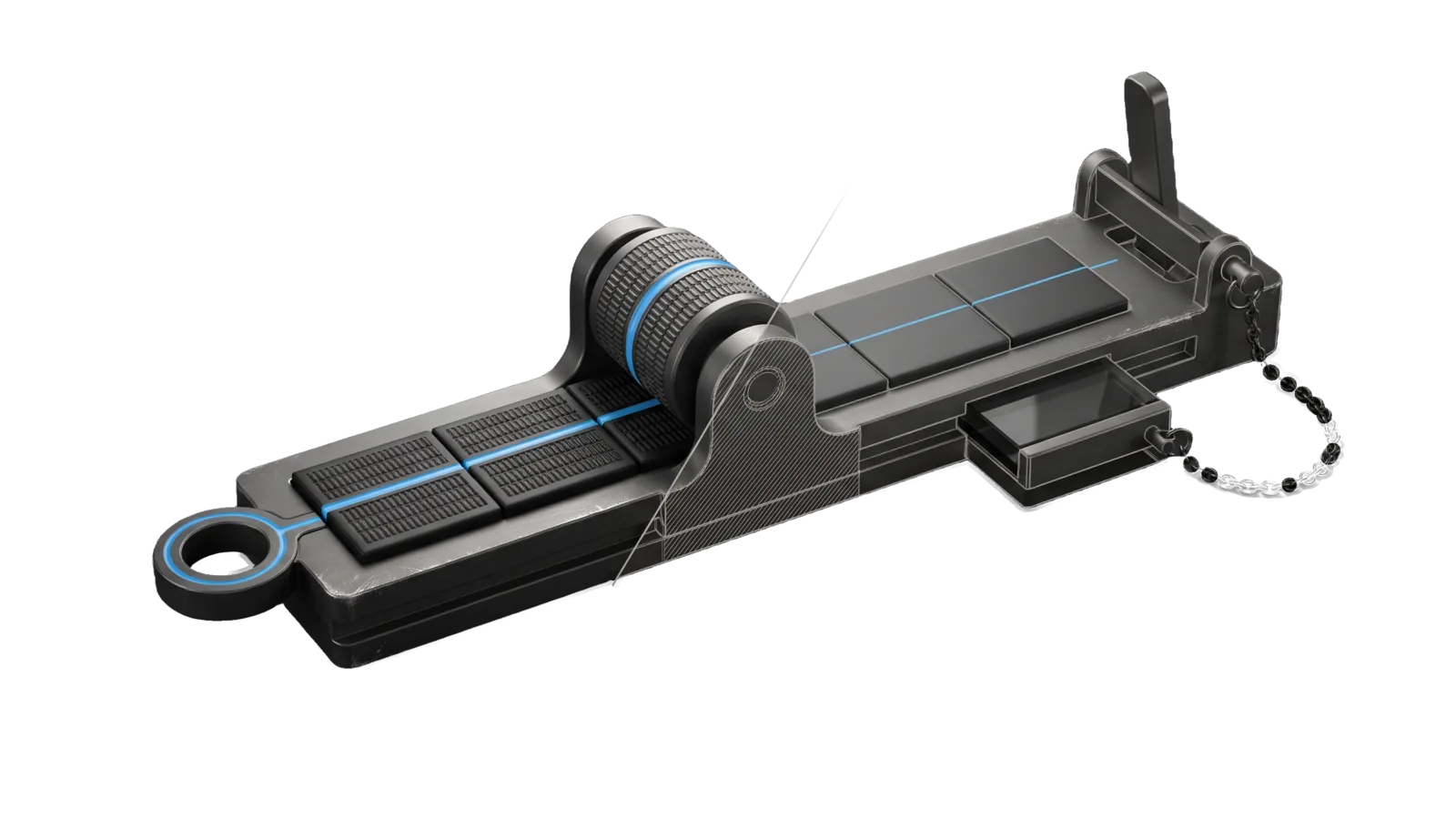
A long machined bed holding a strip of six tiles, a knurled signet roller in a cradle having imprinted the same ridged pattern into the first three while the last three stay smooth, a locked guard bar over a reset lever with a chained backup cassette; a diagonal cut ghosts the far end in bone-grey outline, and a sky-blue line runs from the roller along the tiles into a ring terminal.
Other

Profile

View, edit, or clear the LifeOS User Model (PRINCIPAL_IDENTITY.md) — persistent identity context loaded at session startup.

03
Workflows
00
Tools
01
Reference
10
Triggers

Key Points

  • Three intents: View, Edit (identity, goals, constraints, preferences), Clear (reset)
  • Read by Algorithm OBSERVE and skills for personalization
Not for settings.json or CLAUDE.md edits (use update-config)

Inside the Skill

The thinking, frameworks, and architecture that distinguish this skill from a generic version of the same task.

Ideal State

  • The identity file always exists and loads at startup; Clear replaces its contents and never deletes it.
  • Every change touches only what the principal asked for, leaves the Memory-System Proposals queue to the memory curation loop, and bumps last_updated but never last_reviewed, so the freshness grade stays honest.
  • Clear never overwrites the file without a verified backup and the principal's explicit yes.
  • The file holds context about who the principal is, never executable directives (those belong in CLAUDE.md or the system prompt).
  • Off-limits categories (health, relationship, financial details) enter the file only when the principal explicitly asks for them.

Intent Routing

Intent Trigger File
View "profile", "show profile", "view profile", "who am I", "my profile" Intents/View.md
Edit "edit profile", "update profile", "change profile" Intents/Edit.md
Clear "clear profile", "delete profile", "reset profile" Intents/Clear.md
File Read when
Setup.md first-time setup, a worked example of the identity file on made-up values, and the read-only proof commands

Data & Config

The User Model lives at ~/.claude/LIFEOS/USER/PRINCIPAL/PRINCIPAL_IDENTITY.md (in a standard install LIFEOS/USER is a symlink to ~/.config/LIFEOS/USER, which may be its own private git repo) as markdown with the lifeos-freshness-v1 frontmatter (LIFEOS/DOCUMENTATION/Freshness/FreshnessSystem.md):

last_updated: ISO-8601      # every write, any author
last_updated_by: <author>
convention: lifeos-freshness-v1
last_reviewed: ISO-8601     # principal review only; drives the staleness grade (90-day window for this file)
last_reviewed_by: <principal>

The Interview skill's ContextCheckin intent is the only flow that bumps last_reviewed; this skill's intents read the file on demand when it is viewed or edited.

The same frontmatter also holds the header facts that code reads, so a change to one of these is a change to the YAML key, never to prose:

Key Reader
core (name, pronunciation, timezone) getPrincipal() in hooks/lib/identity.ts, as the fallback only: LIFEOS/USER/CONFIG/LIFEOS_CONFIG.toml [principal] wins for name, pronunciation and timezone
voice_clone the model, through the header-mirror block (no code reader)
preferences getPrincipalPreferences() in hooks/lib/identity.ts
tech_stack getTechStack() in hooks/lib/identity.ts, its only source

LIFEOS/TOOLS/HeaderMirror.ts copies these keys into a generated block in the body, because @-import strips frontmatter; DerivedSync.ts runs it on every hand edit.

The blank template (Intents/Edit.md § Output format) starts the file with four sections: Quick Reference, Worldview, Work Patterns & Communication, and Preferences. Users add their own sections over time, and the memory curation loop may keep an auto-append Memory-System Proposals queue at the bottom. Edit changes the sections that exist in the user's file; it does not impose the template's schema on it. First-time setup, a worked example and a read-only proof: Setup.md.

Gotchas

  • Profile changes take effect next session (or after context reload), because the file is loaded at startup.
  • A fact kept only in frontmatter is invisible to the model unless the header-mirror block carries it; edit the frontmatter, never the generated block. A fact that exists only in frontmatter can be denied by the DA in conversation, because the model never saw it.

Examples

Example 1: View the profile

User: "show my profile"
→ Invokes View intent
→ Reads PRINCIPAL_IDENTITY.md and presents the current user model

Example 2: Edit a section

User: "update my profile — add that I prefer metric units"
→ Invokes Edit intent
→ Updates the Preferences section, bumps `last_updated` and `last_updated_by` (never `last_reviewed`)

Example 3: Reset

User: "clear my profile"
→ Invokes Clear intent
→ Confirms intent, backs the file up to ~/Downloads, then resets PRINCIPAL_IDENTITY.md to the blank template (the file stays; `last_reviewed` is removed so the freshness grade drops until the principal reviews it)

Workflows & Routing · 3

Each workflow is one job the skill runs. The trigger phrases route your request to the right one — this is the skill's routing table.

  1. 01
    Clear Intents/Clear.md
  2. 02
    Edit Intents/Edit.md
  3. 03
    View Intents/View.md

How to Invoke

Say any of these to your DA and LifeOS activates the Profile skill automatically:

  • "profile"
  • "show profile"
  • "view profile"
  • "who am I"
  • "my profile"
  • "edit profile"
  • "update profile"
  • "clear profile"
  • "user model"
  • "PRINCIPAL_IDENTITY"

Or invoke explicitly:

Skill("Profile")

References · 1

Auxiliary files the skill loads at runtime — frameworks, guides, configs.

  • Setup

Want LifeOS to do this for you?

Install LifeOS on your machine — your DA gets the Profile skill plus 96 others, all hooked into one Life OS.