
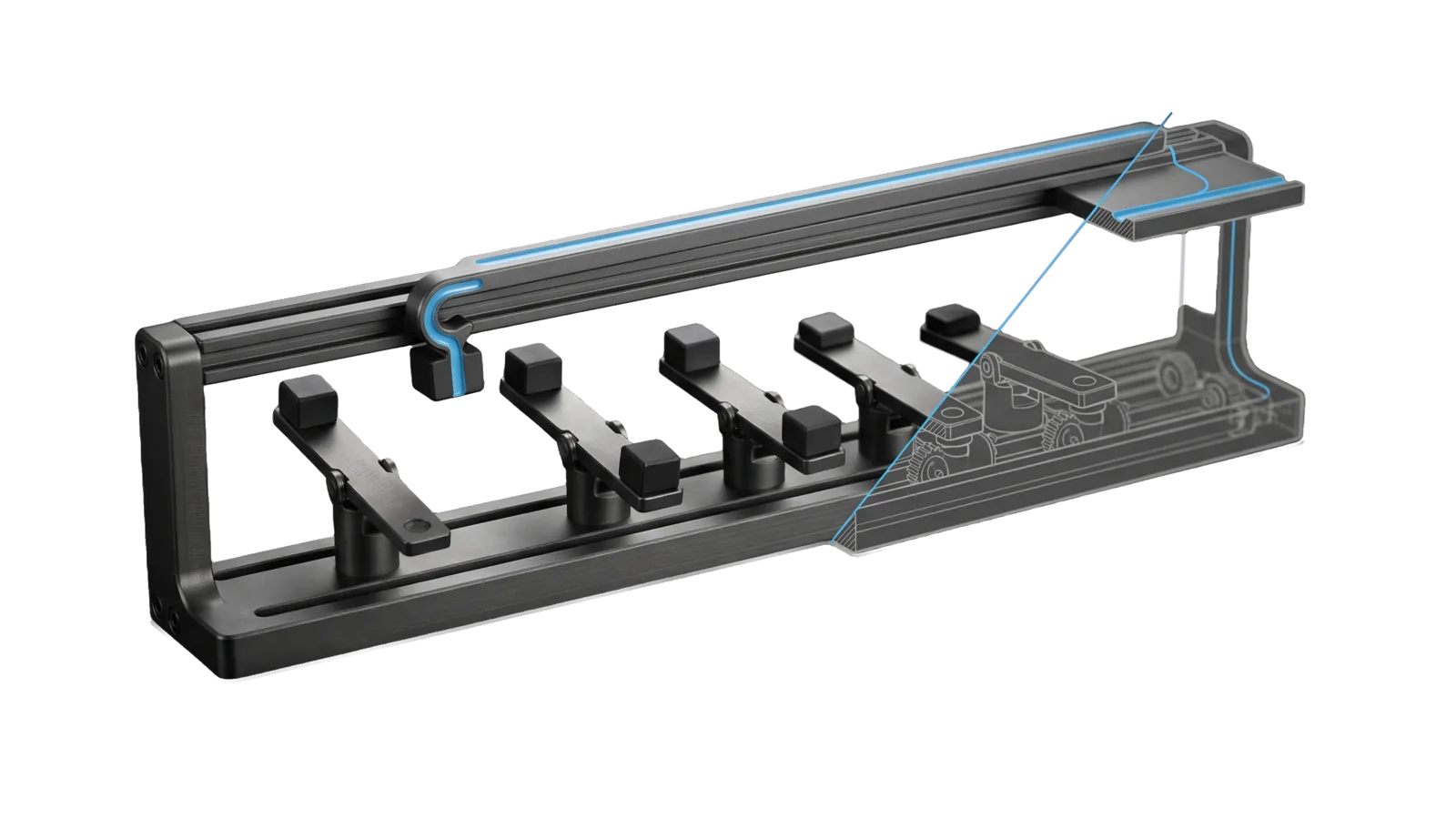
A rail frame carrying five pivoting balance arms with blocks at different tilts under a gantry whose hook lifts the heaviest block toward a raised shelf, cut diagonally so the last arms and the shelf are drawn as ghosted outlines, with a sky-blue line running along the gantry from the hook to the shelf.
Other

Prioritize

Turns everything the system is seeing (open work queue, Synapse-graded bookmarks and stories, new Cortex notes, open upgrade records, TELOS goals) into ranked recommendations of what to work on, shown on the Pulse /prioritize page and refreshed every 2 hours by a cheap OpenAI job

02
Workflows
01
Tool
01
Reference
11
Triggers

Key Points

Not for creating or triaging work issues, the upgrade queue itself (Upgrade), editing TELOS (use `Telos`), or mining one piece of content

Inside the Skill

The thinking, frameworks, and architecture that distinguish this skill from a generic version of the same task.

Ideal State

  • What to work on comes back as a short ranked list, each item naming its next action and the real inputs behind it, with nothing invented.
  • The recommendations are current: a stale latest.json is refreshed first, unchanged inputs cost no model call, and source errors are named rather than hidden.
  • Acting on a pick goes to the skill that owns it under normal permissions; the engine itself never creates, edits or sends anything.

Intent Routing

Intent Trigger File
Run "run prioritize", "refresh priorities", "what should I work on" (when latest is stale) Intents/Run.md
Review "show priorities", "why is X recommended", "let's do the first one", "dismiss that" Intents/Review.md
File Read when
Setup.md first-time install: Config.json, the OpenAI key, the 120-minute schedule

Data & Config

  • Config: LIFEOS/USER/CUSTOMIZATIONS/SKILLS/Prioritize/Config.json (lane, window, budget, limits, principal context, category definitions, and routes: which skill owns the action behind each category). Without it every command exits 1 and points at the setup guide: Setup.md.
  • State: LIFEOS/MEMORY/STATE/prioritize/ (latest.json, status.json, dismissed.json, history/); override with LIFEOS_PRIORITIZE_DIR.
  • Inputs (read-only): LIFEOS/PULSE/state/work-cache.json (optional; skipped with a recorded error when absent), Achilles.ts open-crit --json (rides in the work source), Pulse /api/synapse, KnowledgeQuery.ts, Upgrades.ts list, USER/TELOS/PRINCIPAL_TELOS.md, TELOS.md freshness, LIFEOS_STATE.json, MEMORY/STATE/work-attention.json.
  • Pulse endpoints: GET /api/prioritize (page data), POST /api/prioritize/{dismiss,undismiss,run} (dismissal, detached forced run), at PULSE_URL (default http://localhost:31337).
  • Schedule: a job that runs Prioritize.ts run every 120 minutes, set up with whatever scheduler your install uses; the model call goes through Inference.ts with an OpenAI key (Setup.md).

Gotchas

  • Synapse is read through Pulse /api/synapse; when Pulse is down the capture source errors and the run continues on the rest (recorded in errors).
  • KnowledgeQuery.ts --created-after includes _archive notes; the loader filters them out.
  • PRINCIPAL_TELOS goal text is truncated with "..."; goal ids (G0…) match WorkSweep's goal:G# labels.

Examples

User: "what should I be working on?"
→ Review: read latest.json; if older than the job cadence, Run first
→ Answer with the focus summary and top three, each with its next action and evidence
User: "do the second one"
→ Review: route the recommendation's next action to the skill Config.json `routes` names for its category (a work issue, an Upgrade record, a Telos edit, a draft), under the normal permission rules

Workflows & Routing · 2

Each workflow is one job the skill runs. The trigger phrases route your request to the right one — this is the skill's routing table.

  1. 01
    Run Intents/Run.md

    run prioritize, refresh priorities, what should I work on (when latest is stale)

  2. 02
    Review Intents/Review.md

    show priorities, why is X recommended, lets do the first one, dismiss that

Tools · 1

Deterministic executables the workflows call — the code that does the real work, not prompt scaffolding.

  • Prioritize.ts

How to Invoke

Say any of these to your DA and LifeOS activates the Prioritize skill automatically:

  • "prioritize"
  • "what should I work on"
  • "what should we work on next"
  • "what's most important right now"
  • "recommendations"
  • "what is the system seeing"
  • "run prioritize"
  • "refresh priorities"
  • "show priorities"
  • "why is this recommended"
  • "act on a recommendation"

Or invoke explicitly:

Skill("Prioritize")

References · 1

Auxiliary files the skill loads at runtime — frameworks, guides, configs.

  • Setup

Want LifeOS to do this for you?

Install LifeOS on your machine — your DA gets the Prioritize skill plus 96 others, all hooked into one Life OS.