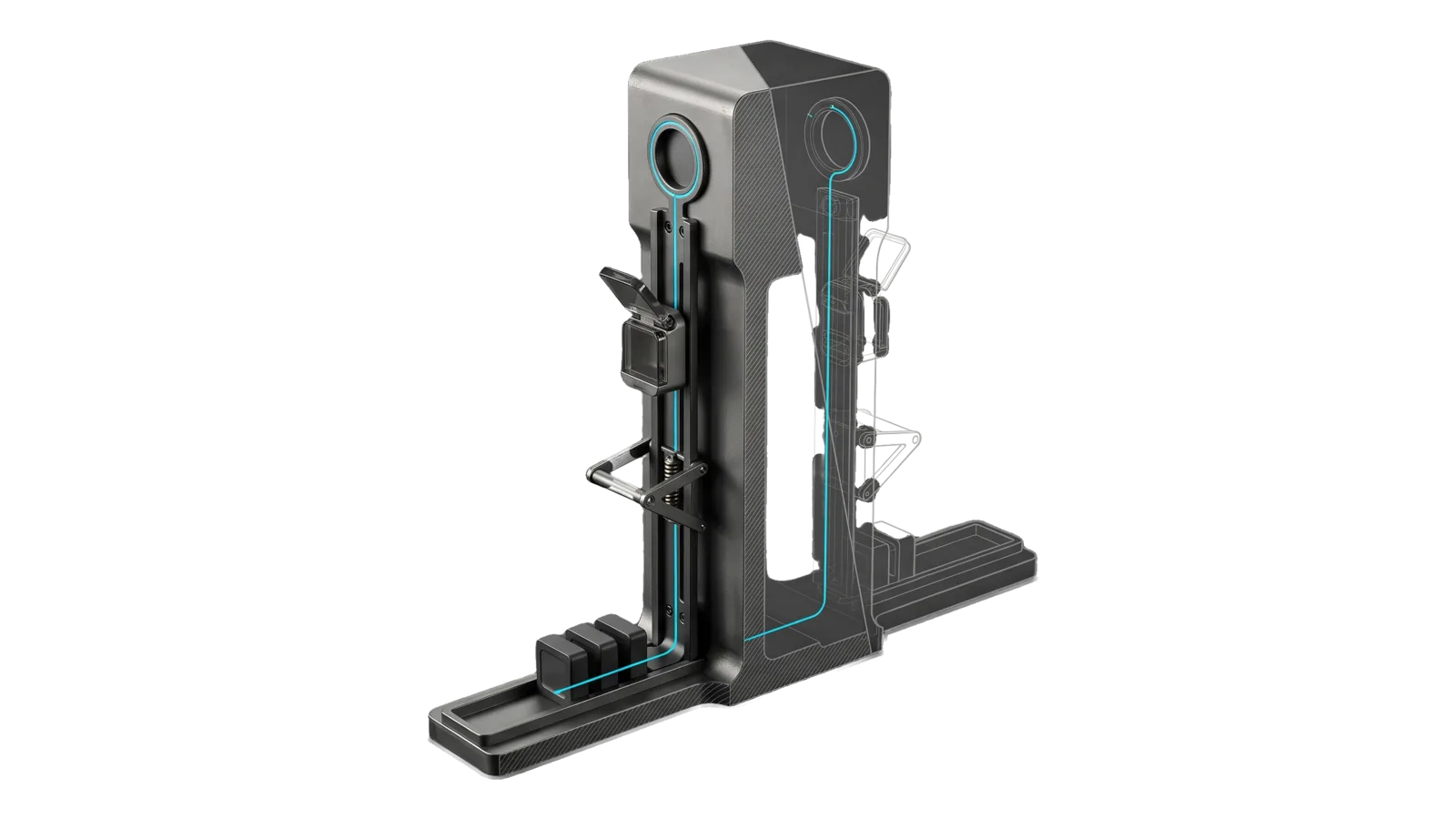
A tall machined housing with a slim vertical rail on its front carrying a small hinged capsule shuttle past a spring-pawl guard gate, a round hatch ring near the top and three small trace blocks in a tray at the foot, the far half of the housing drawn as ghosted bone-grey outline, with a cyan line running from the hatch ring down the rail and along the tray into a trace block.
Other

Hermes

Hermes sidecar observability: health, failure triage, cron, guard blocks, logs, traces

04
Workflows
00
Tools
01
Reference
21
Triggers

Key Points

Not for mounting (LIFEOS/HERMES/Mount.ts), LifeOS services (Services.ts), messaging (the communication skill)

Inside the Skill

The thinking, frameworks, and architecture that distinguish this skill from a generic version of the same task.

Ideal State

  • Every answer about the sidecar is grounded in its own records through the LIFEOS/HERMES/ tools, and success is judged from traces, never from an execution status.
  • Whether sessions actually load the LifeOS soul is always answered, and a blocked soul leads any report it appears in.
  • Every failure or fix names its owner (Policy.ts or soul sources plus a re-mount, the approval allowlist, or upstream Hermes) and the sidecar is never mutated by a diagnosis.

Intent Routing

Intent Trigger File
Status "hermes status", "is hermes healthy", "is the sidecar running LifeOS" Intents/Status.md
Triage "why do hermes tasks fail", "hermes failures", "triage hermes" Intents/Triage.md
Trace "trace that task", "what happened to my message", "show me that hermes session" Intents/Trace.md
Update "update hermes", "upgrade hermes", "is hermes up to date" Intents/Update.md
File Read when
Setup.md first-time setup: installing and mounting the optional sidecar the skill observes, and a read-only check

Data & Config

The sidecar lives in $HERMES_HOME (default ~/.hermes); its mount config is LIFEOS/USER/CONFIG/hermes-trusted-domains.json and heartbeat.json. First-time setup is in Setup.md; without a sidecar the skill reports absent.

Gotchas

  • A "completed" run is not a successful run. Cron executions report completed and sessions end cron_complete even when every meaningful tool call inside was blocked or died on approval. Judge success from the trace, never from the execution status.
  • Use Observe.ts status as the soul-loaded check, never an ad-hoc system_prompt LIKE '[BLOCKED:%' query. When Hermes' safety scanner flags the persona file (SOUL.md) and does not load it, the session runs with no LifeOS constitution, identity, or skills routing, and nothing else about it looks wrong; the Update intent says how to read which pattern matched and decide whether the file or the pattern is at fault. A healthy gateway whose sessions all reject the soul is the worst state, because it looks fine. A blocked soul is the usual single upstream cause behind skill-routing failures: every downstream oddity in a trace (no skill routing, no identity, no output contract) usually follows from that one fact. Since the 2026-08-15 Hermes update the inline sessions.system_prompt column is blank and prompts live in the system_prompts hash store, so a raw query on that column reads green while the soul is blocked; Observe.ts resolves through the store. status --assert-lifeos exits 2 "unproven" when it saw no sessions or could not read the DB.
  • blocked.jsonl carries no session id. Guard blocks correlate to sessions by time window only; concurrent sessions can cross-attribute. The agent error log ([session_id] tags) is the authoritative per-session record.
  • Open every sidecar database read-only. state.db belongs to a live gateway; a stray write lock can wedge it. Observe.ts does this; ad-hoc sqlite3 must use file:...?mode=ro (and note the sqlite3 CLI sometimes refuses URI mode — prefer the tool).
  • Some guard blocks are by design. Voice-notification denies (*31337/notify* etc.) enforce the no-terminal-no-voice rule for sidecar sessions — they are policy working, not a defect. Triage separates by-design blocks from false positives before recommending policy changes.
  • Credential files are listed, never read. .env and auth.json appear in reports as size+mtime only — same rule the guard enforces on the sidecar.
  • Config blocks reload differently: approvals are mtime-cached (live), the model block is read at gateway start. Changing model.default does nothing to running channels until the gateway restarts (launchctl kickstart -k on its service label — never Hermes' in-process restart, which spawns the KeepAlive restarter loop). Verify the switch from the next session's model column, not from the config file.
  • Channel sessions pin their system prompt at creation. A long-lived iMessage/chat session keeps the soul it was born with — soul fixes and doctrine changes only reach it after a session boundary (/new from the user, or the session_reset policy). A session can look soul-loaded while running a weeks-old soul.
  • An upstream update can silently re-block the soul. Hermes scans SOUL.md with its threat-pattern library at every session start; an update that adds patterns can reject a soul that scanned clean yesterday, and nothing visible changes except every session running without its constitution. Mount.ts --check re-runs their scanner and the --assert-lifeos Bunker row watches live sessions — the Update intent's post-update battery exists because of this class.

Examples

Example 1: A task sent from a messaging channel failed

User: "My iMessage task to Hermes failed again — what happened?"
→ Trace intent
→ Returns: what was asked, every wall it hit (guard block / approval / soul state), where it died, the fix

Example 2: Recurring failures

User: "Hermes tasks keep failing — triage it"
→ Triage intent
→ Returns classified failure report with per-class root cause and concrete fix, worst first

Example 3: Health check

User: "Is the sidecar healthy?"
→ Status intent
→ Returns one-screen report: process state, whether sessions actually load LifeOS, mount drift, top failure classes

Workflows & Routing · 4

Each workflow is one job the skill runs. The trigger phrases route your request to the right one — this is the skill's routing table.

  1. 01
    Status Intents/Status.md

    hermes status, is hermes healthy, is the sidecar running LifeOS

  2. 02
    Triage Intents/Triage.md

    why do hermes tasks fail, hermes failures, triage hermes

  3. 03
    Trace Intents/Trace.md

    trace that task, what happened to my message, show me that hermes session

  4. 04
    Update Intents/Update.md

    update hermes, upgrade hermes, is hermes up to date

How to Invoke

Say any of these to your DA and LifeOS activates the Hermes skill automatically:

  • "hermes"
  • "sidecar"
  • "hermes failed"
  • "hermes task failed"
  • "iMessage task failed"
  • "message task failed"
  • "why did hermes fail"
  • "hermes not calling LifeOS"
  • "hermes status"
  • "hermes health"
  • "trace hermes"
  • "hermes session"
  • "hermes logs"
  • "hermes cron"

Or invoke explicitly:

Skill("Hermes")

References · 1

Auxiliary files the skill loads at runtime — frameworks, guides, configs.

  • Setup

Want LifeOS to do this for you?

Install LifeOS on your machine — your DA gets the Hermes skill plus 96 others, all hooked into one Life OS.