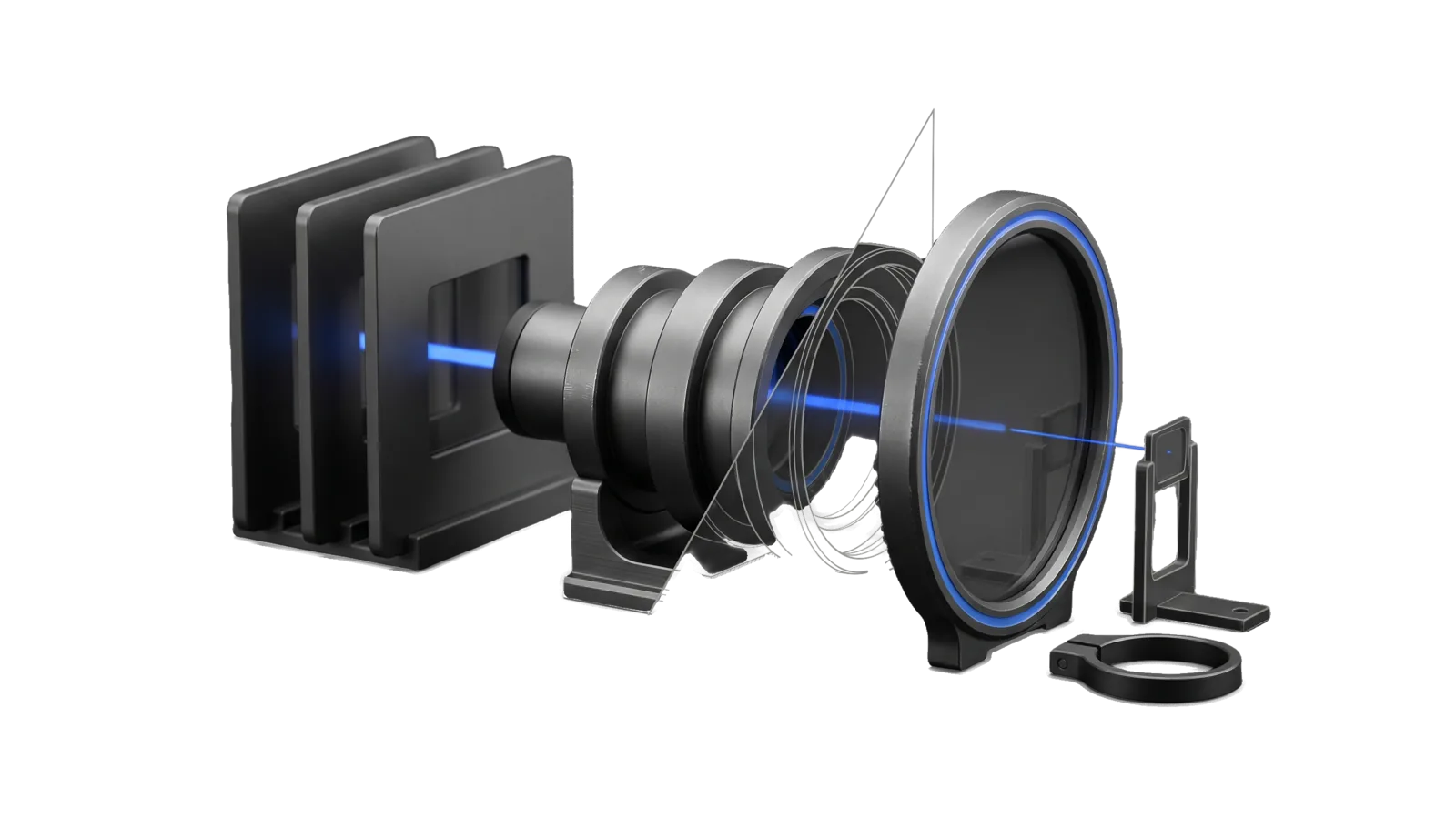
Three blank slide blanks in a rack feeding a stepped three-ring lens barrel that points at a large empty oval bezel on a foot, cut diagonally so the barrel rings are drawn as ghosted outlines, with one electric-blue beam running from the middle slide through the barrel to the centre of the bezel.
Other

Headshot

Generates professional AI headshots of the principal via Nano Banana Pro from 1-3 reference images, staged to Downloads for review

01
Workflow
01
Tool
01
Reference
12
Triggers

Key Points

Not for general art or diagrams (Art), non-headshot images of the principal (Art with reference images), video avatars (HyperFrames), headshots of anyone else

Inside the Skill

The thinking, frameworks, and architecture that distinguish this skill from a generic version of the same task.

Ideal State

  • Every headshot is recognizably the subject, because its face comes from approved real reference photos whose energy matches the requested expression.
  • Each output lands at the size and ratio its use needs and is saved in the subject's USER data, never in the skill tree.
  • Nothing reaches the principal as a first draft, and nothing public ships until the principal has picked it.

Intent Routing

Intent Trigger File
CreateHeadshot "headshot", "profile picture", "LinkedIn photo", "professional photo", "update profile pic" Intents/CreateHeadshot.md
File Read when
References/ReferenceLibrary.md choosing references: the approved pool, scene plates, energy-matching rules, growing the pool
Setup.md first-time setup, or Headshot.ts check exits non-zero
Tools/ Tools/headshot.help.md holds the full CLI flag reference

Data & Config

Everything about the subject lives in <configRoot>/LIFEOS/USER/CUSTOMIZATIONS/SKILLS/Headshot/Config.md (configRoot is $CLAUDE_CONFIG_DIR when set, else ~/.claude): the directory of approved reference photos with a sentiment for each, the default look (attire, backdrop, mood), and optional scene plates. This skill body is generic and ships no photos or looks; first-time setup is Setup.md.

  • Tools/Headshot.ts check verifies the config, that the listed photos exist, and that GOOGLE_API_KEY is set. Run it before any generation; when it exits non-zero, stop and report what it printed, which points at Setup.md.
  • Generated headshots (the subject's face) are written to LIFEOS/USER/CUSTOMIZATIONS/SKILLS/Headshot/generated-headshots/, never into the skill tree. API keys come from the env file: GOOGLE_API_KEY (from <configRoot>/.env).

Quality loop

Nothing this skill produces reaches the owner as a first draft. The artifact goes through Skill("ArtDirection"): a direction council before new or large work, then the cross-vendor critique panel (skills/ArtDirection/Tools/Critique.ts) scores it against the rubric and names defects, then this skill iterates on those defects until the bar or reports the shortfall. Hand-over is skills/ArtDirection/Tools/Deliver.ts, which refuses without a passing critique. Record the owner's verdict with skills/ArtDirection/Tools/Calibrate.ts.

Gotchas

  • Consent. Use only photos of yourself or of people who agreed to have their likeness used. Never generate a headshot of anyone else from their photo without their consent.
  • Generation never writes to ~/Downloads/ (ArtDirection, 2026-09-17). Output goes to generated-headshots/; a copy reaches ~/Downloads/ only through Deliver.ts after a passing critique. This replaces the 2026-03-22 rule to output there first, as all Art outputs once did.
  • Edits inherit the base image's energy. An expression-only edit keeps the mood of the image it starts from, so a tired-looking base (a paused video frame, say) stays tired through any number of expression prompts. If the base's energy is wrong, no prompt fixes it: add a reference photo that already has the energy you want (for example one tagged with an upbeat sentiment in your config) and let it own the face.
  • Edit vs regenerate tradeoff. Full regeneration invents the scene and tends to look generated; strict single-image edits inherit the base's flaws. What usually works is a composite: an approved reference for the face, a real background plate, and an instruction to place the subject in that scene.
  • Likeness for video thumbnails or posters must match the footage. Details visible in the video (clothing, accessories, grooming) and a background taken from the video itself should be checked against real frames, not approved by eye alone. If your install has a thumbnail or video workflow that checks likeness against the footage, use it for this case.

Examples

Example 1: LinkedIn Profile Update

User: "Generate a headshot for my LinkedIn profile"
→ CreateHeadshot
→ A critiqued 2K 1:1 headshot in the default look, delivered to ~/Downloads, original kept under generated-headshots/

Example 2: New profile image for a public site

User: "Make me a new profile picture for the site"
→ CreateHeadshot
→ A labeled pick sheet of 2-4 critiqued variants; nothing on the site changes until the principal picks one

Example 3: Specific Style Request

User: "I need a headshot with professional lighting, 3:4 ratio"
→ CreateHeadshot
→ A 3:4 portrait-format headshot with the requested lighting, delivered after a passing critique

Workflows & Routing · 1

Each workflow is one job the skill runs. The trigger phrases route your request to the right one — this is the skill's routing table.

  1. 01
    CreateHeadshot Intents/CreateHeadshot.md

Tools · 1

Deterministic executables the workflows call — the code that does the real work, not prompt scaffolding.

  • Headshot.ts

How to Invoke

Say any of these to your DA and LifeOS activates the Headshot skill automatically:

  • "headshot"
  • "profile picture"
  • "avatar"
  • "photo of me"
  • "LinkedIn photo"
  • "profile image"
  • "new headshot"
  • "portrait"
  • "generate my photo"
  • "professional photo"
  • "casual headshot"
  • "update profile pic"

Or invoke explicitly:

Skill("Headshot")

References · 1

Auxiliary files the skill loads at runtime — frameworks, guides, configs.

  • Setup

Want LifeOS to do this for you?

Install LifeOS on your machine — your DA gets the Headshot skill plus 96 others, all hooked into one Life OS.