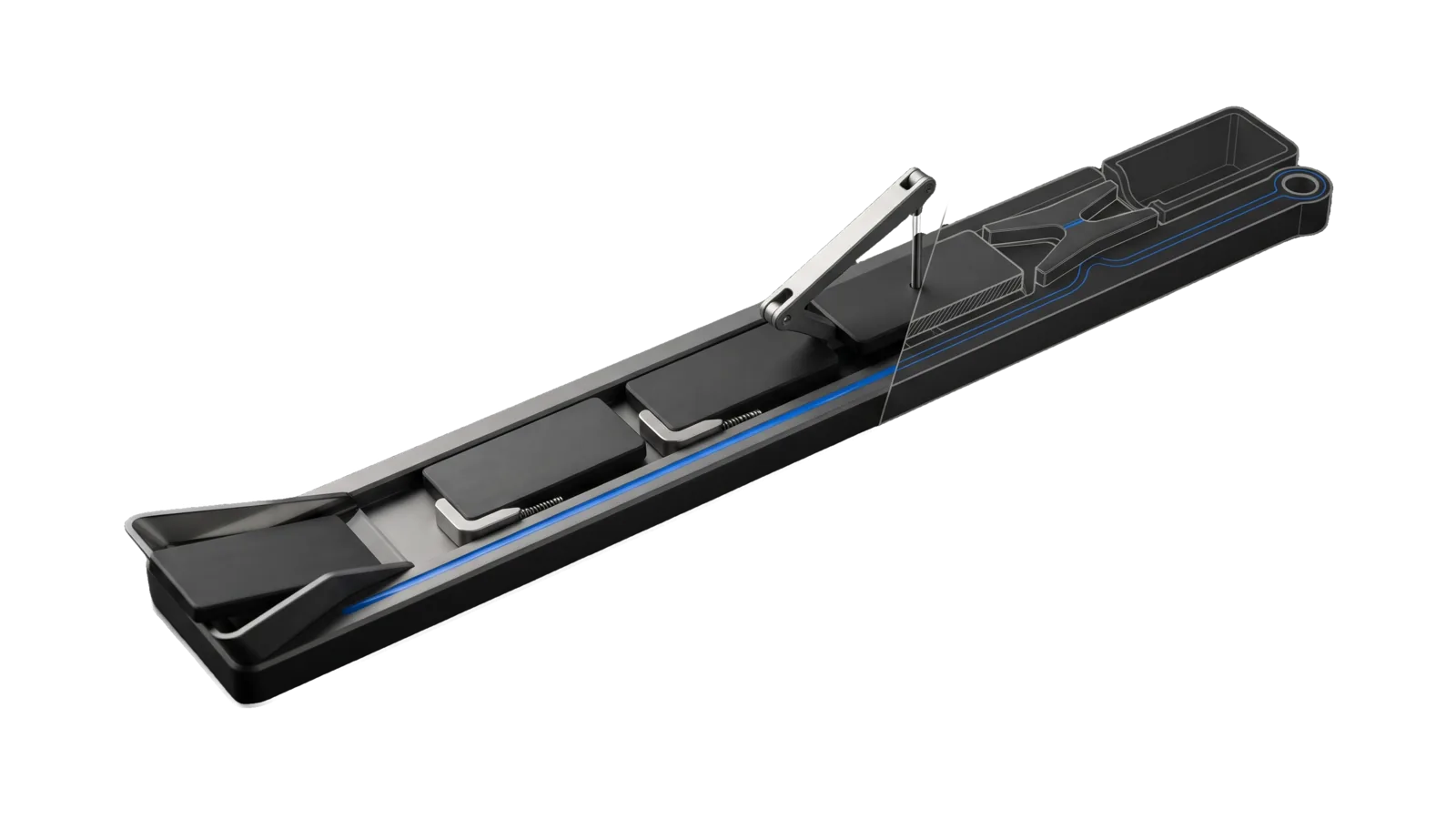
A long low rail on a gentle rise carrying dark slabs in a row, each held by a one-way pawl; a lifted arm drops a pin onto one slab and a diverter fork at the far end, drawn as ghosted outline past a glass section pane, leads to a ring terminal, with one blue line running the length of the rail.
Other

Errata

Front door to Errata, the complaint ledger: file a complaint, bug, feature request, or praise about LifeOS or one of its apps as one JSONL line with context, list recent entries, or run enrichment and triage now

02
Workflows
02
Tools
01
Reference
10
Triggers

Key Points

Not for ratings (a bare number is already captured), standing rules (say 'from now on' and the Upgrades store takes it), incident narratives (the incident runbooks), or the Upgrades queue itself (Upgrade)

Inside the Skill

The thinking, frameworks, and architecture that distinguish this skill from a generic version of the same task.

Ideal State

  • Every deliberate complaint, bug, feature request or praise the principal files becomes exactly one ledger line holding the principal's own words and enough context to investigate it a month later.
  • Nothing in the ledger is invented at capture: no paraphrase, no estimated rating, no summary or tag the principal did not give, and no standing rule filed here as well as in the Upgrades store.
  • Review and triage work from the same live ledger the hook and the daily job write, so what the principal reads back and what becomes an Upgrades record is one set.

Intent Routing

Intent Trigger File
Record /er <text>, "file this", "log a complaint", "feature request:" Intents/Record.md
Review /er review, "what have I complained about", "recent errata" Intents/Review.md
Triage /er triage, "triage errata", "enrich the errata" Intents/Triage.md
Send "feedback, send feedback upstream, report this to LifeOS, file an issue on LifeOS, /feedback" Intents/Send.md

References

File Read when
Setup.md first-time setup: the GitHub CLI login the Send intent needs, the ledger paths, and a read-only proof

Data & Config

User customizations live at <configRoot>/LIFEOS/USER/CUSTOMIZATIONS/SKILLS/Errata/ (configRoot is $CLAUDE_CONFIG_DIR when set, else ~/.claude). When that directory exists, its PREFERENCES.md, configurations and resources override the defaults here; when it is absent, the defaults stand.

The ledger lives at <configRoot>/LIFEOS/USER/ERRATA/ (override: ERRATA_DIR); attachments at ~/.local/state/lifeos/errata/ (override: ERRATA_STATE_DIR). Schema and store: LIFEOS/ERRATA/Schema.ts, LIFEOS/ERRATA/Store.ts. System doc: LIFEOS/DOCUMENTATION/Errata/ErrataSystem.md.

First-time setup: Setup.md.

Gotchas

  • Capture is verbatim because nothing can regenerate it. The no-paraphrase and no-estimated-rating rules in Record exist because an earlier failure log let machine-filled ratings in, and those fabricated values poisoned every analysis built on it (2026-09-17 design decision). The schema validator refuses a machine source that carries a rating.

Examples

/er the deploy said live but the page still 404s
/er bug: /socrates renders the stale banner even after a fresh tick
/er feature: let me rate a response from the phone
/er praise: the triage report named the fix before I asked
/er --product the installer assumes zsh
/er review
/er triage

Workflows & Routing · 2

Each workflow is one job the skill runs. The trigger phrases route your request to the right one — this is the skill's routing table.

  1. 01
    `Intents/Review.md` /er review`, "what have I complained about", "recent errata"

    /er review, what have I complained about, recent errata

  2. 02
    `Intents/Triage.md` /er triage`, "triage errata", "enrich the errata"

    /er triage, triage errata, enrich the errata

Tools · 2

Deterministic executables the workflows call — the code that does the real work, not prompt scaffolding.

  • Er.ts
  • Send.ts

How to Invoke

Say any of these to your DA and LifeOS activates the Errata skill automatically:

  • "/er"
  • "errata"
  • "file feedback"
  • "log a complaint"
  • "this is broken and I want it recorded"
  • "feature request for LifeOS"
  • "that answer was wrong log it"
  • "review errata"
  • "triage errata"
  • "what have I complained about"

Or invoke explicitly:

Skill("Errata")

References · 1

Auxiliary files the skill loads at runtime — frameworks, guides, configs.

  • Setup

Want LifeOS to do this for you?

Install LifeOS on your machine — your DA gets the Errata skill plus 96 others, all hooked into one Life OS.