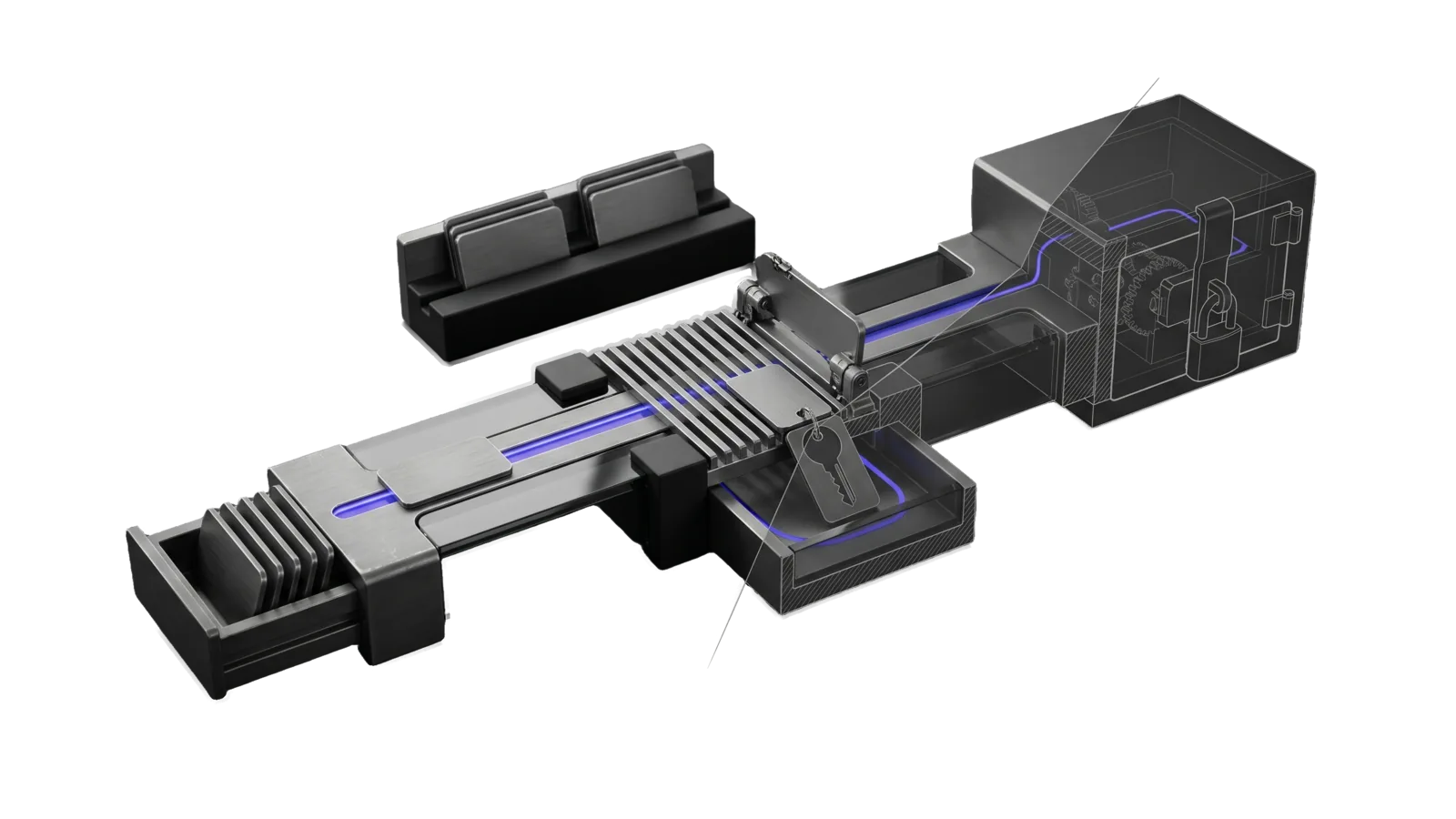
A loading drawer of flat tabs feeding a rail through a comb grate that tips one key-tagged tab into a reject trough, with the rest continuing to a padlocked vault box, cut diagonally so the far half of the grate and vault are drawn as ghosted outlines, with an indigo line running along the rail past the grate into the vault.
Security

Dotfiles

Manage ~/.zshrc and a chosen set of ~/.config/ directories (you name them in Config.md) against a private GitHub dotfiles repo.

06
Workflows
01
Tool
01
Reference
06
Triggers

Key Points

  • Intents: Push (verify private remote, scan secrets), Pull (clone/diff), Sync, Restore (timestamped backup), Status, Backup (local timestamped copy)
  • Security scan blocks .env, secrets, tokens before push
  • NEVER commits to public repos
Not for app configs unrelated to shell/editor/terminal

Inside the Skill

The thinking, frameworks, and architecture that distinguish this skill from a generic version of the same task.

Ideal State

  • Every push lands only in $DOTFILES_REPO, after GitHub reported it private (gh repo view --json isPrivate printed true) both before any other Push step and again just before the push, and after gitleaks exited 0 on the staged diff and on every unpushed commit; any failed check, or gitleaks missing, stopped the run before a commit or push.
  • Only configs enter the repo or a backup: Push copies and stages the files the repo already tracks, a new config enters by name, every local backup (Backup, and Restore's backup before it overwrites) copies the DOTFILES_CONFIG_DIRS directories with secret files excluded, and Restore's also copies every tracked .config file it will overwrite, and the whole ~/.config is never copied or staged.
  • Every comparison of local and repo (Pull, Sync, Status, and Restore's check after it copies) covers .zshrc and the files git ls-files .config lists, so a report names only real dotfile differences and a clean machine reports none.
  • No local file is overwritten before a timestamped backup exists in $DOTFILES_BACKUPS and the user confirmed; Pull, Sync and Status leave every local file unchanged.
  • Every run reports the files it changed, the repository it verified, the security check result, the commit hash when it committed, and the next intent to run.

Intent Routing

Intent Trigger File
Push "push dotfiles", "update dotfiles" (default) Intents/Push.md
Pull "pull dotfiles", new machine setup Intents/Pull.md
Sync "sync dotfiles", unsure of direction Intents/Sync.md
Restore "restore dotfiles", recover config Intents/Restore.md
Status "check dotfiles status", "dotfiles status" Intents/Status.md
Backup "backup dotfiles", local timestamped copy Intents/Backup.md
File Read when
Setup.md first-time setup, or Tools/Config.ts stopped on a missing Config.md or key

Data & Config

This skill ships no personal data. All private values live in the USER tree at <configRoot>/LIFEOS/USER/CUSTOMIZATIONS/SKILLS/Dotfiles/Config.md (configRoot is $CLAUDE_CONFIG_DIR when set, else ~/.claude): the keys DOTFILES_DIR, DOTFILES_BACKUPS, DOTFILES_REPO, DOTFILES_REPO_SLUG and DOTFILES_CONFIG_DIRS. Every intent opens with this Config command, which runs Tools/Config.ts, exports those keys and exits non-zero (stopping the intent) when the file or a required key is missing. Nothing has a built-in default. First-time setup: Setup.md.

DOTFILES_ENV="$(bun ~/.claude/skills/Dotfiles/Tools/Config.ts)" || exit 1; eval "$DOTFILES_ENV"   # exports DOTFILES_DIR, DOTFILES_BACKUPS, DOTFILES_REPO, DOTFILES_REPO_SLUG, DOTFILES_CONFIG_DIRS

Tool contract

Recipes two or more intents share. Each runs after the Config command.

Remote check — the remote is the configured repo AND GitHub says it is private

Push runs it before any other step and again before the push. Status runs it inside a subshell, ( … ), so a STOP line becomes the report's remote warning and the rest of the report still runs. In Push, any STOP line ends the intent: no pull, no commit, no push.

cd "$DOTFILES_DIR" || { echo "STOP: no dotfiles clone at $DOTFILES_DIR"; exit 1; }
REMOTE=$(git remote get-url origin) || { echo "STOP: the clone has no origin remote"; exit 1; }
[ "$REMOTE" = "$DOTFILES_REPO" ] || { echo "STOP: origin is $REMOTE, expected $DOTFILES_REPO"; exit 1; }
PRIVATE=$(gh repo view "$REMOTE" --json isPrivate -q .isPrivate) || { echo "STOP: cannot read the repo's visibility from GitHub (gh auth status?)"; exit 1; }
[ "$PRIVATE" = "true" ] || { echo "STOP: $REMOTE is not private (isPrivate=$PRIVATE)"; exit 1; }
echo "OK: origin is $REMOTE, private"

The visibility check is the one that matters: the equality line only proves origin matches the configured URL, not that the repo is private. gh repo view accepts the SSH, HTTPS, or OWNER/REPO form of the remote.

Compare local and repo — tracked files only

Run from $DOTFILES_DIR. Prints one line per .zshrc or tracked .config file that is missing at home or differs from the clone; no output means they match. Never diff -qr ~/.config/ .config/: the repo tracks a subset, so a whole-directory diff lists every app's data and never comes back clean.

{ echo .zshrc; git ls-files .config; } | while IFS= read -r f; do
  if [ ! -e "$HOME/$f" ]; then echo "missing locally: $f"
  elif ! cmp -s "$HOME/$f" "$f"; then echo "differs: $f"; fi
done

Backup copy — Backup, and Restore before it overwrites

Sets $timestamp and $backup_dir, copies ~/.zshrc and the DOTFILES_CONFIG_DIRS directories, and leaves secret files out. It sets $backup_ok to 1 only when every copy succeeded; Restore overwrites nothing unless $backup_ok is 1.

timestamp=$(date +%Y%m%d_%H%M%S)
backup_dir=$DOTFILES_BACKUPS/$timestamp
backup_ok=1
mkdir -p "$backup_dir/.config" || backup_ok=0
if [ -f ~/.zshrc ]; then
    if cp ~/.zshrc "$backup_dir/.zshrc"; then echo "✅ Backed up .zshrc"; else echo "❌ .zshrc backup failed"; backup_ok=0; fi
fi
# Backup the directories named in Config.md (not entire .config to save space).
# $(printf ...) word-splits in zsh and bash alike; a bare $DOTFILES_CONFIG_DIRS is one word in zsh.
for dir in $(printf '%s' "$DOTFILES_CONFIG_DIRS"); do
    if [ -d ~/.config/$dir ]; then
        # No secrets in a backup: a tool's directory can hold its own .env or token
        # files, and every backup would be another plaintext copy.
        rsync -a --exclude='.env' --exclude='.env.*' --exclude='*.oauth' --exclude='*oauth*.json' \
            --exclude='*token*.json' --exclude='client_secret*.json' --exclude='credentials*' \
            --exclude='auth.json' ~/.config/$dir "$backup_dir/.config/" \
            && echo "✅ Backed up .config/$dir" || { echo "❌ .config/$dir backup failed"; backup_ok=0; }
    fi
done
if [ "$backup_ok" = 1 ]; then echo "Backup complete at: $backup_dir"; else echo "❌ Backup INCOMPLETE at: $backup_dir. Do not restore or overwrite anything."; fi

Restore from a backup — rollback

The one rollback recipe; Restore and Backup point here. It overwrites local files, so it follows the same rule as Restore: a fresh backup of the current files first, then the user's yes.

  1. Pick the backup to roll back to, before taking the fresh one (which becomes the newest):
ls -lt "$DOTFILES_BACKUPS"/
backup=$DOTFILES_BACKUPS/YYYYMMDD_HHMMSS   # the chosen timestamp
[ -d "$backup" ] || { echo "STOP: no backup at $backup"; exit 1; }
  1. Run the Backup copy above, so the current files can be recovered from $backup_dir.
  2. Show the user $backup (the source), $backup_dir (the fresh backup) and the files that will be overwritten (.zshrc and each DOTFILES_CONFIG_DIRS directory present under $backup/.config), and wait for their yes.
  3. Only after that yes:
[ "$backup_ok" = 1 ] || { echo "STOP: the fresh backup is incomplete; nothing restored"; exit 1; }
[ -f "$backup/.zshrc" ] && cp "$backup/.zshrc" ~/.zshrc
# Only the configured directories: the fresh backup covers those and nothing else.
for dir in $(printf '%s' "$DOTFILES_CONFIG_DIRS"); do
    [ -d "$backup/.config/$dir" ] && cp -R "$backup/.config/$dir" ~/.config/
done
echo "Rolled back from $backup; previous files saved at $backup_dir"

Reloading in the agent's shell changes nothing for the user. Tell them to run exec zsh (or source ~/.zshrc) in their own terminal.

Gotchas

  • Dotfiles holds configs only, and the repo's tracked list decides what counts. Push copies tracked files and stages tracked files; a new config is added by name. The config directory can also hold application data and credentials, so never stage or copy it whole; ignore data and credential directories in .config/.gitignore.

Examples

Example 1: Push dotfiles after config changes

User: "push dotfiles"
→ Verifies private repo, checks for sensitive files
→ Copies .zshrc and the tracked .config/ files to repo
→ Stages tracked files only, commits, pushes to GitHub

Example 2: Set up a new machine

User: "pull dotfiles"
→ Clones/pulls latest from private repo
→ Shows diff between local and repo versions; local files stay unchanged
→ Then the Restore intent copies them home, after a timestamped backup and the user's yes

Example 3: Check what's changed

User: "check dotfiles status"
→ Compares local .zshrc and .config/ with repo
→ Shows uncommitted changes and sync status
→ Verifies remote is correct private repo

Example 4: Unsure which direction to sync

User: "sync dotfiles"
→ Sync intent: shows the tracked files that differ and which side changed each one, changes nothing
→ Recommends Push or Restore

Workflows & Routing · 6

Each workflow is one job the skill runs. The trigger phrases route your request to the right one — this is the skill's routing table.

  1. 01
    Backup Intents/Backup.md
  2. 02
    Pull Intents/Pull.md
  3. 03
    Push Intents/Push.md
  4. 04
    Restore Intents/Restore.md
  5. 05
    Status Intents/Status.md
  6. 06
    Sync Intents/Sync.md

Tools · 1

Deterministic executables the workflows call — the code that does the real work, not prompt scaffolding.

  • Config.ts

How to Invoke

Say any of these to your DA and LifeOS activates the Dotfiles skill automatically:

  • "dotfiles"
  • "push/pull/sync dotfiles"
  • "zshrc"
  • "restore config"
  • "backup config"
  • "new machine setup"

Or invoke explicitly:

Skill("Dotfiles")

References · 1

Auxiliary files the skill loads at runtime — frameworks, guides, configs.

  • Setup

Want LifeOS to do this for you?

Install LifeOS on your machine — your DA gets the Dotfiles skill plus 96 others, all hooked into one Life OS.