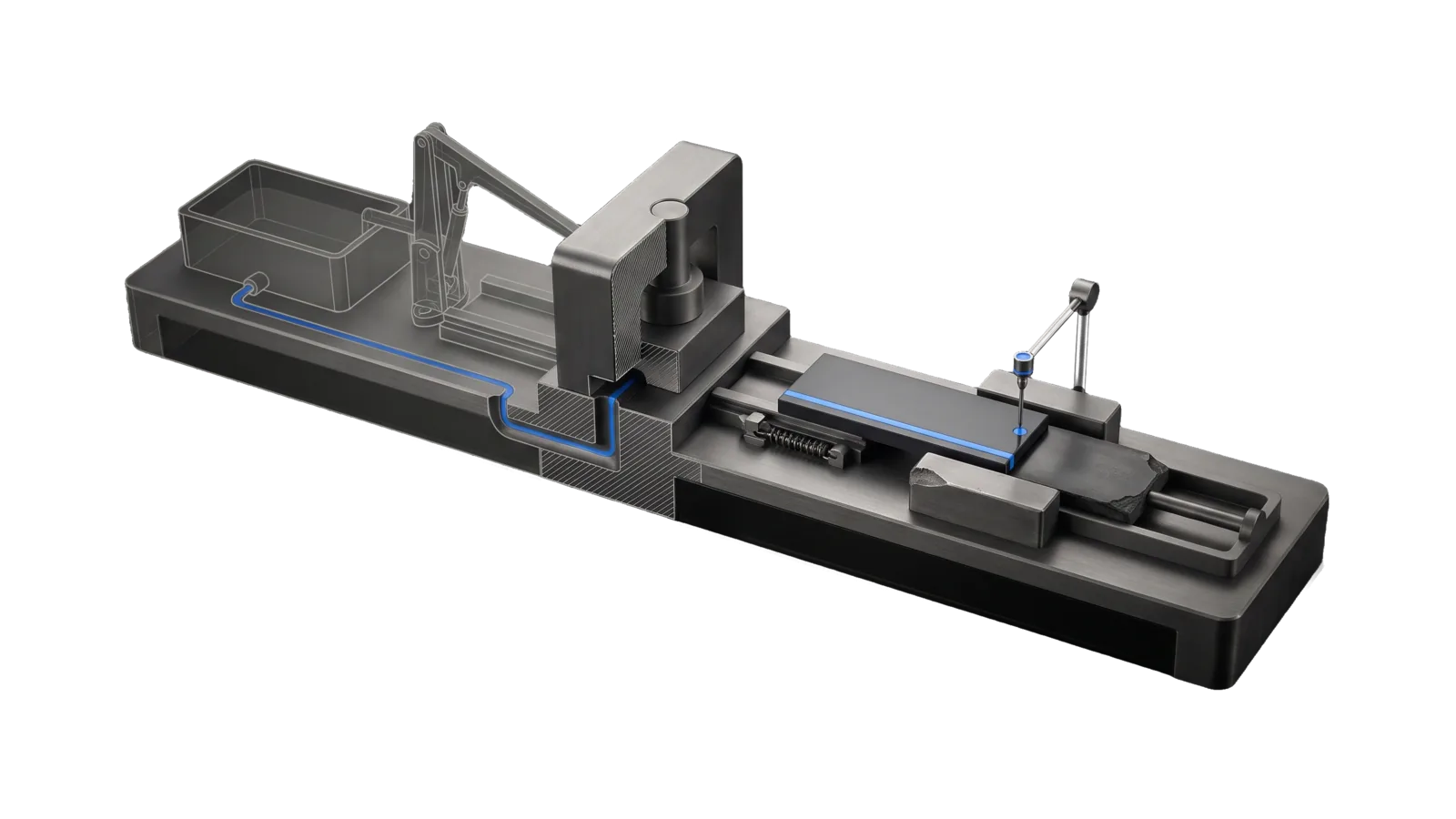
A long bench where a ghosted source tank with a pump arm feeds a press block with a descending ram, a fresh slab rides a rail through a spring gate toward a plinth while a pusher rod shoves the old chipped slab aside, a thin probe touching the new slab, and an electric-blue line running from the tank through the press to the probe.
Other

DataRefresh

Keeps your data-backed public sites and their source datasets current: freshness check, source repull, rebuild, gated deploy, live verify

02
Workflows
01
Tool
01
Reference
10
Triggers

Key Points

Not for system upgrades (Upgrade), uptime/security monitoring (Bunker/Workflows), US economic indicators (USStats), non-data deploys (use your deploy tooling)

Inside the Skill

The thinking, frameworks, and architecture that distinguish this skill from a generic version of the same task.

Ideal State

  • Every registered target's freshness is known against its own cadence, and a stale one is brought current from its real upstream sources, not from a cached or frozen copy.
  • A target that passes its cadence reaches the principal without being asked, through a scheduled read-only status check that reports to Vigil; that check never refreshes or deploys.
  • Nothing reaches production unless the principal's ask covered publishing, and a deployed refresh is proven on the live site.
  • Narrative figures that the fresh data contradicts are found and fixed by hand; deterministic code never rewrites prose.
  • Every refresh run leaves one line per target in the run log (status writes none), and every touched repo ends committed per its own conventions.

Intent Routing

Intent Trigger File
Status "are our data sites stale", "data freshness", "status" Intents/Status.md
Refresh "update the data sites", "refresh ", "repull and redeploy" Intents/Refresh.md
File Read when
Setup.md first install, registry fields, accounts and secrets, the throwaway-target proof

Data & Config

  • Registry (private data, never in this skill): ~/.claude/LIFEOS/USER/CUSTOMIZATIONS/SKILLS/DataRefresh/Registry.json. $DATAREFRESH_REGISTRY overrides the path. With no registry, or one with no targets, the tool exits 1 and points at Setup.md.
  • Run log: ~/.claude/LIFEOS/MEMORY/OBSERVABILITY/datarefresh.jsonl

Gotchas

  • Registry validation is fail-loud by design. A missing repo path or malformed entry throws an InvariantViolation naming the entry — fix the registry, never wrap the load in a try/catch.
  • Frozen upstream sources look alive. A source can keep serving 200s with years-stale data (a government feed that froze). When a target's record dates stop advancing across multiple refreshes while cadence says they should, check the source series itself before trusting the pull.

Examples

User: "are our data sites stale?"
→ Status intent
→ One table of every target with last pull, age vs cadence and STALE/FRESH, plus a one-line read and an offer to refresh what is stale
User: "refresh example-site"
→ Refresh intent, no --deploy (no publish intent)
→ Data repulled and rebuilt but not deployed; the report shows before → after record dates
User: "update the data sites"
→ Refresh intent with --all --deploy
→ Every target current, deployed through its sanctioned command, live freshness field shown advancing, repos committed

Workflows & Routing · 2

Each workflow is one job the skill runs. The trigger phrases route your request to the right one — this is the skill's routing table.

  1. 01
    Status Intents/Status.md

    are our data sites stale, data freshness, status

  2. 02
    Refresh Intents/Refresh.md

    update the data sites, refresh <target>, repull and redeploy

Tools · 1

Deterministic executables the workflows call — the code that does the real work, not prompt scaffolding.

  • Refresh.ts

How to Invoke

Say any of these to your DA and LifeOS activates the DataRefresh skill automatically:

  • "update our data sites"
  • "refresh the data sites"
  • "are our datasets stale"
  • "data freshness"
  • "repull the data"
  • "refresh the dataset"
  • "update the data and the site"
  • "stale data check"
  • "which sites need updating"
  • "refresh any registered data property by name"

Or invoke explicitly:

Skill("DataRefresh")

References · 1

Auxiliary files the skill loads at runtime — frameworks, guides, configs.

  • Setup

Want LifeOS to do this for you?

Install LifeOS on your machine — your DA gets the DataRefresh skill plus 96 others, all hooked into one Life OS.