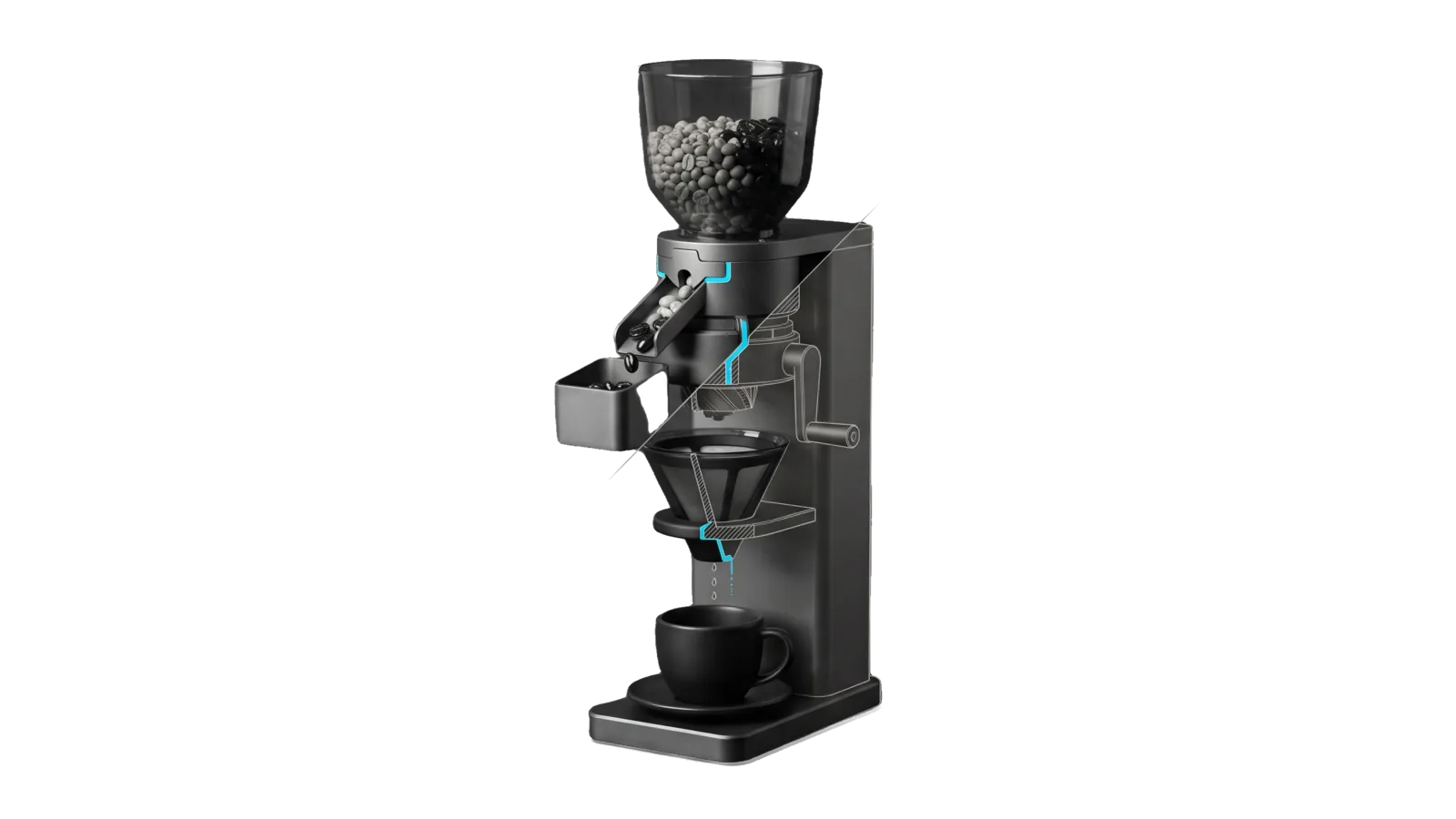
A tall graphite brewing column with a hopper of grey beans, a keyed gate that knocks the very dark beans down a side chute into a small bin, a crank grinder, a pour-over dripper and a single cup at the base; a diagonal cut turns the grinder and dripper into bone-grey outline, and a cyan line runs from the gate through the dripper's spout into the cup.
Research

Coffee

Learns the user's coffee taste as a written corpus plus their brewing gear, and uses both to recommend coffees, discover new ones that fit, answer brew questions, and log what they drink

03
Workflows
00
Tools
01
Reference
19
Triggers

Key Points

Not for ordering coffee or cafes (Restaurants), audio or studio gear

Inside the Skill

The thinking, frameworks, and architecture that distinguish this skill from a generic version of the same task.

Ideal State

  • Every pick, find and gear answer is screened against the corpus and the gear notes read for that request, never against taste recalled from memory.
  • Nothing that breaks a hard rule in the corpus Taste Profile (roast range, rejected flavors, brew methods the user does not use) is ever offered as a fit, and every suggestion says in one line why it fits the profile.
  • Confirmed favorites (⭐) and unconfirmed candidates (👂) never blur: only the user's own word makes a coffee ⭐.
  • The corpus grows only with what the user stated, so it stays ground truth.

Intent Routing

Intent Trigger File
Recommend "recommend a coffee", "what coffee should I get", "coffee like X", "what should I drink" Intents/Recommend.md
DiscoverCoffees "new coffees I'd like", "discover coffees", "what else fits my taste", "beyond my usual roaster", "broaden my coffee" Intents/DiscoverCoffees.md
AddCoffee "add to my coffee", "log this coffee", "I love X now", "update my coffee list" Intents/AddCoffee.md
File Read when
Setup.md first-time setup: the config file, the taste corpus format, and a read-only proof

For a plain "what do I like?" or "what's my gear?" lookup, read the corpus or the gear notes and answer; no intent needed.

Data & Config

Read <configRoot>/LIFEOS/USER/CUSTOMIZATIONS/SKILLS/Coffee/Config.md first (configRoot is $CLAUDE_CONFIG_DIR when set, else ~/.claude). It names two files, and both are ground truth:

  • Taste corpus (Config.md Corpus: line; default <configRoot>/LIFEOS/USER/CUSTOMIZATIONS/SKILLS/Coffee/CoffeeReference.md). Human-editable markdown. Its ## Taste Profile section holds the user's own words and the screening rules every intent applies, hard rules marked as such. Rows grow in ### Batch N sections with two source tags: ⭐ favorite (they love it) and 👂 candidate (fits the profile or was recommended, unconfirmed).
  • Gear notes (Config.md Gear: line; default the ## Coffee section of <configRoot>/LIFEOS/USER/GEAR.md). Grinders, brewers and the brew defaults tuned to the profile. Read it before any brew or gear answer, and write gear updates back there, never into this skill.

Neither file holds secrets, and the skill needs no account. When Config.md or the corpus is missing, say so, answer from what the request states, and point to Setup.md.

Gotchas

  • Brew method outranks a flavor match. A coffee the user cannot brew the way they brew is out, however well the tasting notes match: an espresso blend for someone who only brews filter, or a light filter roast for someone who only pulls shots. The Taste Profile or the gear notes say which methods count.
  • A spoken name can differ from the roaster's listed name. Treat a near-match as the same coffee, and record the alias in the corpus Notes column so the next lookup finds it.
  • Only ⭐ rows are confirmed favorites. Other coffees from a favorite roaster stay 👂 candidates: say they "fit your profile," never that the user loves them, until the user says so.
  • Recommend is request-driven (a pick for now or a mood); DiscoverCoffees is profile-driven (broaden beyond what they have). Don't collapse them.

Examples

Example 1: Recommend a coffee

User: "what coffee should I order?"
→ Recommend intent
→ A ranked pick (a confirmed ⭐ first when it fits the ask, then fitting candidates), each with one line on why it fits

Example 2: Discover new coffees

User: "what other coffees would I like besides my usual?"
→ DiscoverCoffees intent
→ A few finds not yet in the corpus, as "Because you like <anchor> → <roaster blend>" lines tagged safe fit or stretch

Example 3: Gear / brew question

User: "how should I brew for the taste I like?"
→ Reads the gear notes (no intent)
→ The brewer, ratio and grind the gear notes give for that profile, with one line tying each to the profile

Example 4: Grow the corpus

User: "add Example Roasters' Harbor Blend to my coffee list — I loved it"
→ AddCoffee intent
→ A dated ⭐ row in the corpus with what the user stated, counts updated, and a one-line confirmation

Workflows & Routing · 3

Each workflow is one job the skill runs. The trigger phrases route your request to the right one — this is the skill's routing table.

  1. 01
    Recommend Intents/Recommend.md

    recommend a coffee, what coffee should I get, coffee like X, what should I drink

  2. 02
    DiscoverCoffees Intents/DiscoverCoffees.md

    new coffees Id like, discover coffees, what else fits my taste, beyond my usual roaster, broaden my coffee

  3. 03
    AddCoffee Intents/AddCoffee.md

    add to my coffee, log this coffee, I love X now, update my coffee list

How to Invoke

Say any of these to your DA and LifeOS activates the Coffee skill automatically:

  • "my coffee"
  • "coffee taste"
  • "what coffee do I like"
  • "recommend a coffee"
  • "coffee like X"
  • "what should I drink"
  • "find a coffee"
  • "new coffee"
  • "discover coffees"
  • "beyond my usual roaster"
  • "my coffee gear"
  • "my grinder"
  • "my brewer"
  • "my brew setup"

Or invoke explicitly:

Skill("Coffee")

References · 1

Auxiliary files the skill loads at runtime — frameworks, guides, configs.

  • Setup

Want LifeOS to do this for you?

Install LifeOS on your machine — your DA gets the Coffee skill plus 96 others, all hooked into one Life OS.