
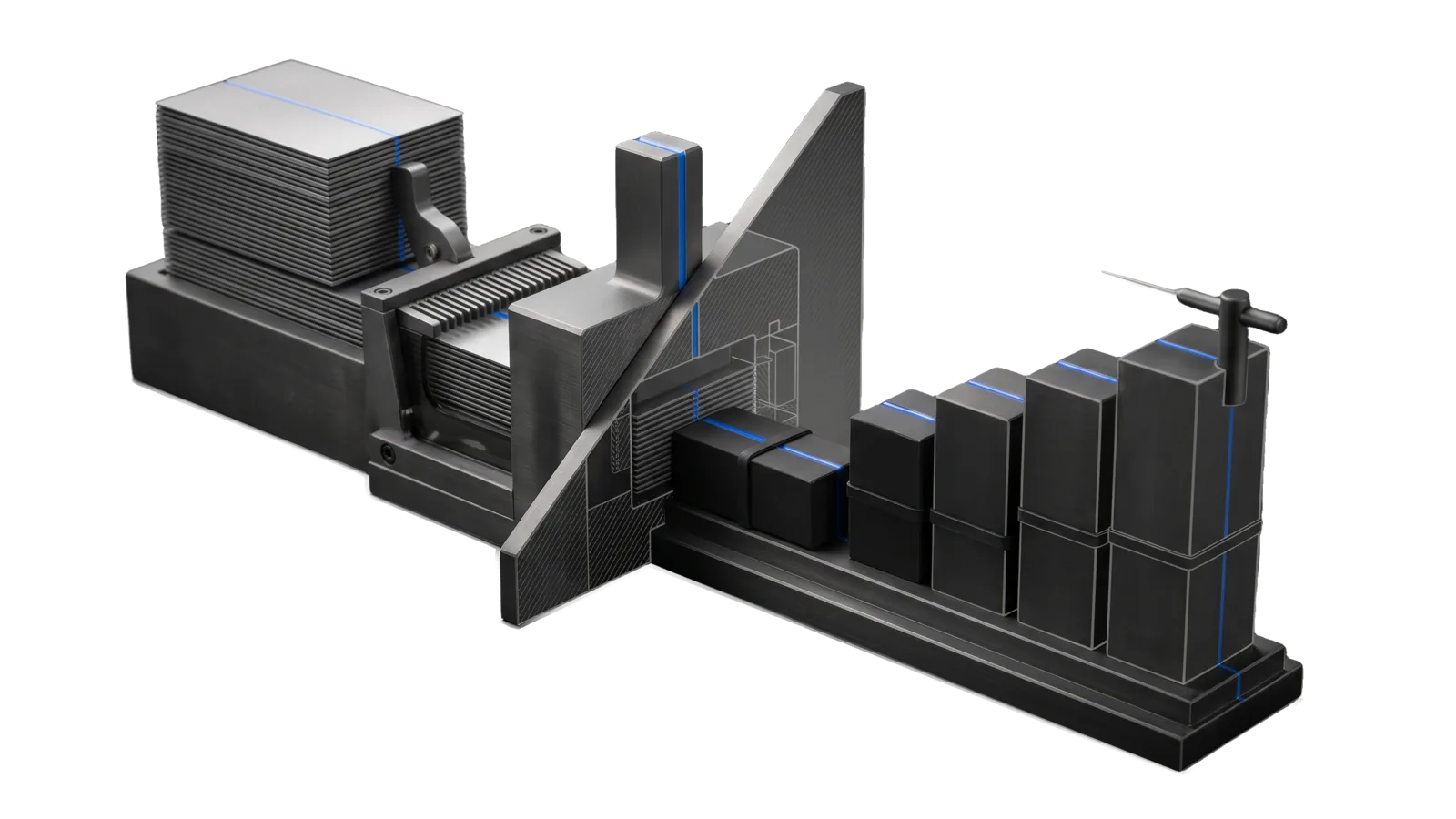
A stack of very thin plates fed through a many-toothed comb into a heavy press block, a row of five bound dark bricks of rising height standing on a stepped base with a feeler needle on the tallest, a large diagonal cut plane through the press, and an electric-blue line running from the plate stack through the press and along each brick top to the needle.
Security

AnnualReports

Aggregate several hundred cybersecurity annual reports from CrowdStrike, Mandiant, IBM, Verizon, Microsoft, CISA, OWASP, Wiz, Palo Alto across 19+ categories (threat intel, ransomware, breaches, AppSec, cloud, AI, identity, pentest).

00
Workflows
03
Tools
01
Reference
10
Triggers

Key Points

  • Intents: UPDATE, ANALYZE, FETCH
Not for real-time threat feeds or live CVE lookup

Inside the Skill

The thinking, frameworks, and architecture that distinguish this skill from a generic version of the same task.

Ideal State

  • UPDATE leaves Data/sources.json refreshed from the upstream awesome-annual-security-reports GitHub list, and the counts of added and removed reports are reported.
  • FETCH leaves a summary of the requested vendor report page saved under Reports/<vendor>/, with a note that most full PDFs need registration, and a listing request returns the reports in the asked category with their direct URLs; a requested fetch that could not be completed is reported as unavailable.
  • An ANALYZE answer names the vendors consulted, and also the ones absent from the answer. A ransomware synthesis that skipped Sophos says so, because the gap changes how much weight the numbers carry.
  • In an ANALYZE answer, every figure carries its vendor, its year, and the report it came from, and where vendors disagree, the disagreement is named and both numbers stand.
  • The publication lag is stated once (2026 reports cover 2025 data) so a trend read isn't mistaken for this-minute data.

Anti-criteria

  • Never silently average disagreeing vendors' numbers into one clean figure that no source actually published.
  • Never attribute a figure to the wrong report year, and never ship a stat without its vendor, year and report.
  • Never leave a requested fetch unavailable without reporting it.
  • Never conflate different vendors' terminology: each vendor has their own threat actor naming conventions.

Intent Routing

The skill is one intent with three modes, UPDATE, ANALYZE and FETCH, each run through a tool in § Tool contract.

File Read when
Setup.md first install, the optional PREFERENCES.md, proving the tools work

Tool contract

Mode Trigger Tool
UPDATE "update the annual reports", refresh report sources from GitHub Tools/UpdateSources.ts
ANALYZE "analyze X reports", trends/insights across vendors Tools/ListSources.ts + content analysis
FETCH "download/fetch report Y", specific vendor report Tools/FetchReport.ts
# Update sources from GitHub
bun run ${LIFEOS_SKILL_DIR}/Tools/UpdateSources.ts

# List all sources (no argument prints every category with its current count)
bun run ${LIFEOS_SKILL_DIR}/Tools/ListSources.ts [category]
bun run ${LIFEOS_SKILL_DIR}/Tools/ListSources.ts --search <term>   # match vendor or report name
bun run ${LIFEOS_SKILL_DIR}/Tools/ListSources.ts --vendor <name>   # every report from one vendor

# Fetch a specific report (vendor and name match as case-insensitive substrings)
bun run ${LIFEOS_SKILL_DIR}/Tools/FetchReport.ts <vendor> <report-name>
bun run ${LIFEOS_SKILL_DIR}/Tools/FetchReport.ts --url <url>       # fetch a page not in the catalog
bun run ${LIFEOS_SKILL_DIR}/Tools/FetchReport.ts --list-cached     # list summaries already saved under Reports/

Data & Config

Optional user preferences live at <configRoot>/LIFEOS/USER/CUSTOMIZATIONS/SKILLS/AnnualReports/PREFERENCES.md (configRoot is $CLAUDE_CONFIG_DIR when set, else ~/.claude). When it exists, apply it over the defaults; when it does not, the defaults stand. The skill needs no account or secret. First install and the proof commands: Setup.md.

A seed catalog ships with the skill, so ListSources and FetchReport work on a fresh install; UPDATE refreshes it from upstream. If the catalog is deleted, the tools exit with the instruction to run Tools/UpdateSources.ts.

  • Data/sources.json - All report sources with metadata (ships as a seed, rewritten by Tools/UpdateSources.ts)
  • Reports/ - Downloaded report files (created by Tools/FetchReport.ts on first fetch)

Gotchas

  • Category counts drift with the upstream list. Tools/ListSources.ts prints the current ones. The shipped seed (parsed 2026-10-14) holds 492 reports across 21 categories.
  • UPDATE reports counts, never entries. It prints New reports and Removed reports counts only, and --diff lists only new category keys. Report the counts as printed and never present a list of changed entries the tool did not print.
  • A failed fetch saves nothing. A fetch error, an HTTP error status, a PDF URL or an unknown report prints the reason to stderr and exits 1, with no summary file written. Report the reason as unavailable.
  • Requests declare this tool. FetchReport sends LifeOS-AnnualReports/1.0, plus the contact address from Config.md when set (see Setup.md), so a vendor site can see who is fetching.

Examples

User: "Update the annual reports"
→ UPDATE
→ Data/sources.json matches the upstream README, and the counts of added and removed reports are reported
User: "What threat reports are available?"
→ FETCH listing
→ The Global Threat Intelligence category's reports, each with its vendor and direct URL
User: "Analyze ransomware reports"
→ ANALYZE
→ A cross-vendor trend analysis where every figure names its vendor, year and report, and the vendors left out are named

Tools · 3

Deterministic executables the workflows call — the code that does the real work, not prompt scaffolding.

  • FetchReport.ts
  • ListSources.ts
  • UpdateSources.ts

How to Invoke

Say any of these to your DA and LifeOS activates the AnnualReports skill automatically:

  • "annual reports"
  • "threat reports"
  • "vendor reports"
  • "ransomware trends"
  • "breach stats"
  • "DBIR"
  • "IBM Cost of Breach"
  • "threat landscape"
  • "CISO report"
  • "CVE trends"

Or invoke explicitly:

Skill("AnnualReports")

References · 1

Auxiliary files the skill loads at runtime — frameworks, guides, configs.

  • Setup

Want LifeOS to do this for you?

Install LifeOS on your machine — your DA gets the AnnualReports skill plus 96 others, all hooked into one Life OS.