
Overview
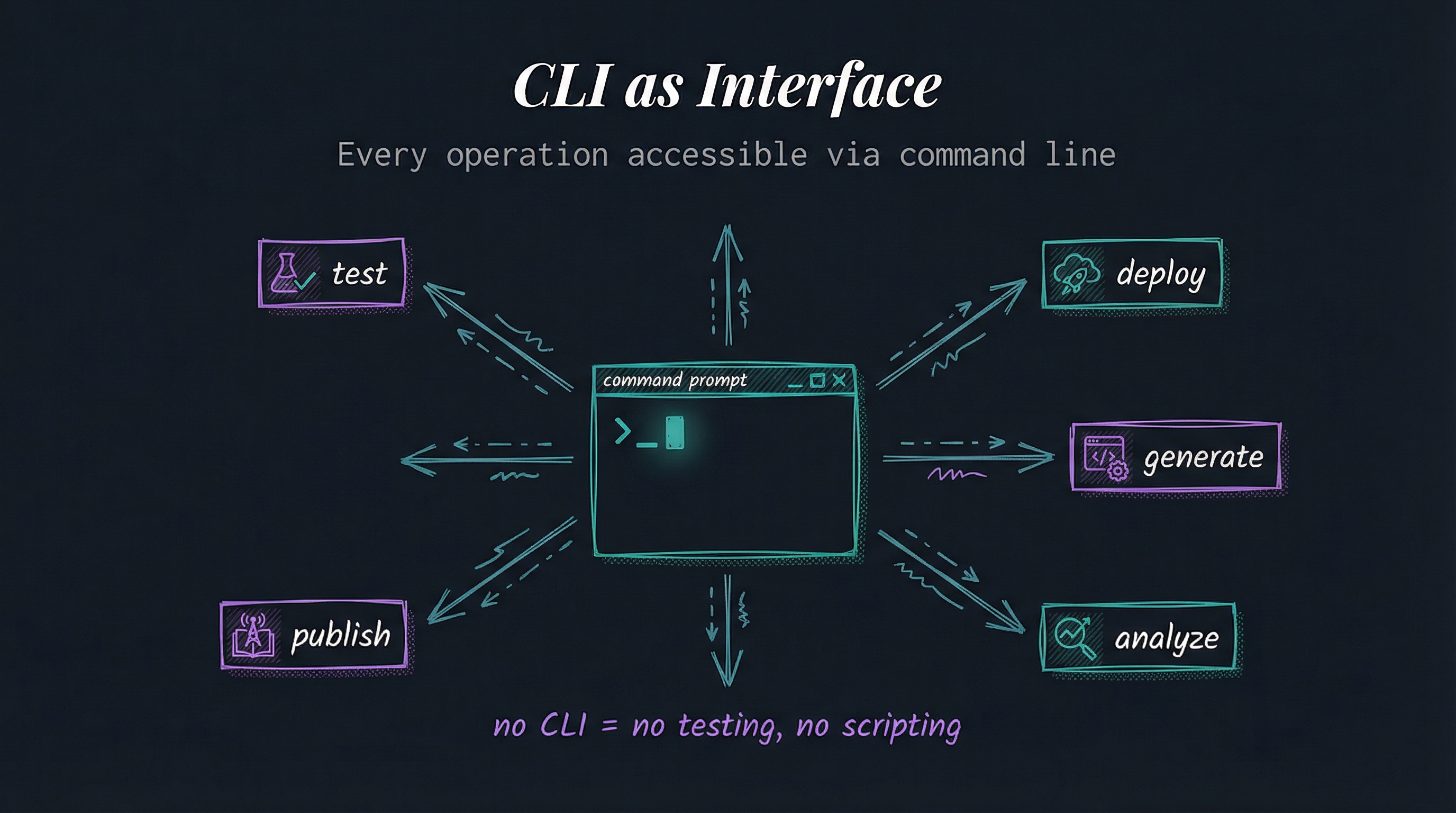
Every operation should be accessible via command line. If there’s no CLI command for it, you can’t script it or test it reliably.
Command-line tools are faster, more scriptable, and more reliable than graphical interfaces. GUIs are great for discovery and exploration. CLI is essential for automation, testing, and production use.
The pattern: build the CLI first. GUIs can wrap CLI commands. But if there’s no underlying CLI, automation becomes impossible.
Why This Matters
CLI is automatable - GUI clicks can’t be scripted reliably. CLI commands compose into workflows, get version-controlled, and run in CI/CD pipelines.
CLI is testable - You can’t write automated tests for button clicks. You can test CLI commands exhaustively.
CLI is fast - Expert users operate at keyboard speed. GUI users operate at mouse speed. For frequent operations, this compounds.
CLI is reproducible - “Click the third icon, then the dropdown, then…” vs. skill-name workflow --option=value. One is reproducible, one is not.
CLI is portable - Commands work over SSH, in Docker containers, in CI/CD. GUIs require graphics stacks and human interaction.
CLI is discoverable - command --help shows all options. GUIs hide functionality behind menus and modals.
Implementation
LifeOS is CLI-first throughout:
Every skill exposes CLI commands - Skills in .claude/Skills/ have tools/ directories with executable scripts. Text in, text out, compose via pipes.
Skill routing defines commands - SKILL.md in each skill documents available commands, arguments, and usage patterns.
Keyboard shortcuts - Claude Code supports /skillname shortcuts. Type /research instead of clicking through menus.
Hook system is CLI-based - Hooks are TypeScript scripts that run on events. Everything scriptable, nothing manual.
Workflows are command sequences - Research workflows compose CLI tools. extract-content | fabric/extract_wisdom | format-output
MCP integration - Model Context Protocol provides CLI-like tool interfaces. Standardized, composable, testable.
Examples
Example 1: Research Workflow GUI way:
- Open browser
- Navigate to research skill interface
- Click “New Research”
- Fill form with topic
- Click “Start”
- Wait for results
- Click “Export”
- Choose format
- Save file
CLI way:
research deep-dive "AI infrastructure patterns 2024-2025" --sources=5 --format=markdown > output.mdOne command. Scriptable. Reproducible. Testable.
Example 2: Content Generation GUI way:
- Open Art skill
- Select diagram type
- Enter description
- Click generate
- Wait
- Download
- Optimize separately
- Upload manually
CLI way:
art generate-diagram "LifeOS architecture" --type=technical --optimize --output=public/images/Example 3: Skill Management GUI way:
- Navigate to skills directory
- Create folders manually
- Copy template files
- Edit configurations
- Test manually
- Document separately
CLI way:
createskill --name=MySkill --type=research --template=standardRelated Principles
- Principle #4: Code Before Prompts - CLI commands are code
- Principle #6: UNIX Philosophy - CLI is the standard composition interface
- Principle #9: Goal → Code → CLI → Prompts → Agents - CLI is in the decision hierarchy