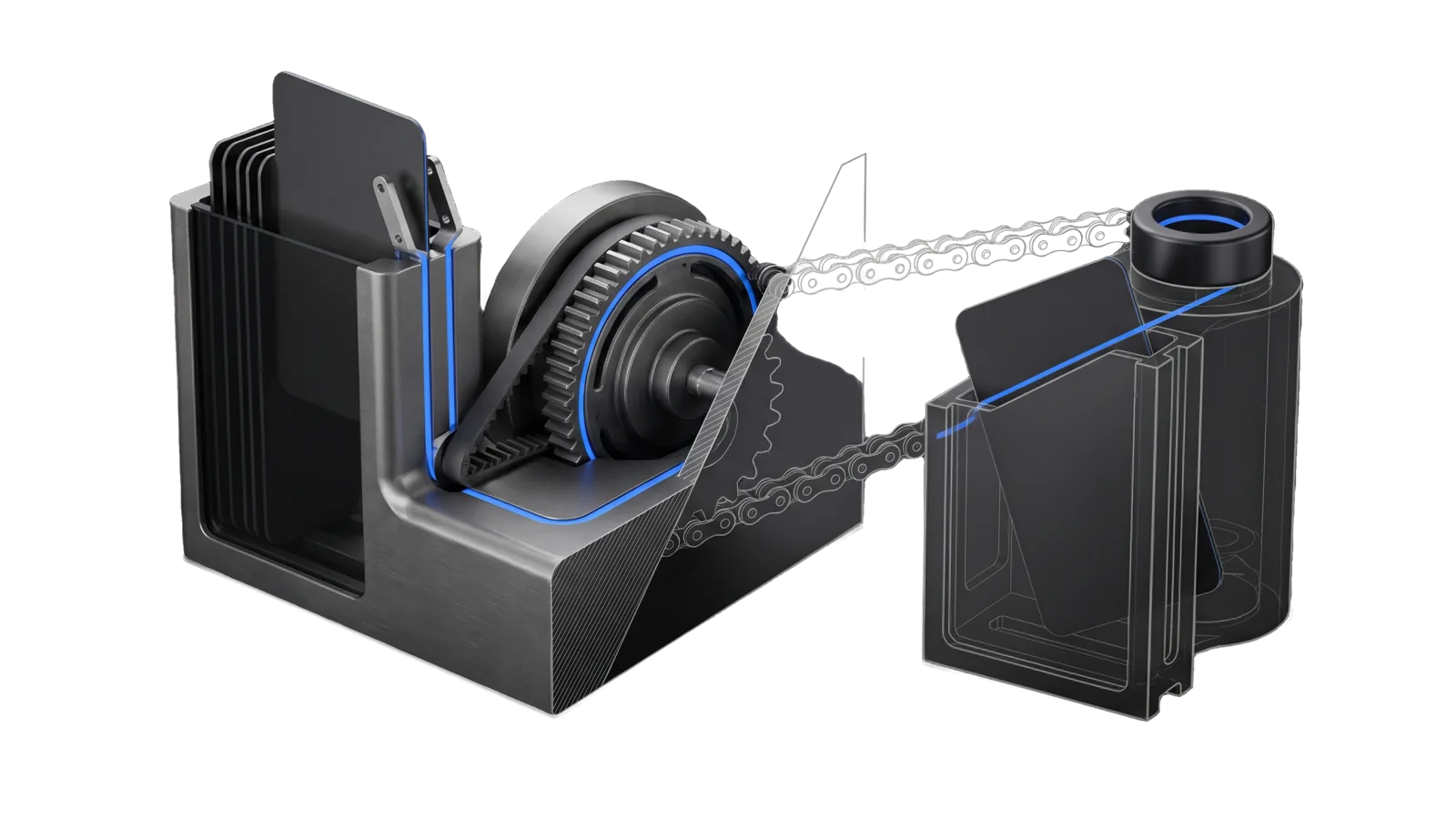
A slotted magazine of dark cards with one card lifted under two spring fingers, a toothed schedule drum beside it, and a slim chain running across to a second shorter magazine and a ring terminal on top; a blue line runs from the lifted card around the drum and along the chain, the right magazine drawn as ghosted outline.
Development

Workflows

Authors and operates Workflows v2 definitions through the `workflow` CLI: scaffold a definition, validate it until clean, graph it, run it locally, put a schedule on it, link workflows with after triggers or workflow steps, and inspect definitions and runs

06
Workflows
01
Tool
01
Reference
27
Triggers

Key Points

Not for the inventory of everything LifeOS runs, missing or orphaned jobs and acknowledgements (use Workflows.ts in LIFEOS/WORKFLOWS), Cloudflare Worker deploys (Cloudflare), or building a whole skill (CreateSkill)

Inside the Skill

The thinking, frameworks, and architecture that distinguish this skill from a generic version of the same task.

Ideal State

  • Every definition passes workflow validate (exit 0) before it is reported done, and any deploy, send or pay step declares its side_effects and sits under a human approval upstream.
  • A scheduled or reminder request becomes a <name>.workflow.yaml definition with its trigger enabled for the dispatcher, never an issue alone, and shows in workflow list and Pulse.
  • Every report states the validate-vs-run distinction that applies: validate checks shape, run executes for real and may spend money or park on a human gate.

Intent Routing

Workflow Trigger File
Create "new workflow", "I want a workflow for", "make a workflow that", "define a workflow" Intents/Create.md
Run "run workflow", "run it", "run the workflow", "dry run" Intents/Run.md
Reminder "remind me to", "set a reminder", "follow up on", "check back on", any one-off thing due later Intents/Reminder.md
Schedule "schedule this", "run this every night", "run it once at", "pause workflow" Intents/Schedule.md
Link "link these workflows", "run B after A", "chain workflows", "call a workflow from a workflow" Intents/Link.md
Inspect "list workflows", "did it run", "what does this workflow do", "why did it fail" Intents/Inspect.md
File Read when
Format.md authoring reference — load before writing any definition
EvalState.md the latest authoring-eval scores (auto-generated, machine-owned)

Quick Reference

  • Definitions live in LIFEOS/USER/WORKFLOWS/ as <name>.workflow.yaml; the file stem equals name:.
  • Core commands: new, list, validate, graph, next, run, runs, schedule, pause, resume, link, show, step, put, remove; help --json has the full catalog. Every one takes --json. Exit 0 success, 1 invalid or failed, 2 usage.
  • Every command step declares side_effects ([none] when it touches nothing). A command line that deploys, sends or pays (any deploy subcommand or deploy script, a git push, gmail.ts send, Relay send.ts, YouTubeUpload upload, dd-cli order and the ordering skill's maintainer-side submit wrapper) must declare the matching effect, or validate refuses it.
  • Money, deploy and outbound steps need a human approval upstream (a human step with the default output, {approved, note}). Outbound to the principal only (recipient: principal) is exempt. At run time a decline stops the gated step even without a when; add when: { ref: steps.<human>.output.approved, equals: true } so a decline skips it and the run ends cleanly.
  • Local run executes all seven step kinds (RUNNABLE_KINDS in engine/runner.ts). A human step parks the run on disk and texts a 👍/👎 approval; model and agent steps call the OpenAI lanes and cost money; a workflow step runs the child as its own ledger run. Only runs_on: cloud is refused locally.
  • Scratch runs use LIFEOS_WORKFLOWS_DIR and LIFEOS_WORKFLOWS_LEDGER so they leave the real home and ledger alone.

Data & Config

Customizations, when present: <configRoot>/LIFEOS/USER/CUSTOMIZATIONS/SKILLS/Workflows/ (configRoot is $CLAUDE_CONFIG_DIR when set, else ~/.claude).

Setup

Nothing to configure for authoring. The skill needs bun and the LIFEOS/WORKFLOWS/ engine that ships with LifeOS. Definitions go in LIFEOS/USER/WORKFLOWS/ (create the folder if it is missing; LIFEOS_WORKFLOWS_DIR points the CLI at another one). Status check: bun LIFEOS/WORKFLOWS/workflow.ts help --json prints the command catalog and exits 0. Local schedules are evaluated by one launchd job, com.lifeos.workflows-dispatcher, so scheduled and reminder workflows that run on this machine need macOS; defining and validating a workflow does not use launchd.

Gotchas

  • Validator refusals are the design, not obstacles (2026-09-28). Step "deploy" declares side effects deploy but no human step is among its ancestors. is the fix-the-design signal. Add the human step; do not remove side_effects to pass.
  • An after link needs its upstream on disk (2026-09-28). after: upstream workflow "no-such-flow" does not exist appears when the trigger names a workflow that has no definition file yet. Create or fix the upstream first.
  • Lanes are a closed list (2026-09-28). Step "summarize" lane must be one of openaiLow, openaiMedium, sol, astra. A model name in lane: fails.
  • Validating is not running (updated 2026-10-09). validate checks shape; run executes for real. Every step kind runs locally, so a model or agent step spends money and a human step parks the run until it is answered. Only runs_on: cloud is refused by a local run; it runs on its Worker after workflow deploy. Say which applies when reporting.
  • A command step with no side_effects is refused (2026-10-09). Step "x" is a command step and must declare side_effects means say what it touches; [none] is fine for a step that only computes. Declaring less than the command line does, such as a send declared as [read], is refused too.
  • A schedule fires only while the dispatcher is alive (updated 2026-10-24). No workflow has its own launchd job. One job, com.lifeos.workflows-dispatcher, runs engine/dispatcher.ts serve under KeepAlive, evaluates every local schedule, interval and once trigger each minute, and starts after: and event workflows; cloud workflows are scheduled by their own runner. workflow schedule|pause|resume|put report scheduled by com.lifeos.workflows-dispatcher or the dispatcher skips it. After a hand edit of triggers, schedule-install.ts install <name> only checks the schedule compiles, removes any leftover per-workflow job and makes sure the dispatcher is loaded. Claim a schedule is live only when the definition validates with the trigger enabled, launchctl list | grep com.lifeos.workflows-dispatcher shows the dispatcher, bun LIFEOS/VIGIL/Vigil.ts heartbeat --json shows its workflows-dispatcher row not stale, and workflow next <name> --json shows the next fire. The direction is Cloudflare as the clock and the Mac as a worker (Workflows ISA F27).
  • A reminder goes to Vigil as --class prep, never by severity (moved from Reminder.md, 2026-10-12). The class, not the severity, decides Vigil delivery: prep is a fixed-rule class, so the next Vigil tick texts it as written. It skips the 72h story hold, quiet hours and the daily text budget, and the editor never rewords or demotes it. An ops text can be held, and a held text is never sent later.
  • Clock times follow the principal, not the identity file (2026-10-12). A clock-time trigger takes its zone from principalTimezone(), the current-location zone. A zone copied from the identity file would make "remind me at 9" fire at 06:00 local for a principal travelling three zones west of home. A stored schedule keeps the zone it was written with, so the report names that zone.
  • Reminders and scheduled work are workflows, never issues alone (2026-10-07). An issue has no schedule and nothing that texts the principal, so a reminder filed only as an issue never fires. Every reminder, follow-up and recurring job is a definition here; an issue may only link to it.
  • Two systems share the word "workflow." This skill authors definitions with the workflow CLI. The inventory of every job LifeOS runs, with missing and orphan reconciliation, is Workflows.ts. Route "what is broken or missing" there.
  • A command step gets only PATH, HOME, USER and LOGNAME, plus the names listed under env: (2026-09-30; USER and LOGNAME added 2026-10-25 so the claude CLI can find its login). A variable set on a test run, such as NODE_ENV=test meant to stop a send, never reaches the step unless the step declares it, so an undeclared test flag lets a test run send for real. Before testing any step with outbound side effects, declare the test flag under env: and confirm the test output shows the skip.
  • No interpolation (2026-09-28). "Hello ${name}" in an argv or prompt is a literal string. Pass values through with and $ref, and let the command build text from its stdin JSON.

Examples

Example 1: create

User: "I want a new workflow that builds the site, waits for my OK, then deploys it"
→ Create.md: workflow new, author build (command) → approve (human) → deploy (command, side_effects: [deploy], when approve said yes)
→ workflow validate exits 0, workflow graph summarised in four lines
→ reports the file path and what runs locally

Example 2: schedule

User: "schedule this to run every morning at 7"
→ Schedule.md: adds a schedule trigger in the principal's current zone (principalTimezone()), validates, prints the next fire times with workflow next
→ workflow schedule writes the trigger and reports scheduled by com.lifeos.workflows-dispatcher; the loaded dispatcher, a fresh heartbeat and workflow next confirm it will fire

Example 3: link

User: "run the report workflow after the export finishes"
→ Link.md: adds an after trigger on the report, checks the export's output schema fits the report's input, validates both, reads the connection class from workflow graph

Workflows & Routing · 6

Each workflow is one job the skill runs. The trigger phrases route your request to the right one — this is the skill's routing table.

  1. 01
    Create Intents/Create.md

    new workflow, I want a workflow for, make a workflow that, define a workflow

  2. 02
    Run Intents/Run.md

    run workflow, run it, run the workflow, dry run

  3. 03
    Reminder Intents/Reminder.md

    remind me to, set a reminder, follow up on, check back on, any one-off thing due later

  4. 04
    Schedule Intents/Schedule.md

    schedule this, run this every night, run it once at, pause workflow

  5. 05
    Link Intents/Link.md

    link these workflows, run B after A, chain workflows, call a workflow from a workflow

  6. 06
    Inspect Intents/Inspect.md

    list workflows, did it run, what does this workflow do, why did it fail

Tools · 1

Deterministic executables the workflows call — the code that does the real work, not prompt scaffolding.

  • CheckEvalOutput.ts

How to Invoke

Say any of these to your DA and LifeOS activates the Workflows skill automatically:

  • "new workflow"
  • "create a workflow"
  • "make a workflow"
  • "I want a workflow for"
  • "workflow for doing this"
  • "define a workflow"
  • "remind me"
  • "set a reminder"
  • "follow up on"
  • "check back on"
  • "scheduled task"
  • "recurring job"
  • "schedule this"
  • "run this every"

Or invoke explicitly:

Skill("Workflows")

References · 1

Auxiliary files the skill loads at runtime — frameworks, guides, configs.

  • Format

Want LifeOS to do this for you?

Install LifeOS on your machine — your DA gets the Workflows skill plus 96 others, all hooked into one Life OS.