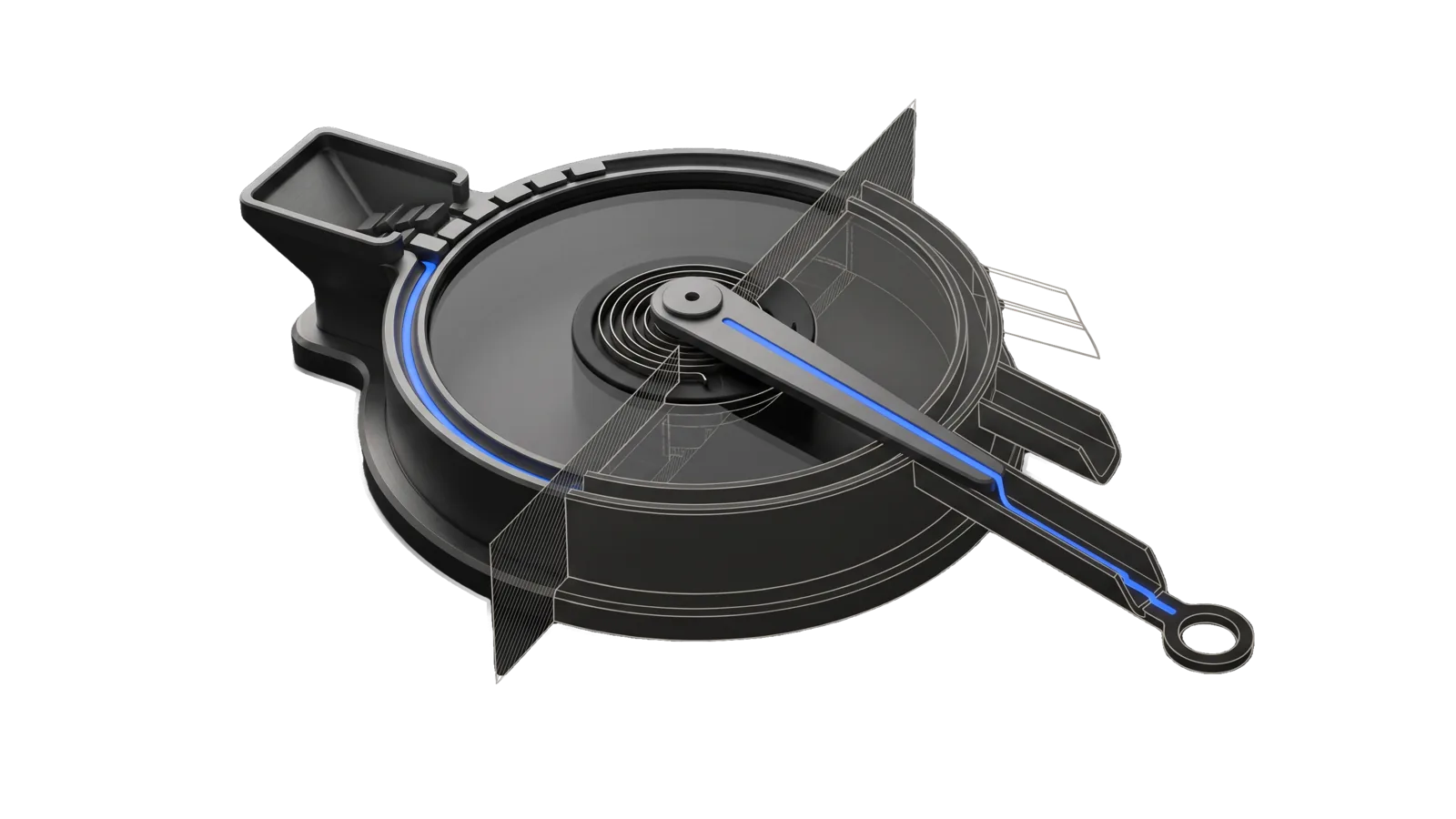
A squat round drum with an intake hopper and a single sweeping arm pivoting at its centre, with three exit chutes of different lengths leaving its far side, cut diagonally so the chutes and far half of the drum are drawn as ghosted outlines, with one electric-blue line running from the hopper along the drum rim and arm into a ring terminal.
Development

Vigil

Front door to Vigil, the always-on monitoring layer: every subsystem and scheduled job logs events in one format, a five-minute tick routes them by severity to a text, the digest, or the dashboard, and this skill reads or feeds that log

04
Workflows
00
Tools
01
Reference
14
Triggers

Key Points

Not for filing a complaint about a system (Errata), standing questions and their answers (the Socrates ledger), or the vulnerability registry itself (Achilles)

Inside the Skill

The thinking, frameworks, and architecture that distinguish this skill from a generic version of the same task.

Ideal State

  • Every answer about what is going on comes from the Vigil log and opens with the tick's health, because a quiet log and a dead reader look identical.
  • An event is reported as routed only on evidence (a fresh heartbeat, the notification row after the next tick), never on an exit code that proves only a write.
  • No event carries a value, a name or a credential; the emitter's refusal is reported as the right outcome, never worked around.
  • The skill reads and feeds the log without changing what the tick owns: no digest line deleted or the digest file moved, no plist edited, no tick installed unasked.

Intent Routing

Intent Trigger File
Status "what is going on", "anything I should know", "vigil status", "is the tick alive" Intents/Status.md
Emit "log this to vigil", "post an event", "emit an event", a job that needs to report something Intents/Emit.md
Digest "pending digest", "what got held", "what was medium today" Intents/Digest.md
Install "install vigil", "start the tick", "register the monitor" Intents/Install.md
File Read when
Setup.md first-time setup, writing your own policy, monitor workflow or adapter, or standing up the optional store

Data & Config

  • First-time setup, and a made-up worked example of each piece you add yourself (a routing policy, a monitor workflow, an adapter): skills/Vigil/Setup.md. Your own policy, monitors and editor profile live under LIFEOS/USER/, never in this skill.
  • Routing policy: <configRoot>/LIFEOS/USER/VIGIL/policy.json, where configRoot is $CLAUDE_CONFIG_DIR when set, else ~/.claude (severity routes, decider_mode, text ceiling per 24 h, per-source ceilings and caps, text-trusted sources; digest_hour_local is reserved and nothing reads it yet). Defaults live in LIFEOS/VIGIL/Policy.ts; the file overrides them key by key.
  • The daily text limit depends on decider_mode. Under enforce the one interruption budget, interruptions_per_day in LIFEOS/USER/CONFIG/notifications.json counted over every origin's interruption-ledger rows, replaces text_ceiling_per_24h; that ceiling binds again only when the ledger is unreadable. Under shadow the 24-hour ceiling governs Vigil's own texts. "The daily text limit" anywhere in this skill means whichever of these is in force.
  • Local state: ~/.local/state/lifeos/vigil/ (outbox, sent ledger, adapter cursors, reader cursor, digest, last tick). Override with VIGIL_STATE_DIR.
  • Store credentials: VIGIL_URL and VIGIL_TOKEN in the env file the install uses; never printed, never in a URL. With VIGIL_URL unset the reader works from the local outbox alone. The store Worker's D1 binding comes from LIFEOS/USER/VIGIL/worker.json at deploy time; LIFEOS/VIGIL/worker/cloudflare.config.ts stops with the file's path when it is missing.

Gotchas

  • The first tick against a fresh reader cursor routes nothing. It writes a baseline covering the whole backlog and prints {"baseline":true,...}. A first run that texts is a bug: without the baseline, a backlog of a hundred old events would spend the whole day's text limit at once.
  • --dry-run still writes the baseline on a fresh cursor and never advances it afterwards. Two dry runs in a row print the same decisions. That is expected.
  • A held event goes to the one queue, not to a later text. The daily text limit (§ Data & Config) logs a held notification event and the item joins the single held/deferred queue: Vigil.ts queue merges it with the digest, drops repeats, tests and injection notices (those stay ledger-only), ranks by severity then recency, and the morning brief reads the top three. A held event is never texted later on its own; read the queue, the dashboard or Status.
  • Adapters read mtimes and snapshots, never source content. The state-inputs block on a notification says whether mood, health, calendar and work were fresh; it never carries their values. Adding an adapter that copies content into summary will be refused by the emitter's Restricted Data check.
  • Events from source vigil are never routed. Heartbeats and notification records are stored and shown, nothing more, so the log cannot feed itself.
  • The tick is a headless launchd job and must never voice. Its plist sets the headless channel; do not call the notify endpoint from anything the tick runs.

Examples

Example 1: Morning check

User: "Anything I should know about?"
→ Status intent
→ First line is tick health; then new high and critical events, then the digest count

Example 2: A job reports

A scheduled job finds a certificate expiring in six days.
→ Emit intent: bun LIFEOS/VIGIL/Vigil.ts emit --source example-service --kind infra --severity high --title "TLS cert expires in 6 days" --summary "<host>, expires <date>" --ref <host>
→ Reported as emitted alongside a fresh heartbeat; the next tick routes it by policy

Example 3: A store question

User: "How many rows are in the Vigil D1 database right now?"
→ Status intent
→ The store row count from the last tick's probe, with the time it was taken and whether the store was reachable

Workflows & Routing · 4

Each workflow is one job the skill runs. The trigger phrases route your request to the right one — this is the skill's routing table.

  1. 01
    Status Intents/Status.md

    what is going on, anything I should know, vigil status, is the tick alive

  2. 02
    Emit Intents/Emit.md

    log this to vigil, post an event, emit an event, a job that needs to report something

  3. 03
    Digest Intents/Digest.md

    pending digest, what got held, what was medium today

  4. 04
    Install Intents/Install.md

    install vigil, start the tick, register the monitor

How to Invoke

Say any of these to your DA and LifeOS activates the Vigil skill automatically:

  • "what is going on"
  • "what's happening right now"
  • "anything I should know"
  • "vigil"
  • "vigil status"
  • "is the tick alive"
  • "heartbeat"
  • "post an event"
  • "log this to vigil"
  • "emit an event"
  • "pending digest"
  • "what got held"
  • "install vigil"
  • "vigil policy"

Or invoke explicitly:

Skill("Vigil")

References · 1

Auxiliary files the skill loads at runtime — frameworks, guides, configs.

  • Setup

Want LifeOS to do this for you?

Install LifeOS on your machine — your DA gets the Vigil skill plus 96 others, all hooked into one Life OS.