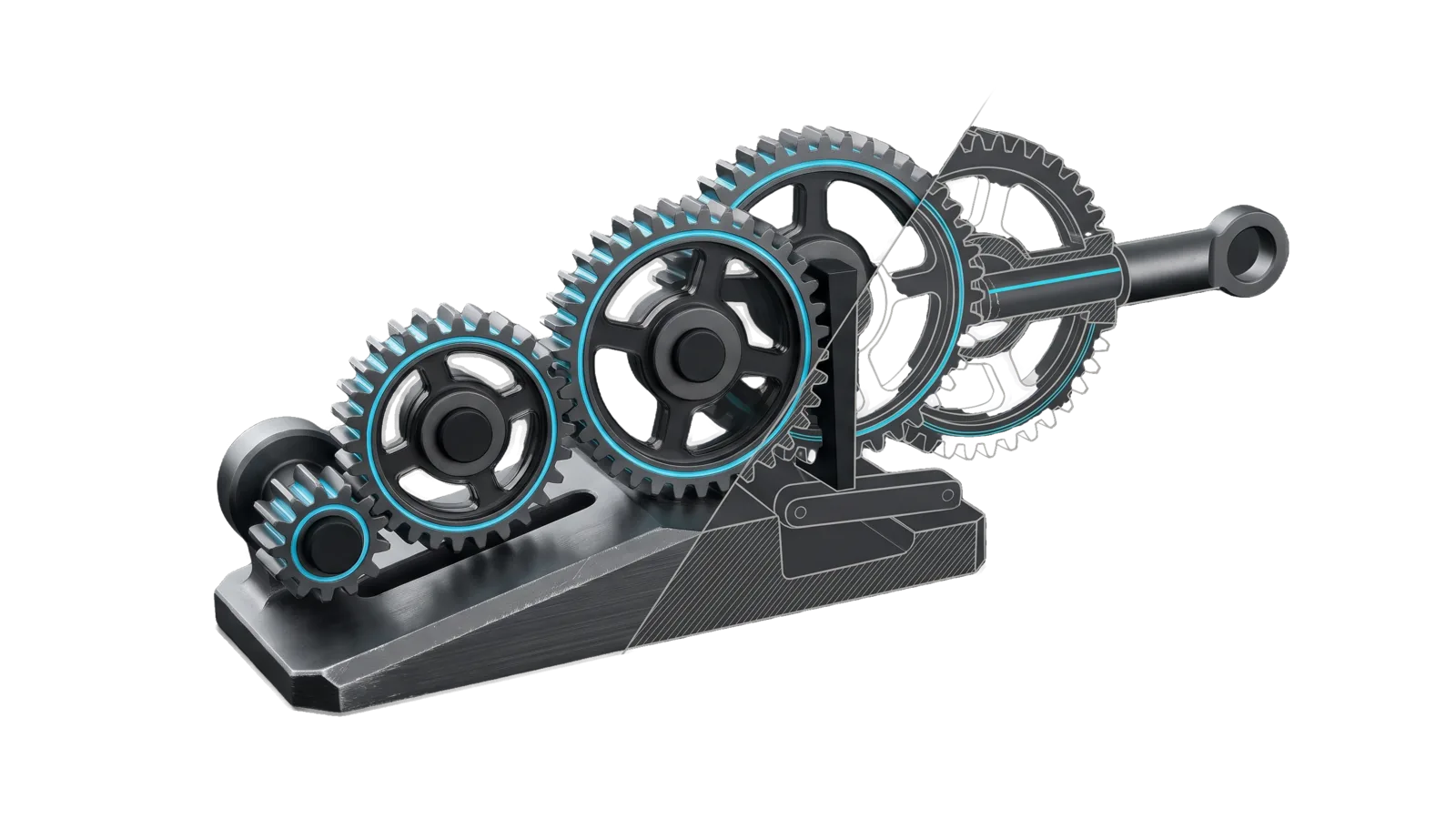
A rising wedge base carrying a chain of five gears of different sizes, with a twin pair of identical gears and a gap before the last gear that drives an output shaft ending in a ring, cut diagonally so the last gears are drawn as ghosted outlines, with a cyan line running along the meshed gear rims and out the shaft.
Research

Unify

Harmony analysis across any set of inputs (systems, rules, skills, goals, documents, plans), defaulting to all of LifeOS and its subcomponents when none are named.

01
Workflow
01
Tool
01
Reference
13
Triggers

Key Points

  • Extracts each input's core principles and ultimate aim, maps where they reinforce, pull in productive tension, duplicate, or work against each other, runs FirstPrinciples, Superior and SystemsThinking (plus other thinking skills as fit) to find the real conflicts, and recommends ranked changes that bring the whole into unity
  • Read-only; recommends, never edits
Not for attacking one plan (RedTeam), feedback loops of one system (SystemsThinking), trimming prompt rules (BitterLessonEngineering), climbing one target (HillClimb), editing personal goals (use Telos)

Inside the Skill

The thinking, frameworks, and architecture that distinguish this skill from a generic version of the same task.

Ideal State

  • Every judgment rests on each input's own sources, quoted on both sides, and is made against a summit stated with its source.
  • Real conflicts, drift, duplication and stragglers are told apart from tensions doing useful work, and only the problems get fixes.
  • The result is a short ranked list of changes, each placed where it lands with the check that proves it, and no input is edited until the principal says yes.

Intent Routing

Intent Trigger File
Harmonize "unify", "harmony check", "are these in harmony", "do these conflict", "unify LifeOS", any set of inputs to reconcile Intents/Harmonize.md
File Read when
Setup.md Config.md is missing for a no-input run, first-time setup, or the config label list

Data & Config

Read LIFEOS/USER/CUSTOMIZATIONS/SKILLS/Unify/Config.md for the default LifeOS input set, the summit it is judged against, and any standing exclusions. CLAUDE_CONFIG_DIR overrides the installation root. When the user names no inputs and this file is missing, stop and say so, pointing at Setup.md; never guess a default set or summit. Named inputs need no config, but a summit still has to be stated from their own sources.

Gotchas

  • Analysis means read-only. Unify recommends; it never edits an input, even an obviously broken one. Doctrine and identity changes, and anything a self-initiated analysis proposes, stay recommendations until the principal says yes (self-initiated or scheduled analysis loops recommend, and never change the system on their own).
  • Routing-table entries are not sources. CLAUDE.md describes every subsystem in one line, and that line is often stale or marketing-shaped. Characterizing a component from it produces confident wrong findings; read its system doc or ISA.
  • Vocabulary collisions look like conflicts (2026-10-08, first full LifeOS run). Two components using one word for different things (or two words for one thing) is drift, not opposed aims; that run's "spec" and "claim" findings were renames. Name it as drift; the fix is a rename, not a redesign.
  • Long agent hand-backs get cut off. Brief each reader to write its full report to one scratchpad file and hand back only the path. If a reader is blocked mid-report, don't route the content around the block; name it in the report as a coverage gap.

Examples

Example 1: Default scope

User: "Run Unify"
→ Harmonize on the default LifeOS set from Config.md
→ Per-component aims, harmony map, conflicts vs tensions, unifying principle
→ Ranked recommendations, each filed as an Upgrades proposal on the principal's yes

Example 2: Named inputs

User: "Are the approval rules, the scheduling rule, and the monitoring layer in harmony?"
→ Harmonize on exactly those three
→ Where self-initiated loops, scheduled workflows and Vigil routing agree or collide
→ Recommendations scoped to those three

Example 3: Outside LifeOS

User: "Unify these three strategy docs" (paths given)
→ Harmonize on the documents
→ Same report shape, judged against the summit the docs share

Workflows & Routing · 1

Each workflow is one job the skill runs. The trigger phrases route your request to the right one — this is the skill's routing table.

  1. 01
    Harmonize Intents/Harmonize.md

    unify, harmony check, are these in harmony, do these conflict, unify LifeOS, any set of inputs to reconcile

Tools · 1

Deterministic executables the workflows call — the code that does the real work, not prompt scaffolding.

  • CheckReport.ts

How to Invoke

Say any of these to your DA and LifeOS activates the Unify skill automatically:

  • "unify"
  • "harmonize"
  • "harmony check"
  • "are these in harmony"
  • "are these working against each other"
  • "do these conflict"
  • "where do these contradict"
  • "coherence check"
  • "unify LifeOS"
  • "is LifeOS coherent"
  • "are my systems fighting each other"
  • "alignment across components"
  • "bring these into unity"

Or invoke explicitly:

Skill("Unify")

References · 1

Auxiliary files the skill loads at runtime — frameworks, guides, configs.

  • Setup

Want LifeOS to do this for you?

Install LifeOS on your machine — your DA gets the Unify skill plus 96 others, all hooked into one Life OS.