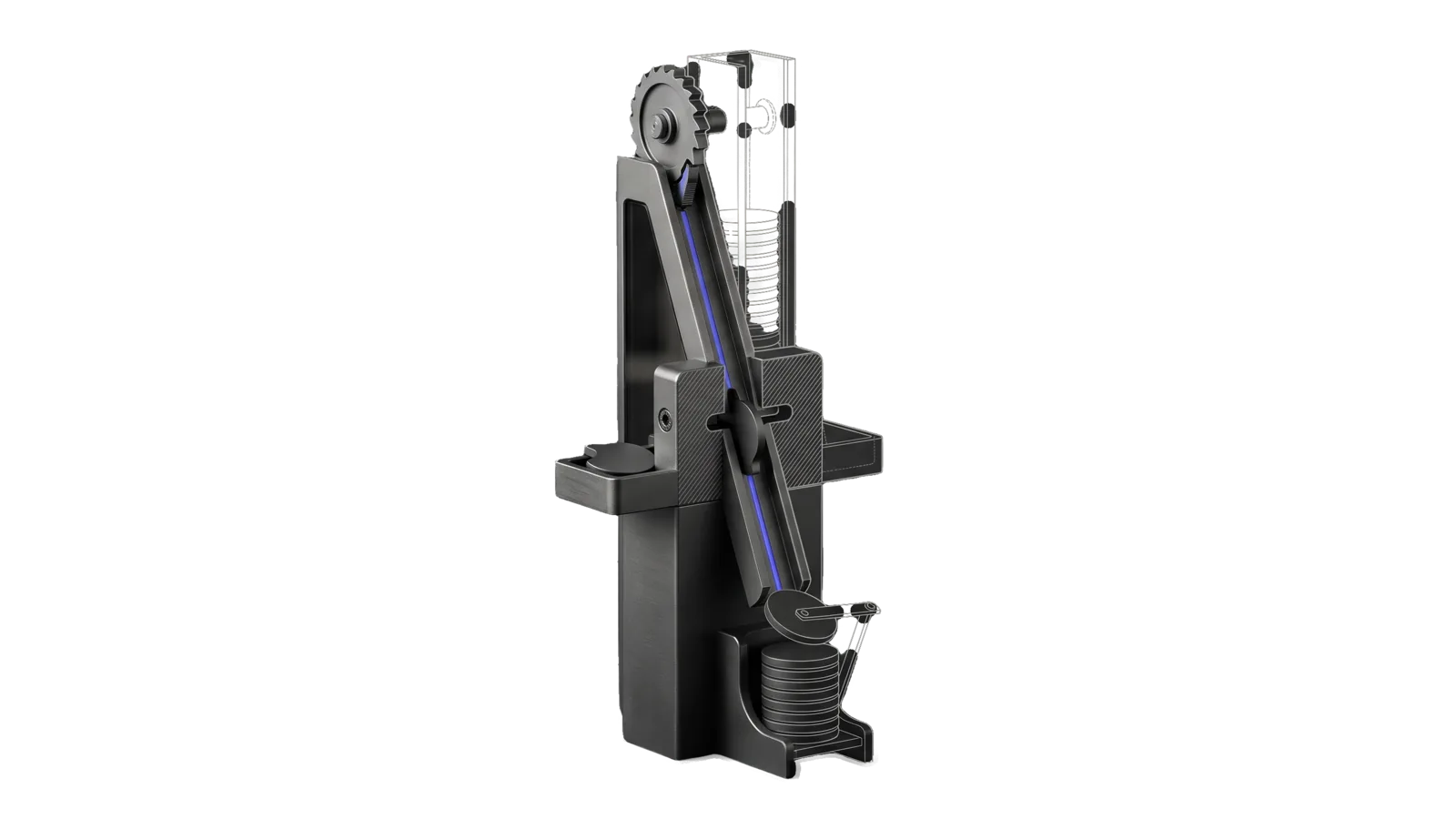
A tall column with a toothed ratchet wheel at the top dropping flat round discs down a chute through a notched gate block, a side shelf holding a rejected disc, and a neat stack of discs at the foot with a hinged arm, the lower chute drawn in bone-grey outline past a diagonal cut, and an indigo line running from the ratchet down the chute and through the notch into the stack.
Business

Stripe

Runs Stripe billing operations via the Stripe SDK and, when configured, an admin dashboard's cached endpoints: products, prices, subscriptions, MRR and revenue, customers, payments, refunds, coupons, disputes

06
Workflows
00
Tools
01
Reference
13
Triggers

Key Points

Not for newsletter-platform subscribers billed outside Stripe

Inside the Skill

The thinking, frameworks, and architecture that distinguish this skill from a generic version of the same task.

Ideal State

  • Every figure comes from the account the user meant, through that account's env var, with keys loaded from ~/.claude/.env and never printed or hardcoded; a missing Config.md or STRIPE_SDK_DIR stops the run with a pointer to Setup.md instead of a guess.
  • Counts and revenue cover every page of the list they come from, and historical views keep canceled and churned subscriptions and attribute every row to a product.
  • No write reaches Stripe without the user's explicit approval, and every write reports the resulting object back.

Intent Routing

Intent Trigger File
ListProducts "products", "what products", "list products" Intents/ListProducts.md
Subscriptions "subscriptions", "subscribers", "how many subscribers" Intents/Subscriptions.md
Revenue "revenue", "MRR", "how much", "earnings", "income" Intents/Revenue.md
Customers "customers", "customer list", "who subscribes" Intents/Customers.md
Payments "payments", "recent payments", "charges" Intents/Payments.md
Manage "promotion codes", "promo code", "find a coupon", "create product", "create price", "change the price", "cancel", "refund", "coupon", "invoice", "payment link" Intents/Manage.md
File Read when
Setup.md first-time setup: Config.md, STRIPE_SDK_DIR, the per-account key env vars, and the check that it works

Data & Config

Account-specific values — the SDK working directory (STRIPE_SDK_DIR), account aliases and their env var names, product and price IDs, product domains, invoicing practice, and the optional admin-dashboard endpoints — live in LIFEOS/USER/CUSTOMIZATIONS/SKILLS/Stripe/Config.md. First-time setup is in Setup.md. Secrets are env-var names only, values in ~/.claude/.env. The skill body is generic.

When Config.md is missing, or it names no STRIPE_SDK_DIR, stop, say so, and point the user at Setup.md. Never guess an SDK directory, an account, or a product list.

Account Env var Format Notes
Main (default) STRIPE_SECRET_KEY sk_live_* Used when no alias is given
Additional STRIPE_SECRET_KEY_<ALIAS> sk_live_* or restricted rk_live_* Config.md's Accounts table maps each alias to its env var
  • Test mode: a test-mode key (sk_test_*) is its own row in the Accounts table, for example alias test with STRIPE_SECRET_KEY_TEST, used as --account test.
  • SDK: stripe npm package (v20+), called with the API version Config.md names (the preamble below passes it).
  • Admin dashboard (optional): if Config.md names an admin dashboard that serves cached Stripe endpoints (its base URL, the endpoint list and what each returns), prefer those for fast overview answers: customer and subscription totals, MRR, products with subscriber counts, monthly revenue, recent payments. Treat the cache as possibly minutes old and say so when freshness matters. With no dashboard configured, answer from the SDK; nothing else in this skill depends on it.

Tool contract

Reads go through the read-only CLI first: bun ~/.claude/LIFEOS/TOOLS/StripeRead.ts promos | coupons | products | prices | subs | customer <email> | balance | get <v1 path> [k=v…] (--account <alias> for an additional account). It is a single plain command with no write path, so it runs wherever a shell command can, including unattended sessions. The inline cd … && bun --env-file … -e script below is arbitrary code, and a harness that asks before running such code will stop on it when nobody is there to approve, so use it only for writes and anything the CLI can't express, such as the computed reports in each intent. Two limits of the CLI, from its code: products and prices return active objects only, and every list stops at 1,000 rows, so a count of exactly 1,000 is a floor and needs fetchAll below.

Writes and computed reports run inside this preamble. Fill its two <…> values from Config.md before running it: the SDK folder (STRIPE_SDK_DIR, a directory where the stripe npm package is installed, with a leading ~ written as $HOME) and the API version (STRIPE_API_VERSION). bun -e resolves the SDK from that folder. If Config.md lacks either, stop and point at Setup.md. Each intent's Tool contract gives the body that replaces the last two lines.

cd "<STRIPE_SDK_DIR from Config.md>" && bun --env-file ~/.claude/.env -e "
import Stripe from 'stripe';
const API_VERSION = '<STRIPE_API_VERSION from Config.md>';
const stripe = new Stripe(process.env.STRIPE_SECRET_KEY, { apiVersion: API_VERSION });

async function fetchAll(listFn, params = {}) {
  const items = [];
  let hasMore = true;
  let startingAfter;
  while (hasMore) {
    const batch = await listFn({ limit: 100, ...params, ...(startingAfter ? { starting_after: startingAfter } : {}) });
    items.push(...batch.data);
    hasMore = batch.has_more;
    if (batch.data.length > 0) startingAfter = batch.data[batch.data.length - 1].id;
  }
  return items;
}

const result = await stripe.METHOD;
console.log(JSON.stringify(result, null, 2));
"

For an additional account the key line becomes const stripe = new Stripe(process.env['<ENV VAR>'], { apiVersion: API_VERSION });, with <ENV VAR> taken from that alias's row in Config.md's Accounts table, never built from the alias by hand. The read-only CLIs (StripeRead.ts, InvoiceWatch.ts) resolve --account <alias> to STRIPE_SECRET_KEY_<ALIAS in capitals>, so name each additional key that way. Bun's --env-file loads the configured key into the process without reading or printing the secret in shell. A restricted key (rk_live_*) allows only the scopes granted on it: read operations work; write operations (create/refund/cancel) fail unless that scope was granted.

Gotchas

  • Daily product attribution must follow realized balance activity, not MRR. Join each charge/refund/dispute balance transaction to its charge, then invoice or Checkout line items, price, and product; allocate multi-product invoices proportionally and retain unmatched activity as Unattributed. Report gross, refunds/adjustments, Stripe fees, and net using day boundaries in the timezone recorded in Config.md.
  • Invoice-generated charges may return invoice: null. In recent API versions, a charge can expose only a description such as Invoice ABCD1234-0001. Recover the invoice with /v1/invoices/search by exact invoice number, then resolve lines.data[].pricing.price_details.product. Do not use the invoice description itself as the product name. Nested expansion of lines.data.pricing.price_details.product may be rejected; plain invoice retrieval already returns the product ID, which can be retrieved separately.

Examples

User: "list active promotion codes in the main account"
→ Manage intent, read-only
→ A table of every active code with its coupon terms, redemptions and expiry
User: "cancel the annual subscription for customer X at period end"
→ Manage intent
→ After approval, the subscription shows cancel_at_period_end and the date access ends
User: "what's the MRR looking like?"
→ Revenue intent
→ MRR and ARR from every active subscription, labelled active-only and list price before discounts, with the count of discounted subscriptions, plus three months of gross, refunds, fees and net

Workflows & Routing · 6

Each workflow is one job the skill runs. The trigger phrases route your request to the right one — this is the skill's routing table.

  1. 01
    ListProducts Intents/ListProducts.md

    products, what products, list products

  2. 02
    Subscriptions Intents/Subscriptions.md

    subscriptions, subscribers, how many subscribers

  3. 03
    Revenue Intents/Revenue.md

    revenue, MRR, how much, earnings, income

  4. 04
    Customers Intents/Customers.md

    customers, customer list, who subscribes

  5. 05
    Payments Intents/Payments.md

    payments, recent payments, charges

  6. 06
    Manage Intents/Manage.md

    promotion codes, promo code, find a coupon, create product, create price, change the price, cancel, refund, coupon, invoice, payment link

How to Invoke

Say any of these to your DA and LifeOS activates the Stripe skill automatically:

  • "Stripe"
  • "subscriptions"
  • "billing"
  • "MRR"
  • "revenue"
  • "customers"
  • "invoices"
  • "refund"
  • "coupon"
  • "payment link"
  • "charges"
  • "subscriber count"
  • "earnings"

Or invoke explicitly:

Skill("Stripe")

References · 1

Auxiliary files the skill loads at runtime — frameworks, guides, configs.

  • Setup

Want LifeOS to do this for you?

Install LifeOS on your machine — your DA gets the Stripe skill plus 96 others, all hooked into one Life OS.