
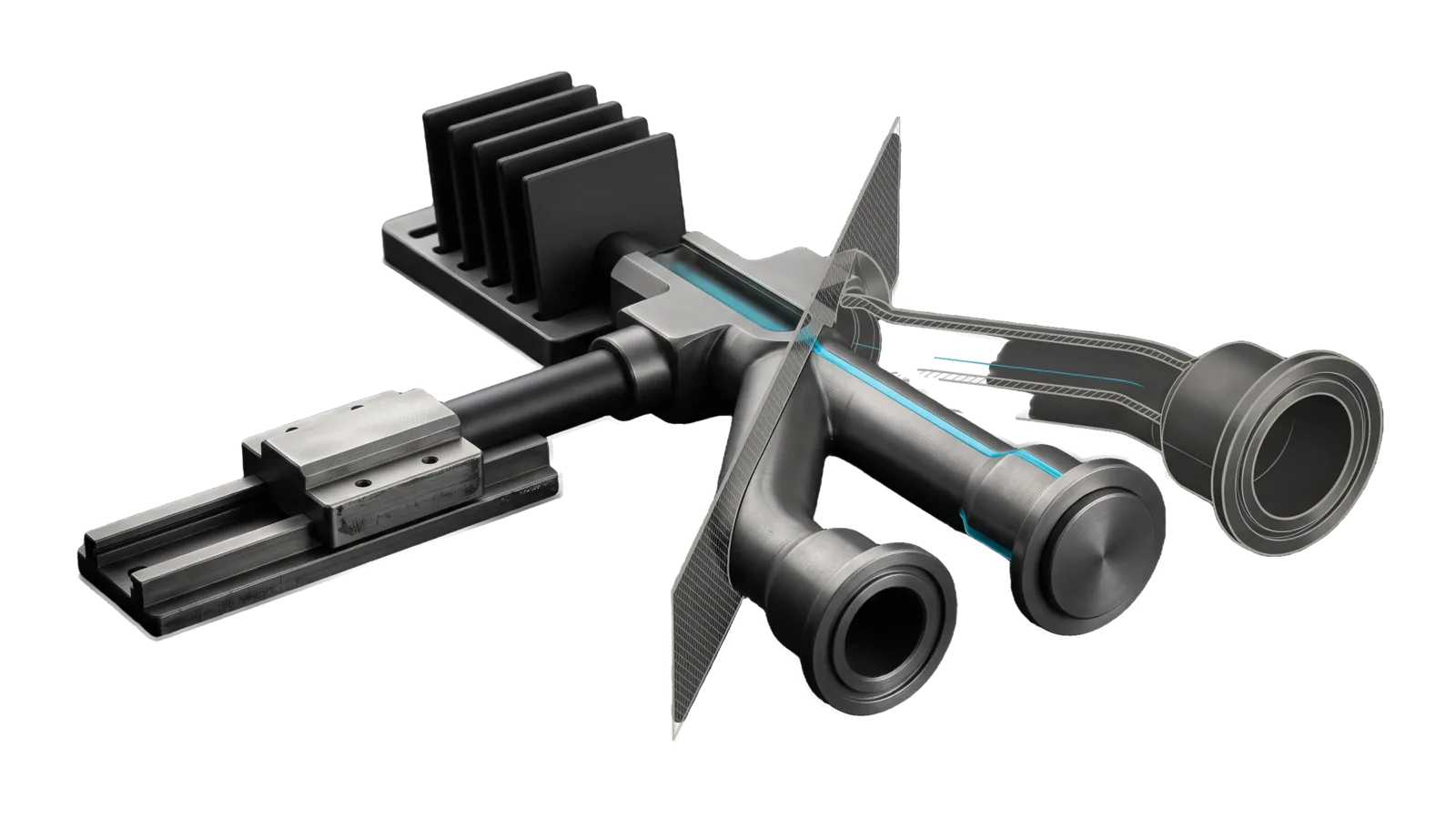
A short rail with a command carriage feeding a milled manifold that splits into three branch tubes ending in small, medium and large flanged sockets, with a plug seated in the medium one and a rack of flat tiles behind, cut diagonally so one branch is drawn as ghosted outlines, with a cyan line running from the carriage through the manifold into the plugged socket.
Research

Spotify

Acts on the principal's Spotify account via a deterministic CLI (Tools/Spotify.ts): search, playlists, now-playing, library, and playback across devices

02
Workflows
02
Tools
01
Reference
15
Triggers

Key Points

Not for music taste or recommendations, generating songs, editing audio (AudioEditor)

Inside the Skill

The thinking, frameworks, and architecture that distinguish this skill from a generic version of the same task.

Ideal State

  • Every requested account change (follow, playlist build, library read, queue, playback) is one Tools/Spotify.ts call keyed by IDs or URIs, and the account state afterwards matches the request.
  • Auth is set up once and never repeated by hand: tokens refresh per invocation, and a dead token or redirect mismatch is traced to its real fix (re-run auth, or fix the dashboard URI).
  • Playback is attempted only on a Premium account with an active device, so a Free account still gets search, playlists and library.

Intent Routing

Intent Trigger File
Authorize "set up spotify", "authorize spotify", "connect spotify", auth broken Intents/Authorize.md
Manage play / search / playlists / queue / library ops Intents/Manage.md
File Read when
Setup.md first-time install: the developer app, the three .env keys, the proof command
Tools/ Spotify.help.md is the full flag reference (same as --help); EnvText.ts is the pure env-file helper Spotify.ts writes tokens with

Data & Config

This skill reads no files under LIFEOS/USER/. Credentials are env-only: SPOTIFY_CLIENT_ID, SPOTIFY_CLIENT_SECRET and SPOTIFY_REFRESH_TOKEN in ~/.claude/.env (names only here, never values). First-time setup, the Spotify developer app and the proof command are in Setup.md. Tokens auto-refresh per invocation; a missing refresh token means run Intents/Authorize.md. With the credentials missing, the tool exits 1 and points at Setup.md.

Gotchas

  • search works before user auth (client-credentials fallback); every other command needs the refresh token.
  • 401 on every call → the refresh token died (password change, revoked access); re-run auth (Intents/Authorize.md). The tool persists rotated refresh tokens automatically.
  • /me/playlists returns tracks: null on playlist rows (observed) — never assume tracks.total exists; the CLI omits the count when absent.

Examples

  • "Add this playlist link to my Spotify" → Manage → the playlist is followed with follow-playlist --id <ID> (ID from the URL) and shows in playlists.
  • "Make me a focus-music playlist and fill it" → Manage → a new playlist from create-playlist, holding the tracks search resolved, added with add-tracks.
  • "What's playing?" → Manage → the now-playing result.
  • "Skip this / turn it down" → Manage → next / volume --percent 30 on the active Premium device.

Workflows & Routing · 2

Each workflow is one job the skill runs. The trigger phrases route your request to the right one — this is the skill's routing table.

  1. 01
    Authorize Intents/Authorize.md

    set up spotify, authorize spotify, connect spotify, auth broken

  2. 02
    Manage Intents/Manage.md

    play / search / playlists / queue / library ops

Tools · 2

Deterministic executables the workflows call — the code that does the real work, not prompt scaffolding.

  • EnvText.ts
  • Spotify.ts

How to Invoke

Say any of these to your DA and LifeOS activates the Spotify skill automatically:

  • "spotify"
  • "play on spotify"
  • "add to my spotify"
  • "follow this playlist"
  • "save playlist"
  • "create a spotify playlist"
  • "add tracks"
  • "what's playing"
  • "my playlists"
  • "queue this"
  • "skip track"
  • "set volume"
  • "spotify search"
  • "control spotify"

Or invoke explicitly:

Skill("Spotify")

References · 1

Auxiliary files the skill loads at runtime — frameworks, guides, configs.

  • Setup

Want LifeOS to do this for you?

Install LifeOS on your machine — your DA gets the Spotify skill plus 96 others, all hooked into one Life OS.