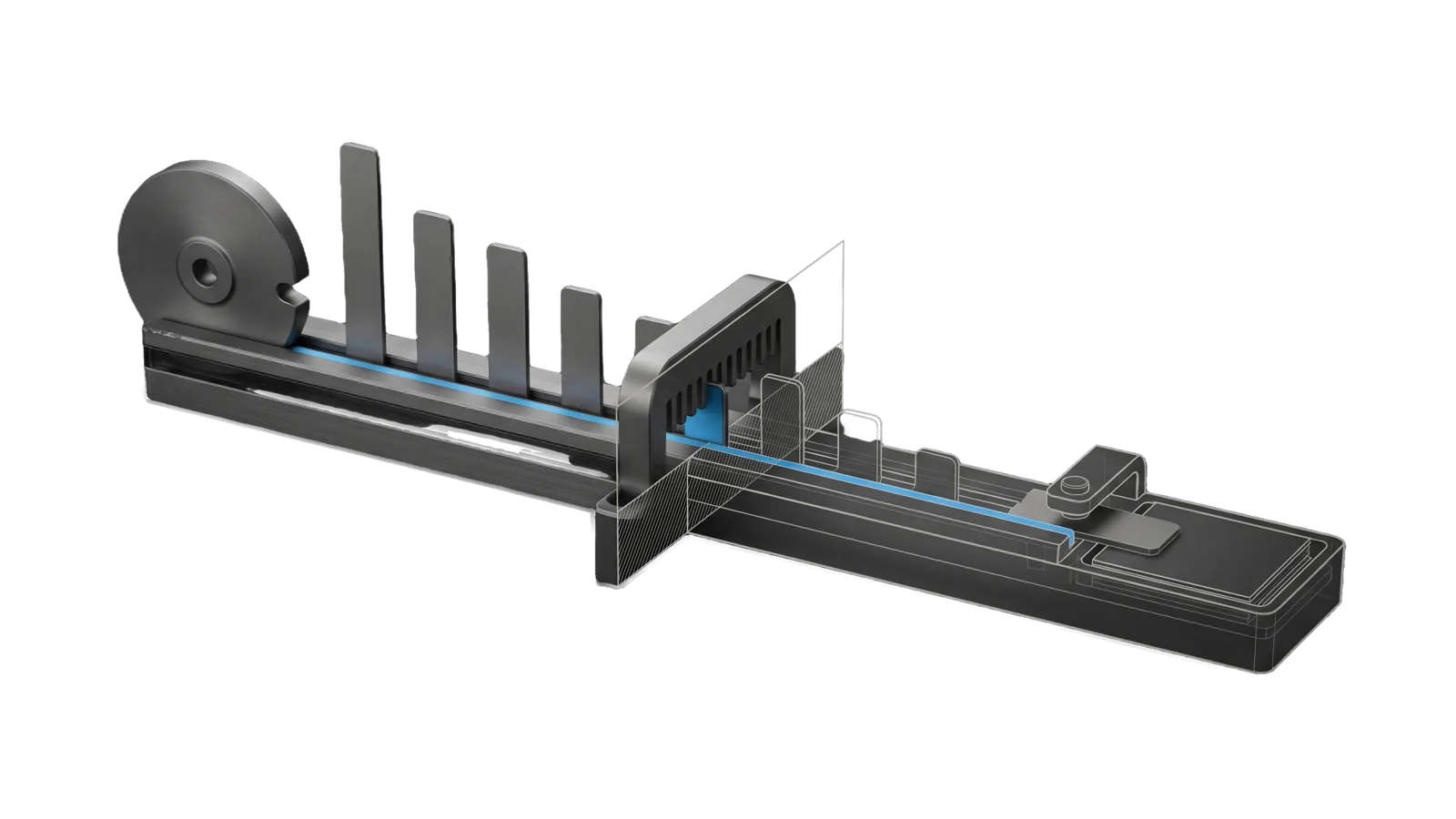
A long rail carrying a row of upright tabs of descending height beside a notched cam wheel at one end, a slotted comb gate across the rail, and past a diagonal cut a ghosted tray with a clip arm holding one lifted tab, with a sky-blue line running from the cam notch along the rail through the comb into the tray.
Research

Speaking

Finds and tracks paid speaking opportunities that fit your own topics by scraping conference CFPs and speaker pages, ranks them by fit and urgency with deadlines, and drafts talk and panel proposals

03
Workflows
01
Tool
02
References
10
Triggers

Key Points

Not for media appearances, podcasts, or general PR

Inside the Skill

The thinking, frameworks, and architecture that distinguish this skill from a generic version of the same task.

Ideal State

  • The tracked list holds only paid (or flagged very-high-prestige) opportunities that fit the Config.md topics, each with its CFP close date, pay tier and next action. Unpaid community meetups appear only when the user asks for them.
  • Nothing closes unnoticed: deadlines inside the Immediate window surface as urgent, and past events move to the archive with their outcome instead of disappearing.
  • Every recommendation is specific to its opportunity, carries its submission deadline, and carries a URL or contact to act on.

Intent Routing

Intent Trigger File
FindOpportunities "find speaking opportunities", "update speaking list", "check speaking sources" Intents/FindOpportunities.md
ShowOpportunities "show me opportunities", "what speaking opportunities", "analyze speaking list", "where should I speak" Intents/ShowOpportunities.md
ProposeTalks "propose talks", "talk ideas for a conference", "panel topics", "what could I speak on" Intents/ProposeTalks.md
File Read when
Setup.md first-time setup, what Config.md holds, adding your own sources, a scheduled deadline check, proving the skill works
Sources.md the kinds of source to check (speaker pages, conferences, bureaus, CFP aggregators), what each yields, and how often; the actual sources are in Config.md
Tools/CheckOpportunities.ts checking the opportunities list for entries missing a close date, a URL or contact, or a pay tier, and for past deadlines left outside Archive (--json, --today YYYY-MM-DD, optional list path; exit 0 clean, 1 findings, 2 unreadable)
Patterns/ recommend_talkpanel_topics/system.md is the system prompt ProposeTalks runs to turn the speaker's goals, positions and interests into talk or panel proposals for an organizer

Data & Config

First-time setup, the Config.md fields, accounts and a proof command: Setup.md. configRoot is $CLAUDE_CONFIG_DIR when set, else ~/.claude. If Config.md is missing, stop and point the user at Setup.md; never guess topics, fees or sources.

  • Config: <configRoot>/LIFEOS/USER/CUSTOMIZATIONS/SKILLS/Speaking/Config.md holds ## Topics, ## Fee range, ## Excluded events, ## Speaker record (where goals, positions and credentials come from), ## Signature talking points, ## Highest-yield source, ## Speaker pages to monitor, ## Conferences (by pay tier, plus priority targets), ## Speaker bureaus and ## Extra CFP aggregators.
  • Opportunities list: <configRoot>/LIFEOS/USER/CUSTOMIZATIONS/SKILLS/Speaking/Opportunities.md, written by FindOpportunities and read by the other intents. Created on the first run when absent.

Examples

User: "Find speaking opportunities"
→ FindOpportunities
→ The opportunities list gains the new finds, and the user gets what's new, what closes within two weeks, and what was archived
User: "Update the speaking list"
→ FindOpportunities
→ An incremental update since the last run: new opportunities added, expired ones archived with their outcome
User: "Show me opportunities"
→ ShowOpportunities
→ Opportunities bucketed by urgency and fit, each with its deadline, pay tier and one specific next step
User: "Propose some talks for Example Engineering Summit"
→ ProposeTalks
→ Three talk abstracts and three panel topics fitted to that event, ready to paste to the organizer

Workflows & Routing · 3

Each workflow is one job the skill runs. The trigger phrases route your request to the right one — this is the skill's routing table.

  1. 01
    FindOpportunities Intents/FindOpportunities.md

    find speaking opportunities, update speaking list, check speaking sources

  2. 02
    ShowOpportunities Intents/ShowOpportunities.md

    show me opportunities, what speaking opportunities, analyze speaking list, where should I speak

  3. 03
    ProposeTalks Intents/ProposeTalks.md

    propose talks, talk ideas for a conference, panel topics, what could I speak on

Tools · 1

Deterministic executables the workflows call — the code that does the real work, not prompt scaffolding.

  • CheckOpportunities.ts

How to Invoke

Say any of these to your DA and LifeOS activates the Speaking skill automatically:

  • "speaking engagements"
  • "speaking opportunities"
  • "find speaking"
  • "conferences"
  • "keynote"
  • "CFP"
  • "paid speaking"
  • "where should I speak"
  • "propose talks"
  • "panel topics"

Or invoke explicitly:

Skill("Speaking")

References · 2

Auxiliary files the skill loads at runtime — frameworks, guides, configs.

  • Setup
  • Sources

Want LifeOS to do this for you?

Install LifeOS on your machine — your DA gets the Speaking skill plus 96 others, all hooked into one Life OS.