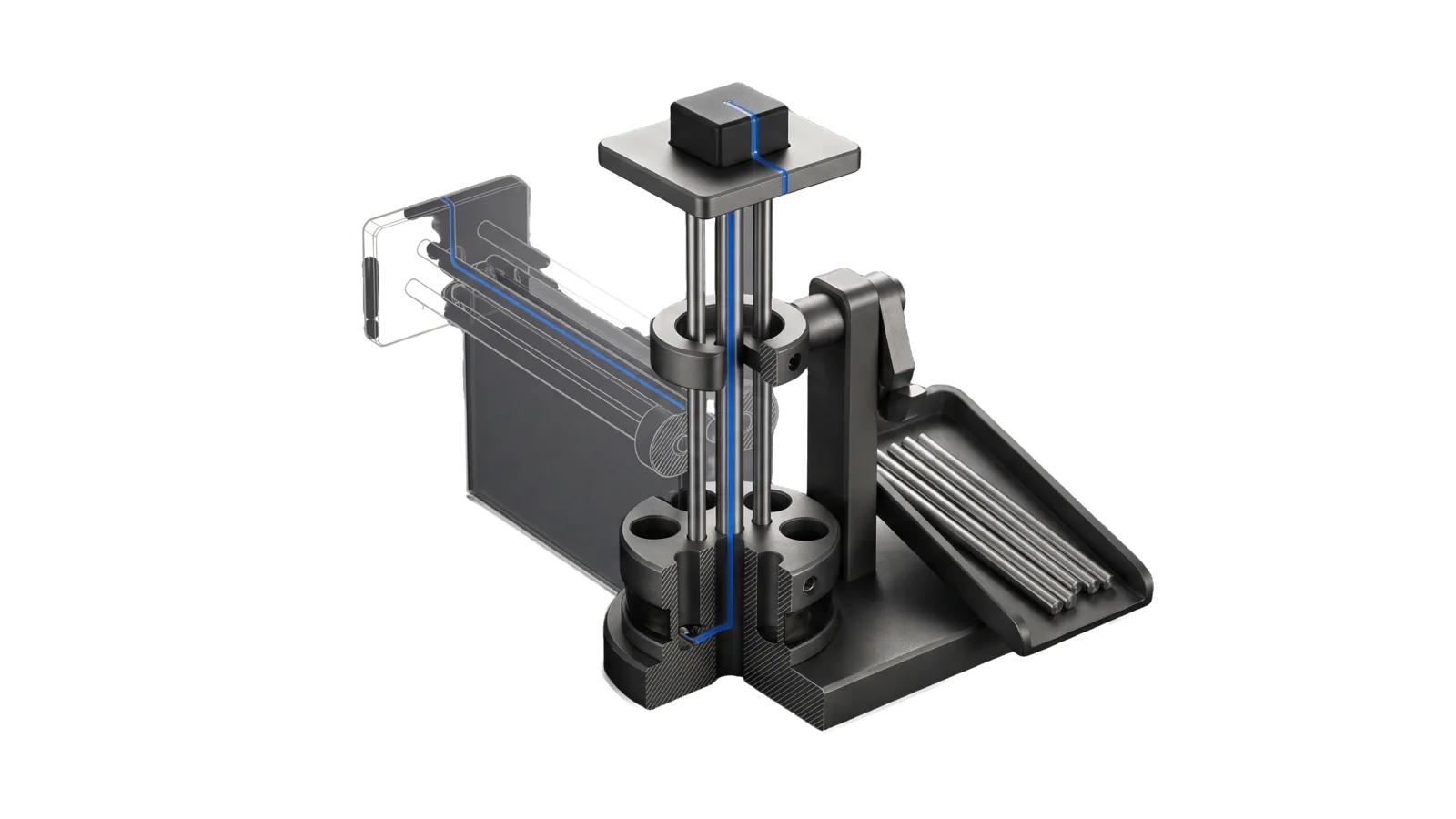
A bundle of thin rods in two clamp rings carrying a platform and a heavy cube weight, only three rods left standing and four others laid in a sloped scrap tray with empty sockets in the lower ring, the original full bundle drawn as ghosted bone-grey outline to the left, with an electric-blue line running up one remaining rod into the weight.
Research

Simplify

Research-first simplification of any file, skill, tool, subsystem or codebase against its ideal state: reads its ISA or derives its purpose, maps every dependent (callers, imports, references, hooks, settings, docs, tests), classifies each element with evidence as load-bearing, duplicate, dead, cruft or over-abstracted, then proposes and applies cuts that keep every behaviour a dependent relies on, proven by before-and-after parity checks

03
Workflows
00
Tools
00
References
14
Triggers

Key Points

Not for always-on context files (Trim), cleanup of just the current diff (/simplify), harmony across many systems (Unify), auditing prompt rules for over-prompting (BitterLessonEngineering), bug hunting (/code-review)

Inside the Skill

The thinking, frameworks, and architecture that distinguish this skill from a generic version of the same task.

Ideal State

  • The target ends smaller and clearer, and every behaviour a dependent or ISA criterion relies on still works, shown by the same baseline checks passing before and after.
  • No element is cut on looks: each cut rests on a survey finding with its searches cited, and anything the evidence cannot explain stays.
  • Nothing changes until the principal approves the specific rows, and a delete of irreplaceable content gets its own yes.
  • Each stage leaves its record under LIFEOS/MEMORY/WORK/{slug}/simplify/, so the next stage builds on evidence rather than on memory.

Intent Routing

Intent Trigger File
Survey "simplify X", "what can we delete", "map this before we cut", "is this dead" Intents/Survey.md
Propose "what would you cut", "propose the simplifications", follows Survey in the same run Intents/Propose.md
Apply "apply them", "y" or approved row numbers after a proposal Intents/Apply.md

A bare "simplify X" runs Survey and then Propose, and stops at the proposal. A Survey-only request, which is how a read-only analysis calls this skill, stops at the survey.

Data & Config

None. This skill reads no config and needs no account or key. Each stage writes its record under LIFEOS/MEMORY/WORK/{slug}/simplify/ next to the target's ISA, if it has one; nothing else is created.

Gotchas

  • Zero code-search hits does not mean dead. LifeOS calls a great deal of code by string: hook registrations in settings.json, launchd plists, workflow YAML, skill routing tables, spawned commands and dynamic imports. ReferenceCheck.ts --shipped-paths exists because plain path scans missed spawn and dynamic-import specifiers.
  • The file can change mid-run. Memory loops and peer sessions write to the same trees. A file edited after its survey is re-read before it is touched (Trim, where a concurrent deploy-command fix was nearly reverted).

Examples

Example 1: Simplify a tool

User: "simplify LIFEOS/TOOLS/ReferenceCheck.ts"
→ Survey intent, then Propose
→ Purpose from its header and DocCheck lineage, every caller, findings per function, test baseline
→ A ranked table of cuts, each with its parity check, held for y

Example 2: Land the approved cuts

User: "y, but skip 4"
→ Apply intent
→ Rows 1–3 and 5 land as separate commits, tests show the same pass count before and after, and the measured reduction sits beside the estimate

Example 3: An always-on context file

User: "simplify CLAUDE.md"
→ Routed to Trim, which owns always-on context files and their directive-coverage gate

Workflows & Routing · 3

Each workflow is one job the skill runs. The trigger phrases route your request to the right one — this is the skill's routing table.

  1. 01
    Survey Intents/Survey.md

    simplify X, what can we delete, map this before we cut, is this dead

  2. 02
    Propose Intents/Propose.md

    what would you cut, propose the simplifications, follows Survey in the same run

  3. 03
    Apply Intents/Apply.md

    apply them, y or approved row numbers after a proposal

How to Invoke

Say any of these to your DA and LifeOS activates the Simplify skill automatically:

  • "simplify"
  • "simplify this"
  • "simplify this system"
  • "remove cruft"
  • "remove duplication"
  • "dedupe"
  • "dead code"
  • "clean this up"
  • "this has gotten bloated"
  • "too complicated"
  • "reduce complexity"
  • "consolidate"
  • "strip this down without breaking it"
  • "what can we delete"

Or invoke explicitly:

Skill("Simplify")

Want LifeOS to do this for you?

Install LifeOS on your machine — your DA gets the Simplify skill plus 96 others, all hooked into one Life OS.