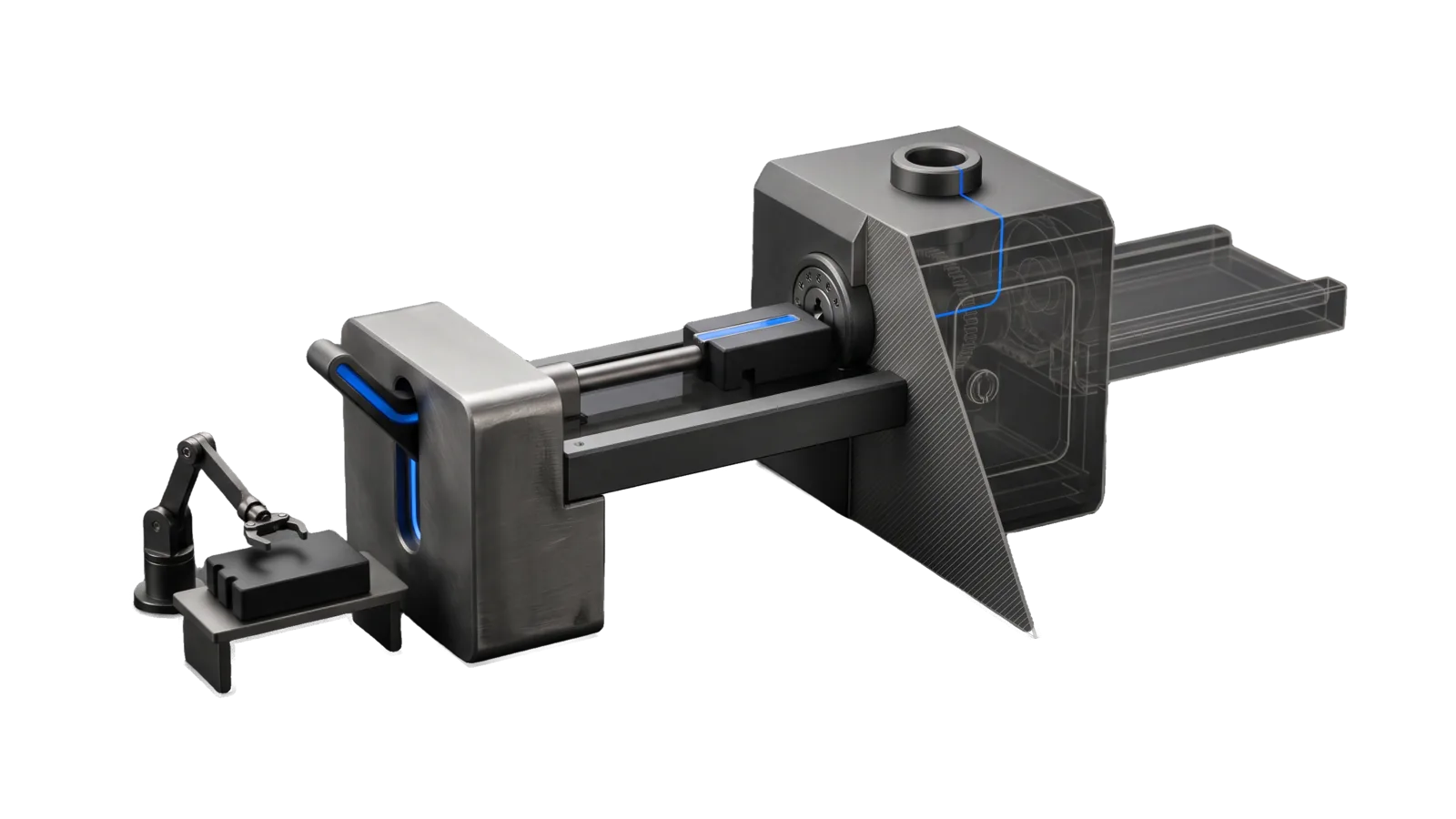
A bridge span between a plain lever bank and a sealed vault block with a round keyed lock port, one notched cassette on the deck pushed by a sliding rod, and a small build arm holding a second blank cassette on the left bank; a diagonal hatched cut ghosts the vault's chamber in bone-grey outline, and an electric-blue line runs from the lever along the deck into the lock port and up to a ring.
Development

Shortcuts

Bridges macOS Shortcuts.app into LifeOS: build a Shortcut once via computer use, then call it as a CLI to reach Apple-only capabilities like HomeKit

03
Workflows
01
Tool
01
Reference
11
Triggers

Key Points

Not for web automation (Interceptor), shell-scriptable tasks (Bash), devices reachable by API (Home / Network)

Inside the Skill

The thinking, frameworks, and architecture that distinguish this skill from a generic version of the same task.

Ideal State

  • Each Apple-only capability is built once as a Shortcut under the exact name its consumers call, and is proven by a run whose output matches the spec, never by how the editor looks.
  • Every later use is plain CLI through Tools/Shortcuts.ts or shortcuts run, with no pixels and no computer use.
  • A failed run or missing shortcut is diagnosed against the exact registered names, so a case or whitespace mismatch is caught before anything is rebuilt.

Intent Routing

Intent Trigger File
BuildShortcut "build a shortcut", "create a shortcut", "set up the X shortcut" Intents/BuildShortcut.md
RunShortcut "run the X shortcut", "invoke X", any consumer calling a built shortcut Intents/RunShortcut.md
ListShortcuts "list shortcuts", "what shortcuts exist", "does X exist" Intents/ListShortcuts.md
File Read when
Setup.md first-time setup, a worked example of adding your own shortcut, and the read-only proof commands

Gotchas

  • Creation is GUI-only: there is no shortcuts create. The shortcuts CLI runs, lists, and views, but cannot author. Never claim a shortcut was "built" via CLI.
  • Name matching is exact, case and spaces included. shortcuts run "Casa Set Zone 1 Temp" fails silently-ish (nonzero exit) if the registered name is casa set zone 1 temp or has a trailing space. Confirm with exists after building, register the exact string a consumer expects, and on a nonzero run with no clear error, diff the target string against list before rebuilding anything.
  • Input arrives on stdin; output is whatever the last action returns. The CLI pipes --input to the shortcut's stdin and captures the final action's output on stdout; without a final output action, stdout comes back empty.

Data & Config

The skill keeps no per-user data. Shortcut names belong to the consumer that calls them: a home-control skill, for example, builds its thermostat names from thermostat_shortcut_prefix and thermostat_room lines in its own Config.md. There is no config file for this skill. First-time setup, a worked example and a read-only proof: Setup.md.

The frontmatter evals check (list) proves this skill on its own. A consumer that depends on a particular shortcut name can check it with Tools/Shortcuts.ts exists "<name>", which exits 1 when that name is not registered.

Examples

Example 1: Build the thermostat status shortcut

User: "build the thermostat status shortcut"
→ BuildShortcut, authored through Skill("ComputerUse", "Drive") --app Shortcuts
→ "<prefix> Thermostat Status" exists, reads every thermostat through Home actions,
  and `bun Tools/Shortcuts.ts run "<prefix> Thermostat Status"` returns
  "Zone 1 21 heating, Zone 2 20 idle"

Example 2: A consumer runs a built shortcut

A home-control skill's thermostat script calls `shortcuts run "<prefix> Set Zone 1 Temp"`
with "21" on stdin → RunShortcut path → deterministic, no computer use

Example 3: Check what's there

User: "do my <prefix> shortcuts exist yet?"
→ ListShortcuts: bun Tools/Shortcuts.ts list | rg "<prefix>"
→ the matching names, or a plain "not built yet"

Workflows & Routing · 3

Each workflow is one job the skill runs. The trigger phrases route your request to the right one — this is the skill's routing table.

  1. 01
    BuildShortcut Intents/BuildShortcut.md

    build a shortcut, create a shortcut, set up the X shortcut

  2. 02
    RunShortcut Intents/RunShortcut.md

    run the X shortcut, invoke X, any consumer calling a built shortcut

  3. 03
    ListShortcuts Intents/ListShortcuts.md

    list shortcuts, what shortcuts exist, does X exist

Tools · 1

Deterministic executables the workflows call — the code that does the real work, not prompt scaffolding.

  • Shortcuts.ts

How to Invoke

Say any of these to your DA and LifeOS activates the Shortcuts skill automatically:

  • "build a shortcut"
  • "create a shortcut"
  • "macOS shortcut"
  • "shortcuts app"
  • "run a shortcut"
  • "automate a native mac task"
  • "HomeKit automation that needs a shortcut"
  • "thermostat shortcuts"
  • "control home from CLI"
  • "wrap an Apple-only action"
  • "no API for this app"

Or invoke explicitly:

Skill("Shortcuts")

References · 1

Auxiliary files the skill loads at runtime — frameworks, guides, configs.

  • Setup

Want LifeOS to do this for you?

Install LifeOS on your machine — your DA gets the Shortcuts skill plus 96 others, all hooked into one Life OS.