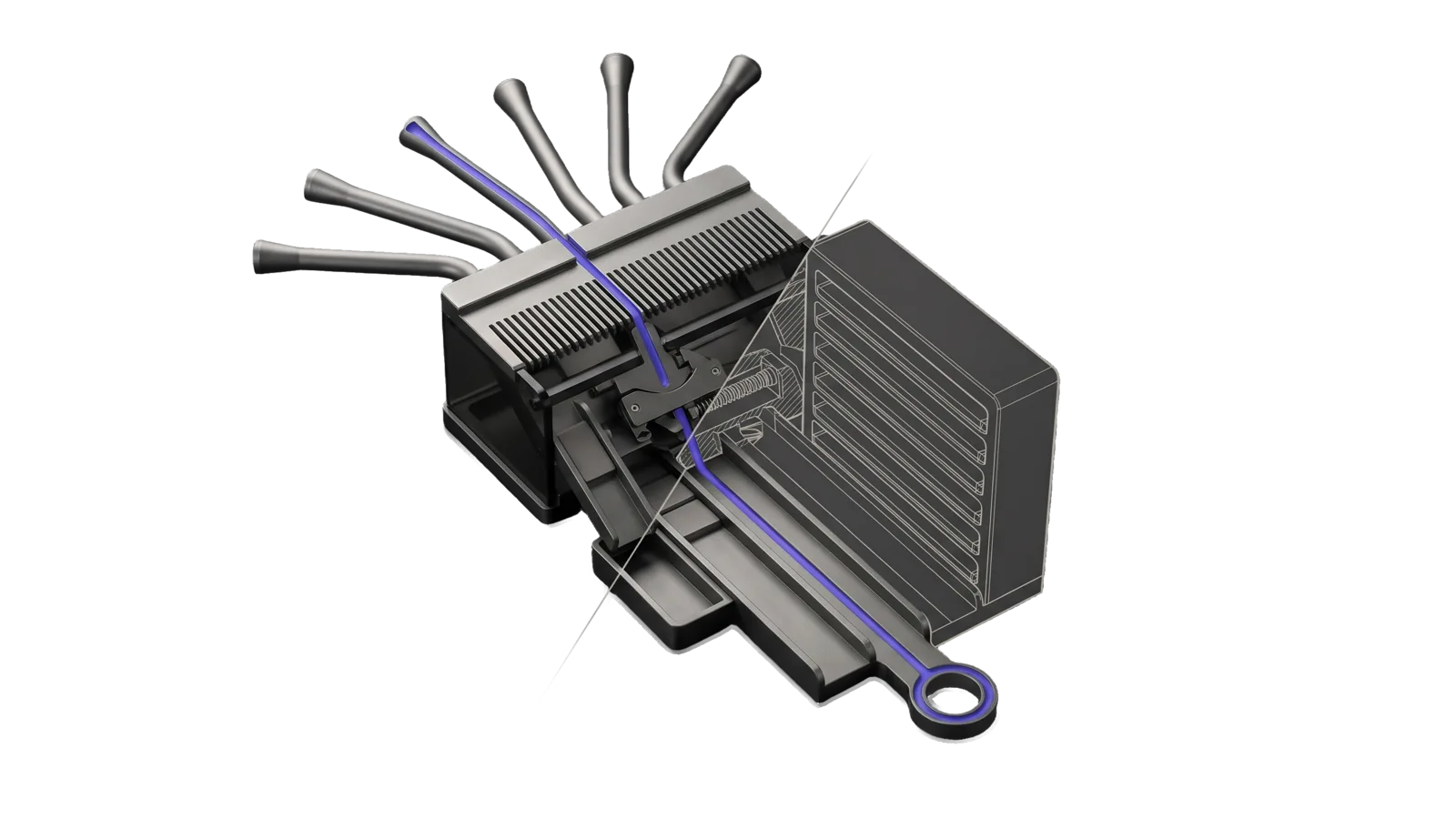
Six flared tubes fan in onto a fine-toothed comb above a sprung gate, with a tall ribbed rack of sealed slots drawn as ghosted outline behind a diagonal cut; an indigo line runs from one tube through the comb and gate down a long lane to a ring terminal.
Security

SecurityUpdates

Aggregates and curates security news from six authoritative sources into a ranked, deduplicated digest across Security News, Research, and Ideas, with stateful tracking to avoid re-surfacing seen items

01
Workflow
01
Tool
01
Reference
09
Triggers

Key Points

Not for stack-specific CVE prioritization against your own tech stack (use your own vulnerability-management tooling), or AI industry news (Upgrade NewsDigest)

Inside the Skill

The thinking, frameworks, and architecture that distinguish this skill from a generic version of the same task.

Ideal State

  • A run returns at most 32 items, deduplicated across sources, ranked within News, Research and Ideas, each attributed to its source, and none fabricated.
  • Nothing surfaced on an earlier run surfaces again, dated or not: every shown item's key is recorded in MEMORY/STATE/SecurityUpdates-last-check.json after each successful run, and the next run's candidates are filtered against it by Tools/Digest.ts (Intents/Update.md § Tool contract).
  • Items come only from the configured sources: the six defaults in sources.json, swapped or extended through PREFERENCES.md.

Intent Routing

Intent Trigger File
Update "security updates", "sec updates", "/secupdates", "what's new in security" Intents/Update.md

Default: Run the Update intent.

File Read when
Setup.md first-time setup: the smallest working PREFERENCES.md, accounts (none) and the proof command
Tools/Digest.help.md the state filter, recorder and digest check the Update intent runs

Data & Config

User customizations, read before each run: <configRoot>/LIFEOS/USER/CUSTOMIZATIONS/SKILLS/SecurityUpdates/PREFERENCES.md configRoot is $CLAUDE_CONFIG_DIR when set, else ~/.claude.

If the file exists, apply it: it can add sources and say which topics to emphasise or drop, and it overrides default behavior (the 32-item cap and the three categories stay). If it does not exist, proceed with the six default sources; nothing here is required. Setup, a smallest working PREFERENCES.md and the proof command are in Setup.md. Run state is not config: it is written to MEMORY/STATE/SecurityUpdates-last-check.json (shape in Intents/Update.md § Tool contract).

Sources

sources.json in the skill root is the one list of the six default sources: id, name, URL, type, and the categories each one feeds.

Custom sources: list them under "Extra sources" in PREFERENCES.md (see Data & Config); sources.json in the skill root holds the six defaults and is overwritten by updates, so do not edit it.

Gotchas

  • Not for stack-specific CVE tracking: use your own vulnerability-management tooling for that (a private overlay skill routes those requests on its own triggers). SecurityUpdates is for industry-wide security news.
  • Research publications vs news: Distinguish between new research papers and news reporting. Cite appropriately.

Examples

"What's new in security?" → Update intent → a ranked ≤32-item digest of what is new across all six sources since ~/.claude/LIFEOS/MEMORY/STATE/SecurityUpdates-last-check.json was last written, and that state file updated for the next run.

"/secupdates" → same Update intent, slash-command entry.

Second run same day → only items whose keys are not already in the state file surface; an empty digest with "no new items since last check" is the correct result, not a failure.

Workflows & Routing · 1

Each workflow is one job the skill runs. The trigger phrases route your request to the right one — this is the skill's routing table.

  1. 01
    Update Intents/Update.md

    security updates, sec updates, /secupdates, whats new in security

Tools · 1

Deterministic executables the workflows call — the code that does the real work, not prompt scaffolding.

  • Digest.ts

How to Invoke

Say any of these to your DA and LifeOS activates the SecurityUpdates skill automatically:

  • "security news"
  • "security updates"
  • "breaches"
  • "sec updates"
  • "tldrsec"
  • "Krebs"
  • "Schneier"
  • "weekly security digest"
  • "CISO strategy"

Or invoke explicitly:

Skill("SecurityUpdates")

References · 1

Auxiliary files the skill loads at runtime — frameworks, guides, configs.

  • Setup

Want LifeOS to do this for you?

Install LifeOS on your machine — your DA gets the SecurityUpdates skill plus 96 others, all hooked into one Life OS.