
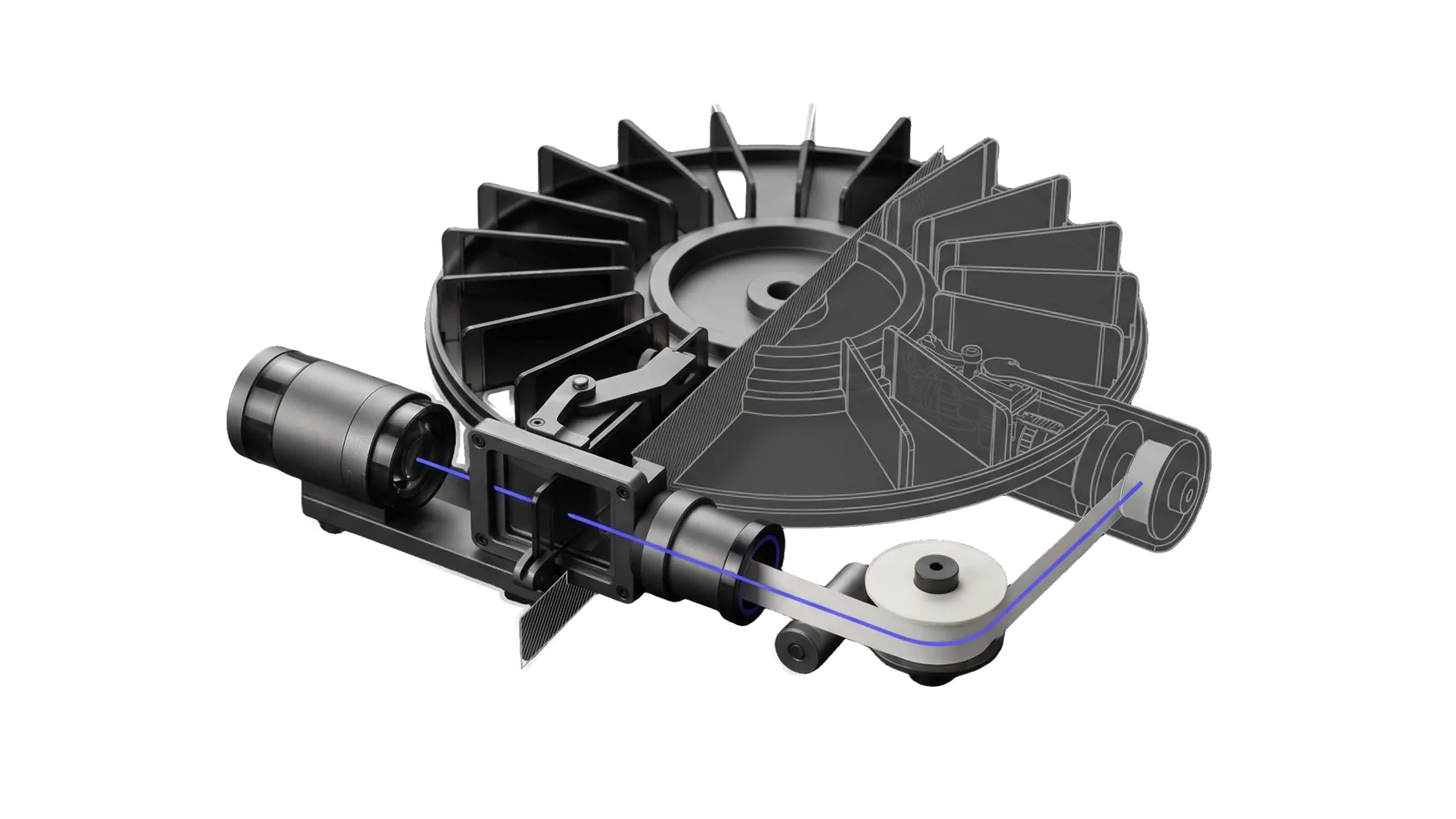
A round carousel tray of thin dark plates with one plate pushed forward into a gate frame between a lamp housing and a lens barrel, a pale strip winding over a roller onto a take-up spool, the far half of the carousel drawn in bone-grey outline past a diagonal cut, and an indigo line running from the lamp through the plate and lens along the strip to the spool.
Research

Presentation

Makes talks, slide decks and sales pitches: a read-aloud lecture in Keynote or HTML, a cue-card HTML deck, or a pitch from product docs (value story, talking points, charcoal sketch)

08
Workflows
10
Tools
03
References
38
Triggers

Key Points

Not for images (Art), video (HyperFrames), web design (Webdesign), voice reading (ReadIt)

Inside the Skill

The thinking, frameworks, and architecture that distinguish this skill from a generic version of the same task.

Ideal State

  • Every talk has an ISA before its slides do (principal, 2026-10-21). Its L3 names what the audience believes or does by the end, its criteria hold the time budget (spoken words at about 135 per minute, slide count) and the arc, and every cut, move or added slide traces to L3. A change of thesis updates the ISA first, then the order and the script.
  • The speaker gets a deck they can present from: in lecture mode the notes are the talk file word for word, in deck mode every slide carries one claim and glanceable notes, and the talk file or script stays the one source the deck is rebuilt from.
  • Everything real the talk names is on screen as itself: the speaker's registered things (RealThings.json) with their registered picture, everything else sourced through Intents/MediaSourcing.md. Every outside picture and clip has rounded corners (12 pt in Keynote, 12 px in an HTML deck) and its credit (film and year, site, publisher) in the small bottom-left source line, never the subtitle.
  • Generated art appears only where it carries something words cannot, and every number on a chart was verified this session or its source line says "illustrative". In lecture mode, on-slide text is a few words that echo the line being read, and where a visual adds nothing a plain text slide is right.
  • Every slide passes the layout and playback checks in code (balanced, pictures filling the space they were given and never crowding the title, nothing overlapping, no large empty band, nothing waiting for a click) and was looked at as rendered pixels.
  • A pitch tells one value story a buyer can retell, every product claim traced to a line in the source docs, with no feature-list sentence, and its sketch carries the same register and idea (Intents/Pitch.md).
  • No deck reaches the speaker as a first draft: its slides passed a slides critique (References/QualityLoop.md) and it arrives through Deliver.ts or as a served URL with the human-only keys stated.

Intent Routing

Mode Intent Trigger File
Lecture Write "write a lecture on X", "turn this dictation/essay/talk into a lecture", "convert my deck to a lecture" Intents/Write.md
Lecture Build "sync the lecture", "rebuild the deck", "I edited the script", "present the lecture" Intents/Build.md
Lecture Keynote (create) "make the Keynote", "Keynote version of my talk", a talk file with no deck yet Intents/Keynote.md
Lecture KeynoteUpdate "move this slide up here", "reprocess this, I changed the file", "change the title on slide N", "make slide N a diagram", "redo the slides for section N" Intents/KeynoteUpdate.md
Both KeynoteArt "make the art for the deck", "draw the diagrams", "redo the art on slide N", slides showing ART NEEDED or DIAGRAM NEEDED Intents/KeynoteArt.md
Both MediaSourcing "find footage of X", "show the real film", "get the book cover", "screenshot the site", > visual direction lines, slides showing MEDIA NEEDED Intents/MediaSourcing.md
Deck CreateDeck "make me a deck on X", "slides for my talk" Intents/CreateDeck.md
Both Present "serve the deck", "present it", "presenter mode" Intents/Present.md
Deck ExportToClaudeDesign "push to Claude Design", "export to PPTX" Intents/ExportToClaudeDesign.md
Pitch Pitch "sales pitch", "sales narrative", "elevator pitch", "value proposition", "turn this into a pitch", "create a sales package", "a visual for this sales story", "sales script", "sales materials", "product pitch", "create a sales story", "sales deck" or "pitch deck" (the pitch first, then CreateDeck when slides are wanted) Intents/Pitch.md
File Read when
References/TalkFiles.md reading, writing or rebuilding from a talk file (READ.md, SCRIPT.md, a speaker's Markdown): how its lines become talking points, titles and notes
References/QualityLoop.md before any deck goes to the speaker: the slides critique, what Deliver.ts accepts
References/KeynoteGotchas.md every Keynote, KeynoteUpdate, KeynoteArt or MediaSourcing run: dated Keynote, layout and autoplay failures
References/HtmlDecks.md building, capturing or serving an HTML deck (Build, CreateDeck, Present, ExportToClaudeDesign)
References/Tools.md which tool checks what, or a tool no intent shows
ScriptFormat.md writing or validating a lecture SCRIPT.md: its fields and slide types
DesignSystem.md authoring a deck-mode slide: the default tokens and type, the nine archetypes and how to choose; an install's own DesignSystem.md in the customization dir overrides its brand sections
Tools/ a tool's flags beyond what an intent shows: Keynote.help.md, KeynoteArt.help.md
Setup.md first-time setup: the deck template, the real-things registry, and what the Keynote, media and layout-check lanes need installed

Data & Config

Before running, check <configRoot>/LIFEOS/USER/CUSTOMIZATIONS/SKILLS/Presentation/ (configRoot is $CLAUDE_CONFIG_DIR, else ~/.claude). What can live there:

  • PREFERENCES.md: template, theme, Keynote style file, where talks live, where the speaker's own material is, and the quality gates this install requires. It overrides the defaults here.
  • DesignSystem.md: the install's own slide register (tokens, type roles, footer band, signature elements), read in place of those sections of the skill's default DesignSystem.md.
  • Config.md: the presenter's byline, site, handle and organisation for deck credits, and paths to their published writing.
  • Template/: the HTML deck template (deck.html exemplar, theme.css, fonts, a vendored reveal.js with the notes plugin and editor.js, brand images). Fonts in a template are often licensed for one person, which is why the template lives here and never in the skill.
  • RealThings.json: the speaker's own real things (a book, a product, a site) with the one true picture of each; see Tools/RealThings.ts.
  • History.md: which of the install's own deck builds each dated gotcha came from. Provenance only; no run reads it.

First-time setup for these files and the tools each lane needs is in Setup.md.

Gotchas

  • Keynote AppleScript cannot delete through a live repeat with im in images of slide N reference (2026-10-21): it fails with "Can't get item 1 of every image of slide N" even when the slide holds that image. Take the list first (set imgs to every image of slide N of d, then item i of imgs) and delete from it. The same failure was first misread as "Keynote cannot work while the screen is locked"; Keynote answers AppleScript and edits decks with the screen locked.
  • A sentence that names a real film, character, product or person is a media ask even without a > direction.
  • A reference deck put a drawn book where the real cover belonged (2026-10-02): the slide naming the speaker's own book carried an essay illustration of an open book. Real things are media now, and registered ones are enforced in code on every build.
  • Mode-specific gotchas: Keynote builds in References/KeynoteGotchas.md, HTML decks in References/HtmlDecks.md, lecture writing in Intents/Write.md § Gotchas.

Examples

Example 1: Dictation to lecture

User: "Turn yesterday's two recordings about the harness idea into a 30-minute lecture"
→ Write: pulls the recordings, drafts SCRIPT.md in the speaker's own words,
  ~100 slides, each with READ lines, visuals chosen where they help
→ Build.ts --check passes; deck built; every slide checked in the browser
→ Returns the deck URL, word count and minutes, and which slides have art

Example 2: A cue-card deck from an idea

User: "Make me a deck on why prompt injection is the new SQL injection"
→ CreateDeck: pulls the speaker's prior lines, drafts the arc, picks an archetype
  per slide, writes glance notes, assembles from the install Template/, checks every
  slide in a pixel capture, serves it with Present
→ Returns the URL and the keys (F fullscreen, S speaker view, ?print-pdf)

Workflows & Routing · 8

Each workflow is one job the skill runs. The trigger phrases route your request to the right one — this is the skill's routing table.

  1. 01
    Write Intents/Write.md

    write a lecture on X, turn this dictation/essay/talk into a lecture, convert my deck to a lecture

  2. 02
    Build Intents/Build.md

    sync the lecture, rebuild the deck, I edited the script, present the lecture

  3. 03
    `Intents/KeynoteArt.md` "make the art for the deck", "draw the diagrams", "redo the art on slide N", slides showing ART NEEDED or DIAGRAM NEEDED

    **KeynoteArt**

  4. 04
    `Intents/MediaSourcing.md` "find footage of X", "show the real film", "get the book cover", "screenshot the site", `>` visual direction lines, slides showing MEDIA NEEDED

    **MediaSourcing**

  5. 05
    `Intents/CreateDeck.md` "make me a deck on X", "slides for my talk"

    **CreateDeck**

  6. 06
    `Intents/Present.md` "serve the deck", "present it", "presenter mode"

    **Present**

  7. 07
    `Intents/ExportToClaudeDesign.md` "push to Claude Design", "export to PPTX"

    **ExportToClaudeDesign**

  8. 08
    `Intents/Pitch.md` "sales pitch", "sales narrative", "elevator pitch", "value proposition", "turn this into a pitch", "create a sales package", "a visual for this sales story", "sales script", "sales materials", "product pitch", "create a sales story", "sales deck" or "pitch deck" (the pitch first, then CreateDeck when slides are wanted)

    **Pitch**

Tools · 10

Deterministic executables the workflows call — the code that does the real work, not prompt scaffolding.

  • Build.ts
  • DeckCheck.ts
  • Keynote.ts
  • KeynoteArt.ts
  • KeynoteAutoplay.ts
  • KeynoteMedia.ts
  • KeynotePlayback.ts
  • Layout.ts
  • Present.ts
  • RealThings.ts

How to Invoke

Say any of these to your DA and LifeOS activates the Presentation skill automatically:

  • "presentation"
  • "make me a deck"
  • "slides"
  • "slide deck"
  • "present on"
  • "give a talk on"
  • "keynote"
  • "speaker notes"
  • "present this"
  • "serve the deck"
  • "presenter mode"
  • "lecture"
  • "read-aloud talk"
  • "script for a talk"

Or invoke explicitly:

Skill("Presentation")

References · 3

Auxiliary files the skill loads at runtime — frameworks, guides, configs.

  • DesignSystem
  • ScriptFormat
  • Setup

Want LifeOS to do this for you?

Install LifeOS on your machine — your DA gets the Presentation skill plus 96 others, all hooked into one Life OS.