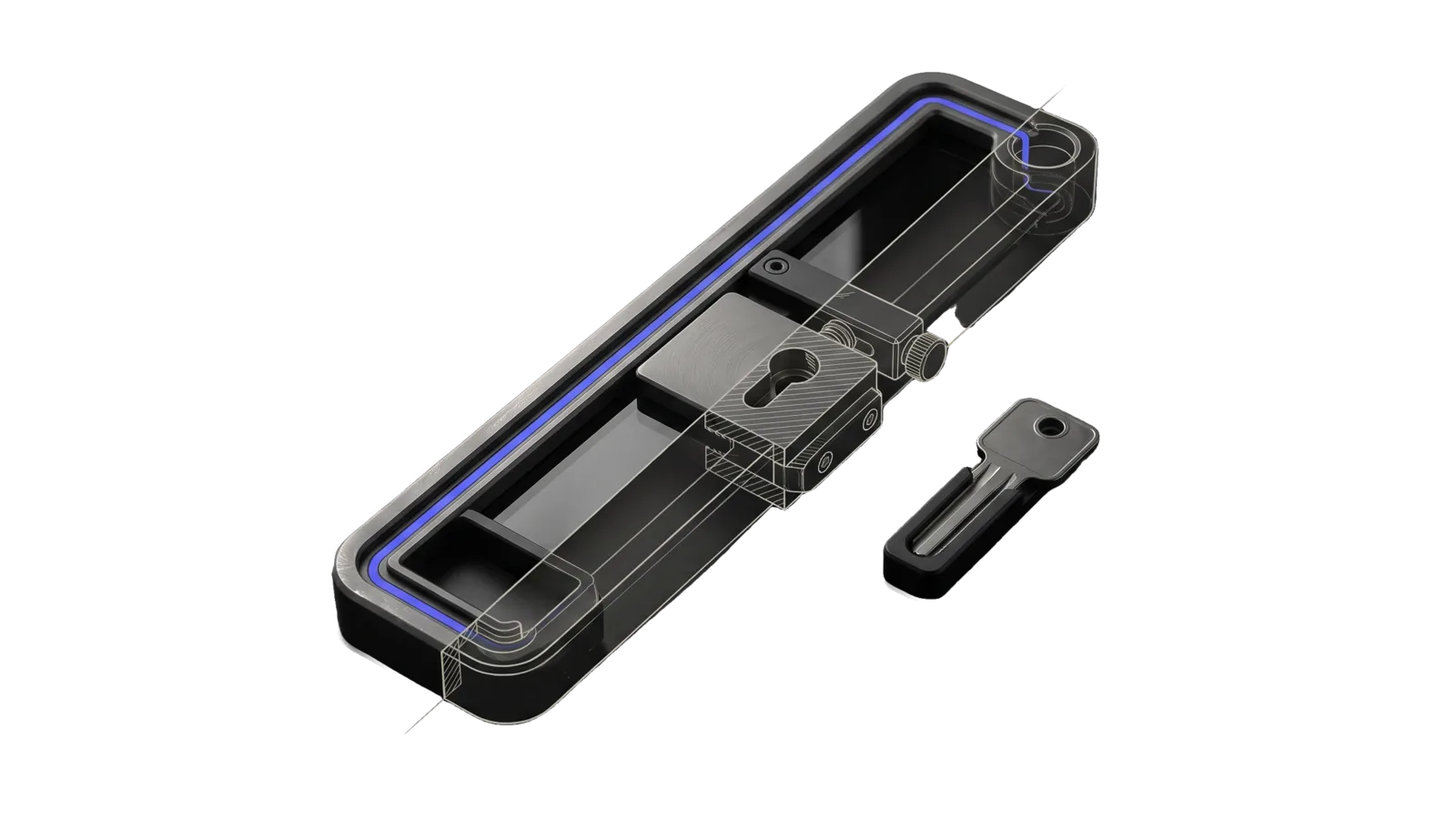
A long milled tray frame holding a key-slotted lock carriage on a rail with a clamped stop bar above it and a separate key resting beside it, cut diagonally so the far end and ring outlet are drawn as ghosted outlines, with an indigo channel running along the frame through the lock to the outlet.
Research

Order

Orders real-world goods and services online through approved providers (DoorDash via dd-cli, Amazon planned); every purchase is a must-ask with a spend ceiling

03
Workflows
02
Tools
02
References
11
Triggers

Key Points

Not for phone bookings, where to eat, business search or reviews (a scraping skill or Google Maps), or taste and gear skills

Inside the Skill

The thinking, frameworks, and architecture that distinguish this skill from a generic version of the same task.

Ideal State

  • No money moves without the principal's explicit yes on a fully itemized total, under the per-order ceiling, through a sanctioned provider path, with nothing substituted or absorbed on their behalf.
  • Searches, menus, order history and delivery status are answered at once, with no gate.
  • After every placed order the principal holds the command that follows it to a terminal state and texts them when it is near and when it lands (Tools/WatchOrder.ts, run in their own second terminal, since the watcher lives only as long as that terminal).
  • The provider account stays in good standing: official tooling only, the owner's own orders only, never a scraper.

Intent Routing

Intent Trigger File
Setup "set up ordering", "install dd-cli", "dd-cli login", "re-auth DoorDash", "update dd-cli" Intents/Setup.md
Doordash "order DoorDash", "get me food", "search restaurants", "reorder my usual" Intents/Doordash.md (live, official dd-cli)
Amazon "order from Amazon", "buy this on Amazon" Intents/Amazon.md (stub — sanctioned deep-link path, not yet built)
File Read when
Safety.md the reasoning behind each purchase-gate rule, or deciding whether something needs the gate
Setup.md first-time setup: Config.md fields, the DoorDash account and waitlist, and the commands that prove the install works

The Purchase Gate (applies to every provider)

Spending money is irreversible and outward-facing, so it stays in the "must ask" column no matter how autonomous the tooling gets; a standing deploy-without-asking authorization does not extend to charges. Before any order that costs money, all four must hold. The reason behind each rule: Safety.md.

  1. Explicit confirmation before the charge. Show the full itemized cart — every line, subtotal, fees, tip, tax, delivery, grand total — and get a clear yes on that total before invoking checkout. Never chain checkout onto search in one uninterrupted run.
  2. Per-order USD ceiling. The standing ceiling is the "Per-order ceiling" line in Config.md; with no such line it is $75. An order above it stops and asks even if otherwise confirmed. A raise applies to that one order only. In code, Tools/SubmitOrder.ts refuses any request whose stated amount, or the total in the provider's own re-read preview, is above the ceiling (or when the preview carries no readable total), and any submit without the principal's echoed confirmation token. Submit only through Tools/SubmitOrder.ts. A one-order raise has no code path: that order is the principal's to place.
  3. Sanctioned paths only. Official provider tooling (dd-cli) or sanctioned mechanisms (Amazon deep-links). Never the ToS-violating browser-scraper MCPs — they risk a permanent account ban (see Gotchas).
  4. No silent substitution. Out-of-stock item, price moved, address ambiguous, store closed → surface it and re-confirm. Never swap an item or eat a price change on the principal's behalf.

Examples

Example 1: Search (free, no gate)

User: "What ramen can I get delivered right now?"
→ Doordash intent → dd-cli --json-output search --query "ramen" --address-id <home> --intent "..."
→ Returns nearby stores + menus. No charge, no gate — search is free.

Example 2: Order with the gate

User: "Order me the tonkotsu from that first place"
→ Doordash intent: menu → cart add-items → order preview --beautify
→ I show the preview verbatim + the named card + the delivery address + tip, and stop (Gate #1)
→ Tools/SubmitOrder.ts --issue-confirmation → the principal echoes the token → SubmitOrder.ts --confirmation-token <echo> → the principal runs Tools/WatchOrder.ts in a second terminal; it texts them when the Dasher is nearby and when it lands

Example 3: Blocked by the ceiling

User: "Order the family feast for the party"
→ Cart totals $128 — over the $75 ceiling (Gate #2)
→ I stop, show the total, and say it is above the ceiling, so the principal places this order themselves (or raises the Per-order ceiling line in Config.md)

Gotchas

  • Community DoorDash/UberEats/Instacart "MCP" servers are Playwright scrapers that violate ToS. DoorDash runs Cloudflare Bot Management with real IP-ban enforcement. Never route an order through them to dodge the waitlist — a banned account is a worse outcome than waiting.
  • DoorDash may finalize a CLI order without a second confirmation on its side, so the purchase gate here is what stands between a cart and a charge.
  • Personal use only: the account owner's own account and own orders. Never order for anyone else through it.
  • Amazon has no consumer purchase API, which is why Amazon here is sanctioned-deep-link only. Never automate checkout on the consumer account.

Tools

  • Tools/SubmitOrder.ts — the only order submit path. <request.json> --issue-confirmation re-reads the preview and addresses and prints a challenge token; <request.json> --confirmation-token <echo> checks the configured ceiling against both the request amount and the preview total, that the request amount is the preview total, that the request address and card are the account's default address and card (the ones order submit uses), and the principal's echo, then runs dd-cli order submit without --yes.
  • Tools/WatchOrder.ts — follows one order to a terminal state and texts the principal via LIFEOS/TOOLS/NotifyPrincipal.ts at dasher_nearby, completed, and any problem state. Hand the principal its command after every submit, to run in a second terminal; it stops when that terminal closes.

Data & Config

Per-install values live in <configRoot>/LIFEOS/USER/CUSTOMIZATIONS/SKILLS/Order/Config.md (configRoot is $CLAUDE_CONFIG_DIR when set, else ~/.claude): home address id, other saved-address ids, default card brand + last4, the "Per-order ceiling" line, the food preferences file, and the --intent template. Read it at the start of every Doordash intent; never hardcode ids in this skill. The food preferences file it names lets "get me food" resolve to a real choice. With no Config.md, Tools/SubmitOrder.ts refuses and points at Setup.md. The DoorDash token itself lives in the macOS Keychain, written by dd-cli login.

Workflows & Routing · 3

Each workflow is one job the skill runs. The trigger phrases route your request to the right one — this is the skill's routing table.

  1. 01
    Setup Intents/Setup.md

    set up ordering, install dd-cli, dd-cli login, re-auth DoorDash, update dd-cli

  2. 02
    Doordash Intents/Doordash.md` (live, official `dd-cli`)

    order DoorDash, get me food, search restaurants, reorder my usual

  3. 03
    Amazon Intents/Amazon.md` (stub — sanctioned deep-link path, not yet built)

    order from Amazon, buy this on Amazon

Tools · 2

Deterministic executables the workflows call — the code that does the real work, not prompt scaffolding.

  • SubmitOrder.ts
  • WatchOrder.ts

How to Invoke

Say any of these to your DA and LifeOS activates the Order skill automatically:

  • "order food"
  • "order DoorDash"
  • "get me lunch"
  • "get dinner delivered"
  • "reorder my usual"
  • "order online"
  • "order takeout"
  • "place a food order"
  • "DoorDash search"
  • "buy this online"
  • "order from Amazon"

Or invoke explicitly:

Skill("Order")

References · 2

Auxiliary files the skill loads at runtime — frameworks, guides, configs.

  • Safety
  • Setup

Want LifeOS to do this for you?

Install LifeOS on your machine — your DA gets the Order skill plus 96 others, all hooked into one Life OS.