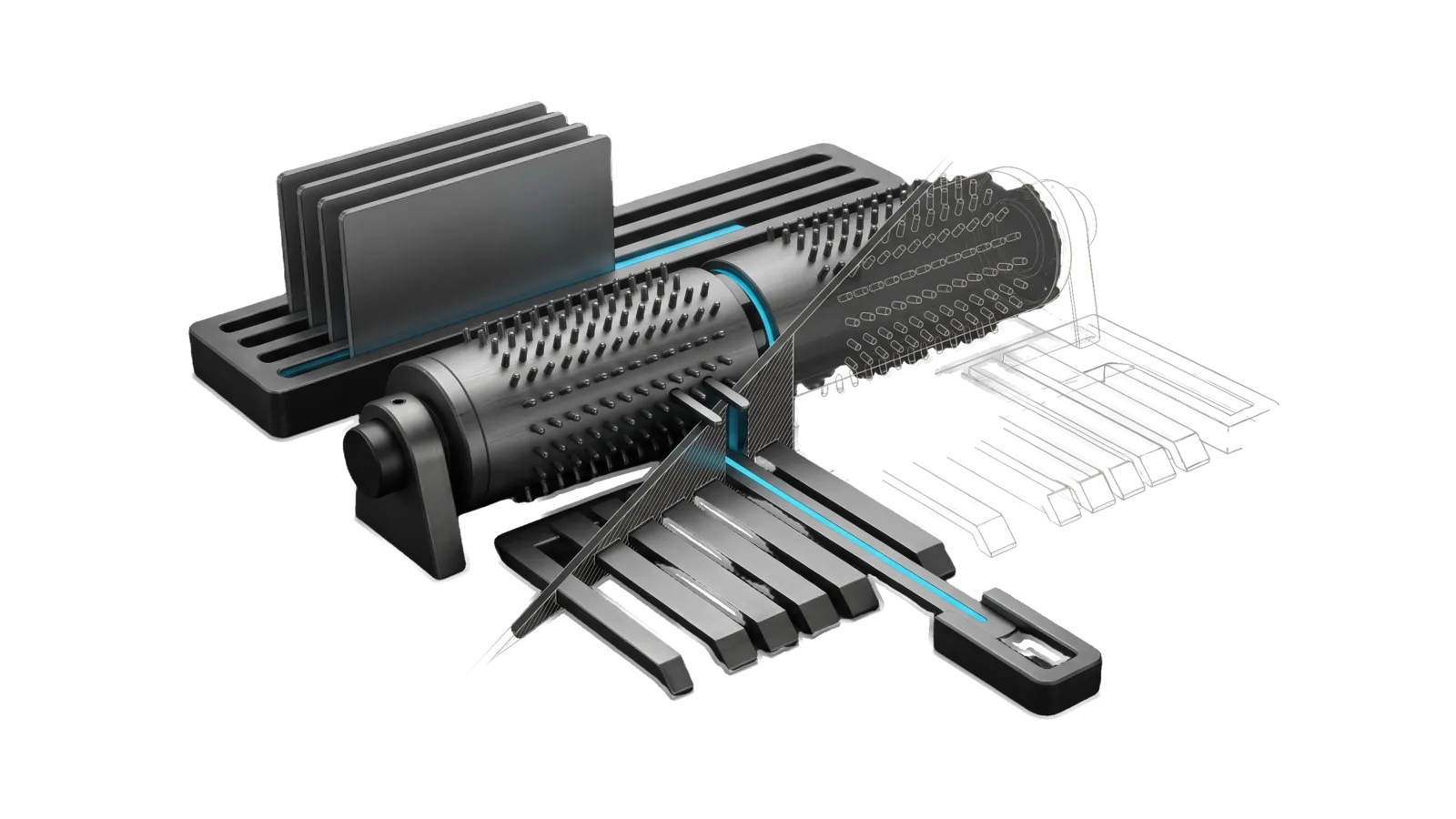
A pinned barrel on bearing posts over a comb of seven graded tines, with four flat tiles in a slotted tray feeding the barrel and the longest tine reaching out to a small receiving slot, cut diagonally so the far half of the barrel and tines are drawn as ghosted outlines, with a cyan line running from the front tile through the barrel to the longest tine.
Research

Music

Learns the user's music taste as a written corpus and uses it to build playlists, recommend tracks, and discover adjacent artists

04
Workflows
00
Tools
01
Reference
18
Triggers

Key Points

Not for song generation, audio editing (AudioEditor), video audio, audio or studio gear

Inside the Skill

The thinking, frameworks, and architecture that distinguish this skill from a generic version of the same task.

Ideal State

  • Every playlist, recommendation and discovery starts from a fresh read of the corpus, and nothing already in it is presented as new.
  • Every suggestion is tied to a named corpus anchor and labeled honestly: ⭐, πŸ‘‚ or NEW, safe fit or stretch.
  • Every artist, track or album offered as new exists as named and is credited to the right artist, confirmed by a fetched source or a Spotify search hit; one that could not be confirmed is marked unverified, never stated as fact.
  • New music lands in the corpus as an appended batch with a source tag, and the user's existing rows and hand-edits are never rewritten.
  • Suggestions follow the bias stated in the corpus Taste Profile, and the set still covers whichever poles of the user's taste the request names.

Intent Routing

Intent Trigger File
BuildPlaylist "build me a playlist", "make a playlist", "playlist for " Intents/BuildPlaylist.md
Recommend "recommend music", "what should I listen to", "songs like X" Intents/Recommend.md
DiscoverArtists "new bands", "discover new artists", "bands like the ones I have", "expand my taste" Intents/DiscoverArtists.md
AddMusic "add to my music", "add this band", "log this album", "update my music list" Intents/AddMusic.md
File Read when
Setup.md first-time setup: the config file, the corpus format and playlist defaults, and a read-only proof

Data & Config

Read <configRoot>/LIFEOS/USER/CUSTOMIZATIONS/SKILLS/Music/Config.md first (configRoot is $CLAUDE_CONFIG_DIR when set, else ~/.claude). It names the corpus and holds the playlist defaults; when it is absent, the corpus is <configRoot>/LIFEOS/USER/MUSIC/MusicReference.md and the defaults in Intents/BuildPlaylist.md stand. First-time setup: Setup.md.

The corpus (Config.md Corpus: line):

  • Human-editable markdown in the USER zone, never in this skill body. The user adds entries by hand or via AddMusic.
  • It opens with a ## Taste Profile: the poles of the user's taste with anchor artists for each, and any stated bias (vocals, production, eras, things to avoid). That section is ground truth, never memory.
  • Two source tags: ⭐ favorite (they love it) vs πŸ‘‚ recommended (someone said to listen; on probation).
  • Grows in batches: each new dump becomes a new ### Batch N section under ## Tracks or ## Artists / Bands, with Artist as the second column, and a ## Counts block closes the file.
  • A ⭐ row is more than a label: if the Hermes heartbeat artist scan (LIFEOS/HERMES/Heartbeat/ArtistScan.ts) runs, every ⭐ row's Artist cell becomes a live tour-date search. Star only what the user loves.

No account or key is needed for the skill itself. Existence checks and playlist creation use the Spotify skill when it is installed (search needs its app keys, playlists also need its user sign-in); without it, suggestions are checked against a fetched web source and playlists are delivered as a pasteable list.

Gotchas

  • DiscoverArtists is roster-driven (start from what they have); Recommend is request-driven (start from a mood/ask). Don't collapse them.

Examples

Example 1: Build a playlist

User: "build me a focus playlist for deep work"
β†’ BuildPlaylist
β†’ A tight numbered list (Track β€” Artist β€” Album) of ⭐ corpus tracks ordered for flow, to paste into any service, or a Spotify playlist via the Spotify skill

Example 2: Discover new artists

User: "what new bands would I like?"
β†’ DiscoverArtists
β†’ Adjacent artists not in the corpus, grouped as "Because you have <Anchor> β†’ <New artist>, <New artist>" with safe-fit/stretch tags

Example 3: Grow the corpus

User: "add these to my music: <three artists and an album>"
β†’ AddMusic
β†’ A new ### Batch section with schema rows and source tags, and updated counts

Workflows & Routing Β· 4

Each workflow is one job the skill runs. The trigger phrases route your request to the right one β€” this is the skill's routing table.

  1. 01
    BuildPlaylist Intents/BuildPlaylist.md

    build me a playlist, make a playlist, playlist for <mood>

  2. 02
    Recommend Intents/Recommend.md

    recommend music, what should I listen to, songs like X

  3. 03
    DiscoverArtists Intents/DiscoverArtists.md

    new bands, discover new artists, bands like the ones I have, expand my taste

  4. 04
    AddMusic Intents/AddMusic.md

    add to my music, add this band, log this album, update my music list

How to Invoke

Say any of these to your DA and LifeOS activates the Music skill automatically:

  • "my music"
  • "my music taste"
  • "what do I like"
  • "build me a playlist"
  • "make a playlist"
  • "playlist for focus or a drive"
  • "recommend music"
  • "songs like"
  • "what should I listen to"
  • "new bands"
  • "discover new artists"
  • "find bands like the ones I have"
  • "expand my taste"
  • "add to my music"

Or invoke explicitly:

Skill("Music")

References Β· 1

Auxiliary files the skill loads at runtime β€” frameworks, guides, configs.

  • Setup

Want LifeOS to do this for you?

Install LifeOS on your machine β€” your DA gets the Music skill plus 96 others, all hooked into one Life OS.