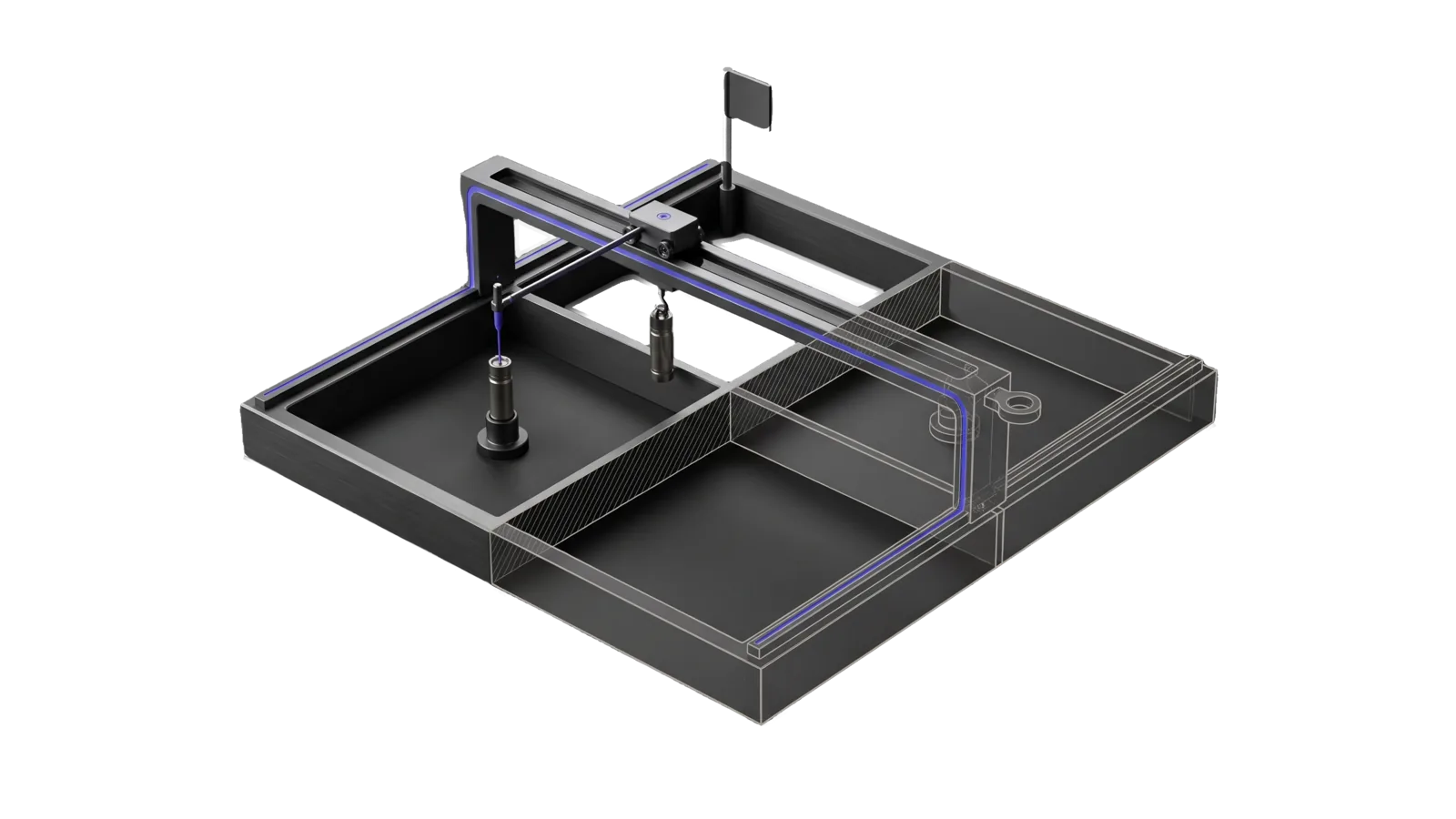
A low square yard divided into four open pens, with a gantry bridge on side rails carrying a trolley whose probe touches a cartridge in one pen while a second cartridge hangs from a hook in transit; a diagonal cut ghosts the far pen and gantry leg in bone-grey outline, and an indigo line runs from the probe up the gantry beam into a ring terminal.
Development

Herdr

Operates herdr, the terminal workspace manager for coding agents, through its CLI and socket API, explains and edits the local herdr setup (config.toml key mirror, shell wrapper, terminal passthrough maps, sidebar naming, agent-state integrations), and checks the install against upstream

05
Workflows
01
Tool
01
Reference
21
Triggers

Key Points

Not for in-harness subagents (Agent or Workflow), the Helm terminal itself outside herdr (Helm docs), the Hermes sidecar (Hermes)

Inside the Skill

The thinking, frameworks, and architecture that distinguish this skill from a generic version of the same task.

Ideal State

  • Every herdr command takes its syntax from the installed binary (herdr --skill, the command group's own help, herdr api schema), never from memory or this skill.
  • Control commands run only from inside a herdr pane, against an explicit target, without moving the principal's focus; anything that would stop the server, close what I did not open or answer another agent's dialog waits for an explicit yes.
  • A question about local behaviour is answered from the live file that causes it, and a change lands in the file that owns it.
  • Drift between the install, our config and herdr's own agent instructions is caught by Tools/Freshness.ts, not by editing this skill on every release.

Intent Routing

Intent Trigger File
Operate control panes, tabs, workspaces, worktrees; start, prompt, read or wait on an agent; "what are my other agents doing" Intents/Operate.md
Delegate "have codex / another claude do X in a pane", "get a second opinion in a pane", spin up an agent next to me Intents/Delegate.md
Configure keybindings, theme, sidebar, toasts, integrations, the wrapper or passthrough maps, "why does this key do that in herdr" Intents/Configure.md
Freshness "is herdr up to date", docs drift, after any herdr update Intents/Freshness.md
Update "update herdr", "upgrade herdr", a stale version or server check Intents/Update.md
File Read when
Setup.md first-time setup: the freshness baseline files, environment variables, and the commands that prove the install works

Sources of Truth

Read these at use time. The installed binary outranks the website when they disagree, because the site describes the newest release.

Need Source
How an agent should drive herdr, with safety rules herdr --skill
Exact syntax for a command group the group with no subcommand: herdr agent, herdr pane, herdr tab, herdr workspace, herdr worktree, herdr terminal, herdr notification, herdr integration, herdr session, herdr machine
Socket API methods and shapes herdr api schema --json
Live state of the session herdr api snapshot, herdr agent list, herdr status
Every config key, its type and default herdr --default-config for this binary; the config reference JSON linked from the docs index for prose
Any doc page (plugins, remote, session restore, troubleshooting) the index at https://herdr.dev/llms.txt, then only the page the task needs
What changed in the newest release release-notes.json beside config.toml

The config reference is one large JSON file. Filter it by key:

curl -fsSL "<config reference URL from the index>" | jq --arg key 'ui.sidebar_width' '.sections[].keys[] | select(.key == $key)'

This Install

Optional: if LIFEOS/USER/CUSTOMIZATIONS/SKILLS/Herdr/ThisInstall.md exists, read it for the local pieces around herdr (config mirror, shell wrapper, passthrough maps, sidebar naming, hooks); without it, rely on the sources above.

Data & Config

Freshness baseline and the last accepted copy of herdr's skill text: LIFEOS/USER/CUSTOMIZATIONS/SKILLS/Herdr/ (freshness.json, upstream-skill.md). The snapshot exists only so a changed skill can be diffed; it is never the instruction source. Both files are created by Tools/Freshness.ts --accept; with no baseline the skill_hash check reports stale and says to run it. First-time setup and the commands that prove the install: Setup.md.

Gotchas

  • Bare herdr launches or attaches the TUI. Never run it for discovery. A mutating subcommand with its arguments omitted still executes with defaults (herdr workspace create creates one). (upstream skill text)
  • Control commands need HERDR_ENV=1. Outside a herdr pane the CLI still reaches the socket, and it would act on whichever pane the principal has focused. Status, config and docs work is fine from anywhere.
  • herdr update, herdr server stop and a server restart take down every pane the server owns, this session included when it runs inside herdr. Check herdr agent list first and get a yes.
  • The upstream repo has moved owners more than once. Take URLs from the docs index, never from memory or an old note.
  • The docs index describes the newest stable release. When it names a command the installed binary lacks, the binary is behind; do not guess the syntax.
  • cmd chords only reach herdr through the kitty keyboard protocol (herdr 0.8+), and a chord left unbound because another tool claims it system-wide. A "broken" key is usually one of those two.
  • Workspace rows are named after the launch directory, so sessions started from home all read ~ until something renames them.
  • A second agent started in a pane works in the same checkout unless a worktree was asked for.
  • herdr --default-config is an incomplete key list: it shows only example theme.custom colour tokens, and it lists ui.accent after the commented [ui.sidebar.spaces] header. The exact list is the config reference JSON at the installed version tag, which Tools/Freshness.ts uses when online. herdr server reload-config can return zero diagnostics for a config the default-config check flagged.
  • Theme and sidebar-layout keys are read from the client's config.toml, never from the server's. When a client attaches from another machine (a herdr remote-client-bridge process whose parent is an sshd-session), edits on this machine and herdr server reload-config change nothing on that client's screen, even though the reload reports applied. Identify the client machine before changing a colour.
  • No key or mouse gesture resizes the sidebar; toggle_sidebar only collapses it (per the config reference). Width is ui.sidebar_width and ui.sidebar_max_width plus herdr server reload-config.
  • The Helm rows in the Configure and Update intents (the kitty passthrough map and the shell wrapper) apply only when the Helm terminal is installed (LIFEOS/DOCUMENTATION/Terminal/Helm.md); without it, skip them.
  • Herdr is AGPL. Use it as an unmodified installed binary; never vendor or fork its source into this tree.

Examples

Example 1: Hand a review to a second agent

User: "spin up codex next to me and have it review the diff"
→ Delegate
→ Codex's review, read from its settled pane and checked, is in my reply; the principal's focus never moved and the pane is closed

Example 2: A key does the wrong thing inside herdr

User: "cmd+t opens a kitty tab instead of a herdr workspace"
→ Configure
→ The answer names the cause (a missing empty kitty map or a missing user var, per Helm.md § Herdr inside Helm) and the fix lands in that file; `herdr server reload-config` ran only if config.toml changed

Example 3: After an update

User: "is herdr current?"
→ Freshness
→ Each stale check from `bun Tools/Freshness.ts` is reported with its meaning and response; a changed `herdr --skill` was diffed against the snapshot before --accept

Workflows & Routing · 5

Each workflow is one job the skill runs. The trigger phrases route your request to the right one — this is the skill's routing table.

  1. 01
    Operate Intents/Operate.md

    control panes, tabs, workspaces, worktrees; start, prompt, read or wait on an agent; what are my other agents doing

  2. 02
    Delegate Intents/Delegate.md

    have codex / another claude do X in a pane, get a second opinion in a pane, spin up an agent next to me

  3. 03
    Configure Intents/Configure.md

    keybindings, theme, sidebar, toasts, integrations, the wrapper or passthrough maps, why does this key do that in herdr

  4. 04
    Freshness Intents/Freshness.md

    is herdr up to date, docs drift, after any herdr update

  5. 05
    Update Intents/Update.md

    update herdr, upgrade herdr, a stale version or server check

Tools · 1

Deterministic executables the workflows call — the code that does the real work, not prompt scaffolding.

  • Freshness.ts

How to Invoke

Say any of these to your DA and LifeOS activates the Herdr skill automatically:

  • "herdr"
  • "herder"
  • "herd"
  • "herdr command"
  • "herdr pane"
  • "herdr tab"
  • "herdr workspace"
  • "herdr worktree"
  • "start an agent in a pane"
  • "prompt the agent in the other pane"
  • "read that pane"
  • "what are my other agents doing"
  • "herdr config"
  • "herdr keybinding"

Or invoke explicitly:

Skill("Herdr")

References · 1

Auxiliary files the skill loads at runtime — frameworks, guides, configs.

  • Setup

Want LifeOS to do this for you?

Install LifeOS on your machine — your DA gets the Herdr skill plus 96 others, all hooked into one Life OS.