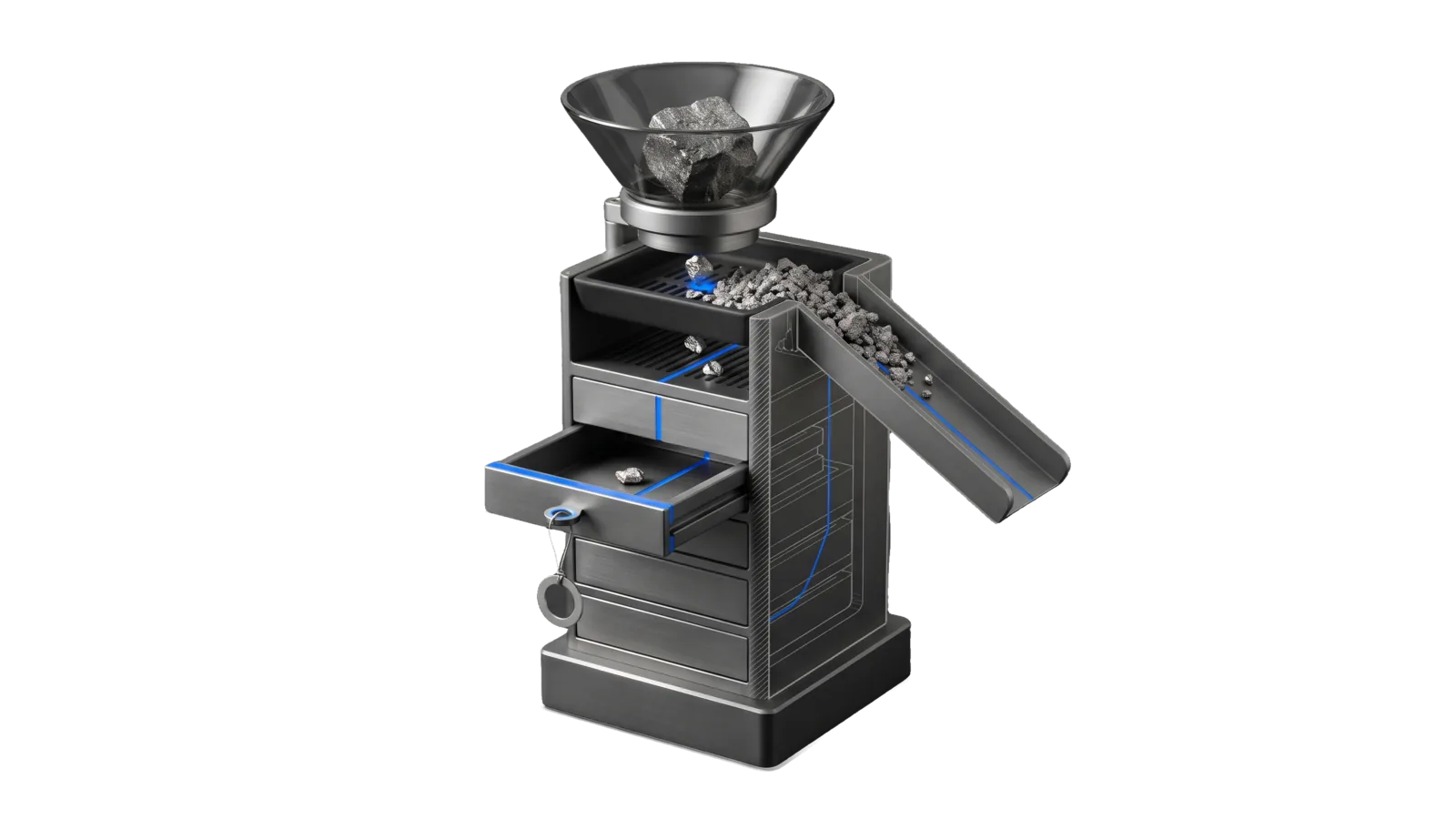
A tall machined column with a flared hopper dropping one rough ore block onto a slotted sifting tray, where coarse slag slides off a side chute and small nuggets fall into a stack of sealed drawers; a diagonal cut ghosts the lower stack in bone-grey outline, and an electric-blue line runs from the hopper through the sieve into the one pulled-out drawer and its ring tag.
Research

Harvest

Mines one piece of content for LifeOS and/or ingests it into Cortex

03
Workflows
01
Tool
01
Reference
16
Triggers

Key Points

Not for Cortex note ops, Upgrade / lu scans, Cortex recall, X PullBookmarks sweeps

Inside the Skill

The thinking, frameworks, and architecture that distinguish this skill from a generic version of the same task.

Ideal State

  • Every harvested source lands in Cortex as one schema-correct note with its source URL, typed cross-links and an audit trail, written only by the canonical pipeline.
  • A mined source's output carries analysis of the source ahead of its LifeOS adoption candidates, plus the sections the install's PREFERENCES.md asks for, and those candidates are recommended, never applied.
  • Failures, duplicates and thin fetches are reported as what they are; nothing is filed as a stub or garbage body that only looks like a capture.

Intent Routing

Intent Trigger File
Mine (general analysis + LifeOS-upgrade pass, then ingest) harvest <input>, /ha, "mine this for the system", "anything useful in this for us" Intents/Mine.md
HarvestUrl (ingest an article, blog, LessWrong, Substack, news) "ingest ", "save this to knowledge" Intents/HarvestUrl.md
HarvestYoutube (ingest any youtu.be / youtube.com link) "ingest ", "save this video to knowledge" Intents/HarvestYoutube.md
HarvestText (ingest raw paste, no URL) "ingest the following:", "save this text to knowledge" Intents/HarvestText.md

The bare word "harvest" routes to Mine (mine → then ingest). "Ingest"/"save to knowledge" routes straight to the matching ingestion intent. If the input is ambiguous (URL is a YouTube link), Tools/harvest.ts auto-detects host and routes itself.

References

File Read when
Setup.md first-time setup: build the harvest service, set the address and token, install the format tools

Tool contract

  • One CLI does the work: bun ~/.claude/skills/Harvest/Tools/harvest.ts <input> [--type auto|article|youtube|x|text|pdf|image|audio] [--url <url>] [--dry-run] [--body-out <file>] (the type list is harvest.ts --help's; --url names the canonical source for a text signal; --body-out writes the fetched title and full body to a file before any POST, so a caller analyzes the same text the note is built from)
  • The harvest classifier worker (cloud; built per Setup.md § 3. Build the service; URL in Config.md / HARVEST_API_BASE env) — accepts a normalized signal at /ingest-and-classify, persists it idempotently in its D1 database, and returns {id, classification, confidence, reasoning, routed_actions}.
  • LIFEOS/TOOLS/HarvestExecutor.ts (local) — polls Workflows' /items, dispatches routed_actions through typed handlers (create_knowledge_idea_entry, create_knowledge_source_entry, create_learning_queue_entry), and writes the actual KNOWLEDGE note with harvest_item_id linkage.
  • The skill never writes to MEMORY/KNOWLEDGE/ directly. It always routes through Workflows then the executor.
  • Idempotency: Workflows enforces UNIQUE(source, external_id) — re-harvesting the same URL returns output.status: "duplicate". The executor sidecar at MEMORY/STATE/harvest-executor-state.json makes the local write idempotent too. On a duplicate, look up the existing item with the source and external_id the summary block printed: curl -H "Authorization: Bearer $TOKEN" "$HARVEST_API/items?source=<source>&external_id=<id>". YouTube captures use source=web (the video id is the external id); articles, X posts, files and pasted text use source=manual.
  • Output: MEMORY/KNOWLEDGE/{Ideas,People,Companies,Research}/<slug>.md with source_url:, source_harvest_id:, ≥2 typed related: entries, and 1-3 body [[wikilinks]].

The summary block harvest.ts prints to stdout contains:

  • source — manual:lesswrong-<id> or similar canonical external_id
  • workflows.id — D1 row id (used to look up the harvest item later)
  • classification — knowledge / learning / blog_seed / etc.
  • confidence — Workflows' confidence score
  • routed_actions — the action verbs Workflows decided
  • executor.paths_written — actual file paths created in MEMORY/KNOWLEDGE/
  • executor.status — executed / backfilled / deferred

Data & Config

The USER extension lives at <configRoot>/LIFEOS/USER/CUSTOMIZATIONS/SKILLS/Harvest/ (configRoot is $CLAUDE_CONFIG_DIR when set, else ~/.claude; harvest.ts resolves its sibling tools from the same root):

  • Config.md — harvest_api_base:, the harvest worker URL. The HARVEST_API_BASE env var wins when set; with neither, harvest.ts stops and names the file and key.
  • PREFERENCES.md (optional) — report preferences the Mine intent applies on top of its default shape, including any section it adds.
  • History.md (optional) — the install's provenance behind generic credits in the intents, read on demand.

The bearer token is the auth_token: field of ~/.config/workflows/config.yaml, the same source HarvestExecutor uses (see Gotchas).

First-time setup (the harvest service, its address and token, and the format tools) is in Setup.md.

Gotchas

  • Name it Cortex. User-facing destination names, report labels, and completion messages use Cortex (for example, "Saved to Cortex"). MEMORY/KNOWLEDGE/ is a storage path, not the product name; "Knowledge Archive" and "knowledge system" are not names for Cortex. Preserve literal paths, API identifiers, source quotations, and accepted trigger phrases.
  • Don't skip the body fetch. Workflows' classifier needs real text, not just the URL. The tool fetches the page body locally before POSTing — if you bypass the tool and POST a URL with empty body, classification quality collapses.
  • YouTube comes from a Gemini watch pass on the public URL, never the captions or the page. harvest.ts sends the URL to LIFEOS/TOOLS/GeminiWatch.ts and the note body names the model that watched it. The title comes from YouTube's published oEmbed endpoint, and falls back to YouTube <id> when that answers nothing. Gemini refuses some livestream URLs ("caller does not have permission"); the capture then fails with that reason. Don't try to parse the YouTube page HTML directly — it's mostly nav and JS. An install may add its own transcript lane beside the tool; when one is present it runs first, the watch pass is its fallback, and the note body says which source was used.
  • Never re-implement the writer. The single canonical writer is HarvestExecutor.ts. If a write requirement isn't supported (new action verb, new entity type), extend the executor's handler set — don't fork the write logic into this skill.
  • Auth lives in YAML, not the env. The token is in ~/.config/workflows/config.yaml under auth_token: — not in ~/.claude/.env. Read the YAML; don't process.env.WORKFLOWS_TOKEN.
  • Content-type beats the URL path — arxiv.org/pdf/<id> has no .pdf on it. Routed by path alone, that link goes to the article path, which fetches the PDF bytes, HTML-strips them, and produces mojibake that passes the length check and would be filed as a real capture. The fetch now sniffs Content-Type and the %PDF- magic bytes and re-routes, with assertReadableText() as the backstop that fails any body over 2% control/replacement characters. Never loosen that guard to make a stubborn source "work" — a capture that stores garbage is worse than one that fails.
  • A real file with no handler must fail loudly, never fall through to text. Falling through files the path string itself as the note body — a stub wearing the shape of a successful capture. detectType throws on an unrecognized extension for exactly this reason (Synapse ISC-22). A relative path resolves against the working directory; before 2026-10-13 only absolute paths counted as files, so harvest.ts notes.md filed the string "notes.md" as raw text.
  • Type floors differ on purpose. An article needs 200 bytes, a YouTube transcript 500, a voice memo 80, an image 40. A one-sentence voice memo is a legitimate capture; applying the video threshold to it silently rejects real captures.
  • Vision description is skipped inside a nested Claude Code session. CLAUDECODE blocks the subprocess (OPERATIONAL_PREFERENCES), so describeImage returns null and OCR alone carries the capture rather than the whole harvest failing. Run image harvests from a plain shell when the description matters.
  • Source detection is host-based. youtu.be and youtube.com → YouTube; everything else with http(s):// → article. Raw text (no scheme) → text. An X/Twitter status URL → x: read through skills/X/Tools/read.ts, and a post carrying a video has the video downloaded and watched (GeminiWatch.ts watchFile); a failed watch fails the capture (Synapse ISC-32). Bluesky still goes as an article.
  • The note is written from the captured body. /items does not return the body, so harvest.ts hands it to the executor with --body-file. Before 2026-10-08 every note was written from the title and the classifier's one-line reasoning alone (Synapse ISC-33). Running HarvestExecutor.ts --item by hand without --body-file still gets the thin metadata-only note.
  • A JavaScript app shell fails the body floor; it is never filed as its loading text. A page that strips to under 200 bytes ends in "Body too short". When the page is one you can open, read it in a real browser through the Interceptor skill and harvest the text with --type text --url <page>. harvest.ts fetches only the page it was given and never calls endpoints the page did not ask for.
  • --dry-run doesn't touch Workflows. It runs source detection + body fetch and prints what would be POSTed. Useful when validating a new source type without burning a D1 row.

Examples

User: "harvest https://youtu.be/<video-id>"
→ Mine intent
→ A harvest report (analysis, any preference-added sections, LifeOS upgrades table, verdict) ending in a **Cortex:** line with the note path

User: "save this https://example.com/some-article to knowledge"
→ HarvestUrl intent
→ One readable block from the printed summary, including the Cortex note path, or the duplicate's existing path

Workflows & Routing · 3

Each workflow is one job the skill runs. The trigger phrases route your request to the right one — this is the skill's routing table.

  1. 01
    Mine (general analysis + LifeOS-upgrade pass, then ingest) Intents/Mine.md

    harvest <input>, /ha, mine this for the system, anything useful in this for us

  2. 02
    HarvestYoutube (ingest any youtu.be / youtube.com link) Intents/HarvestYoutube.md

    ingest <youtube URL>, save this video to knowledge

  3. 03
    HarvestText (ingest raw paste, no URL) Intents/HarvestText.md

    ingest the following:, save this text to knowledge

Tools · 1

Deterministic executables the workflows call — the code that does the real work, not prompt scaffolding.

  • harvest.ts

How to Invoke

Say any of these to your DA and LifeOS activates the Harvest skill automatically:

  • "harvest"
  • "harvest this"
  • "/harvest"
  • "/ha"
  • "mine this for the system"
  • "anything useful in this for us"
  • "what can LifeOS take from this"
  • "should we adopt anything from this"
  • "ingest to knowledge"
  • "save to knowledge"
  • "drop into knowledge"
  • "route to knowledge"
  • "add to the knowledge archive"
  • "archive this signal"

Or invoke explicitly:

Skill("Harvest")

References · 1

Auxiliary files the skill loads at runtime — frameworks, guides, configs.

  • Setup

Want LifeOS to do this for you?

Install LifeOS on your machine — your DA gets the Harvest skill plus 96 others, all hooked into one Life OS.