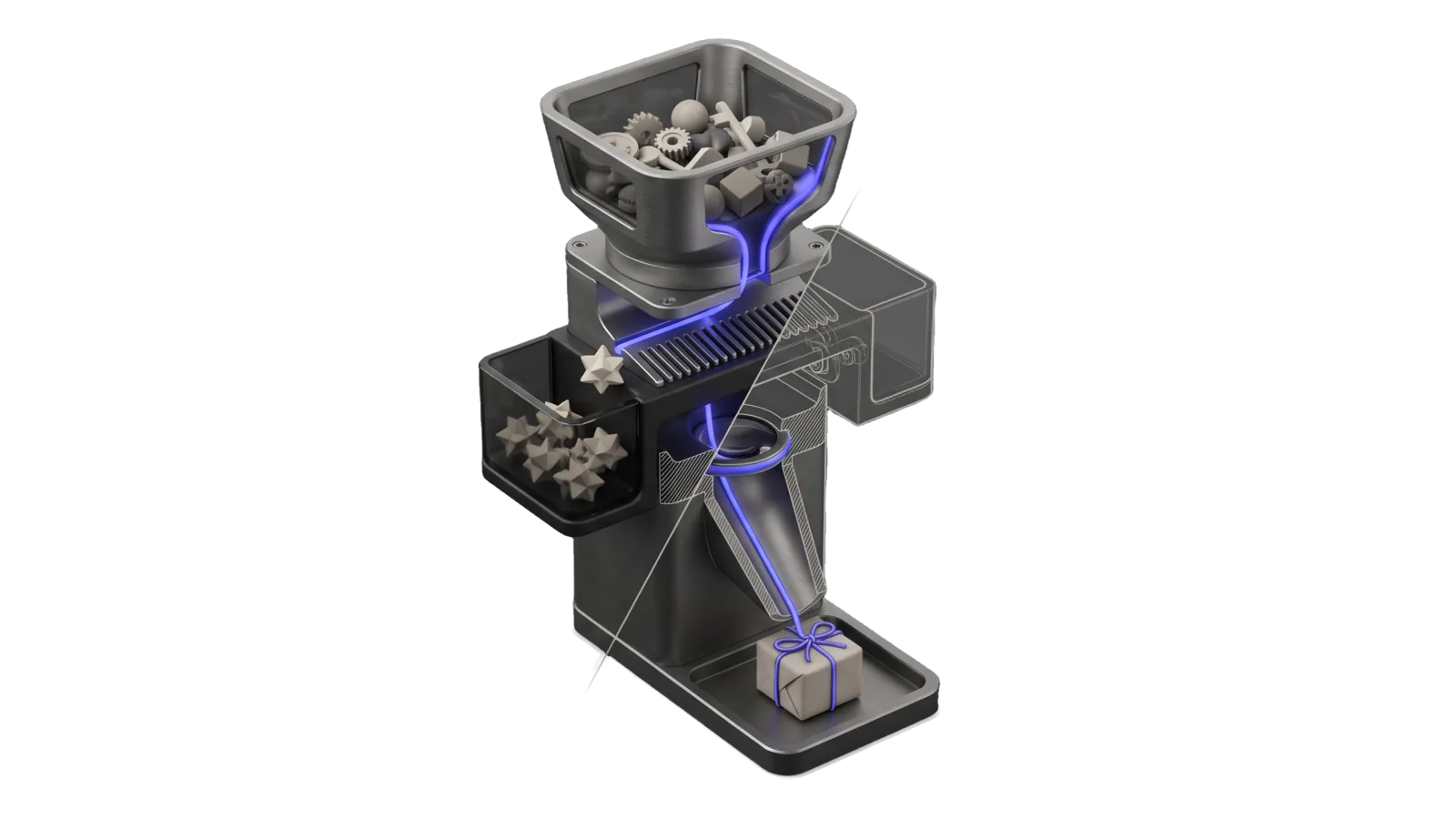
A tall three-tier column with a hopper heap of assorted small trinkets, a fine comb that drops five repeated shapes into a side bin, and a tapered chute with a lens ring that delivers one small wrapped box tied with a cord at the base; a diagonal cut ghosts the comb and chute in bone-grey outline, and an indigo line runs from the hopper through the comb and lens down to the box's cord.
Research

Gifts

Researches special, uncommon, high-quality gift ideas for specific people in the principal's life, from a registry of recipients with ages and interests, using what is trending in each interest right now

02
Workflows
01
Tool
01
Reference
13
Triggers

Key Points

Not for buying or ordering the gift, general product research unrelated to a recipient (Research), looking up who a person is (People via `people who`)

Inside the Skill

The thinking, frameworks, and architecture that distinguish this skill from a generic version of the same task.

Ideal State

  • Every list is for a registered recipient at their age as of today, built from their registry entry and history, with nothing about the person guessed.
  • Every idea is uncommon, current in what the recipient loves, and buyable today from a link checked in the same run, or marked unverified.
  • Each run is saved to the recipient's history, so a later run never repeats an idea.

Intent Routing

Intent Trigger File
FindGifts "gift ideas for ", "run gifts for ", "what should I get ", "gifts for " (runs every recipient in the named group) Intents/FindGifts.md
AddRecipient "add a gift recipient", "new gift person", " is into X now", "update 's interests" Intents/AddRecipient.md
File Read when
Setup.md the registry is missing, first-time setup, the registry field list, or proving the skill works
Tools/CheckHistory.help.md checking a saved run file: idea count, link marks, repeats against earlier runs

Data & Config

First-time setup, accounts and a proof command: Setup.md. The registry is required: if Recipients.md is missing, stop and say so, pointing the user at Setup.md. Never guess recipients, ages or interests.

  • Recipient registry: ~/.claude/LIFEOS/USER/CUSTOMIZATIONS/SKILLS/Gifts/Recipients.md — one ## <id> section per recipient: relationship, age with its as-of date, interests, constraints, occasion notes. Every recipient in it is its own run target ("gifts for ").
  • History: ~/.claude/LIFEOS/USER/CUSTOMIZATIONS/SKILLS/Gifts/History/<id>-<YYYY-MM-DD>.md — one file per run; a second run the same day adds -2, -3.
  • A copy of each run goes to ~/Downloads/ for review.

Gotchas

  • Ages drift. The registry records age with an as-of date; compute current age at run time. A list pitched at last year's age is a likely silent failure, most of all for children and teenagers.
  • Trend listicles are mostly affiliate roundups of mass-market items. They show what is popular, which is the opposite of uncommon. Use them only to learn what is moving, then source the actual gift from makers, independent publishers, specialty shops and small-press or artist sources.
  • Links rot and stock runs out, so a product URL counts as live only when it was checked in the same run.
  • Fitted items need a size. Clothing, shoes and anything worn need sizes the registry usually lacks; propose them only with the size question attached.
  • Age grading matters for a young recipient. Safety warnings and content ratings must fit their age, not just the interest.

Examples

Example 1: One recipient

User: "Gift ideas for <recipient>"
→ FindGifts: reads the registry entry and past history, researches current trends per interest
→ Returns a short ranked list with price, why it is special, and a verified link; saves History + Downloads copy

Example 2: A group

User: "Run the gifts for the <group>"
→ FindGifts for each recipient tagged with that group, one list per recipient

Example 3: New recipient

User: "Add my coworker Jordan, 35, into bouldering and film photography"
→ AddRecipient: appends a registry section with age as-of today

Workflows & Routing · 2

Each workflow is one job the skill runs. The trigger phrases route your request to the right one — this is the skill's routing table.

  1. 01
    FindGifts Intents/FindGifts.md

    gift ideas for <recipient>, run gifts for <name>, what should I get <name>, gifts for <group> (runs every recipient in the named group)

  2. 02
    AddRecipient Intents/AddRecipient.md

    add a gift recipient, new gift person, <name> is into X now, update <name>s interests

Tools · 1

Deterministic executables the workflows call — the code that does the real work, not prompt scaffolding.

  • CheckHistory.ts

How to Invoke

Say any of these to your DA and LifeOS activates the Gifts skill automatically:

  • "gift ideas"
  • "gifts for"
  • "what should I get"
  • "present for"
  • "birthday gift"
  • "Christmas gift"
  • "holiday gift"
  • "find a gift"
  • "run the gifts workflow"
  • "gift ideas for a group"
  • "add a gift recipient"
  • "new gift person"
  • "update their interests"

Or invoke explicitly:

Skill("Gifts")

References · 1

Auxiliary files the skill loads at runtime — frameworks, guides, configs.

  • Setup

Want LifeOS to do this for you?

Install LifeOS on your machine — your DA gets the Gifts skill plus 96 others, all hooked into one Life OS.